Replacement
X-ray Tube Connector Cover
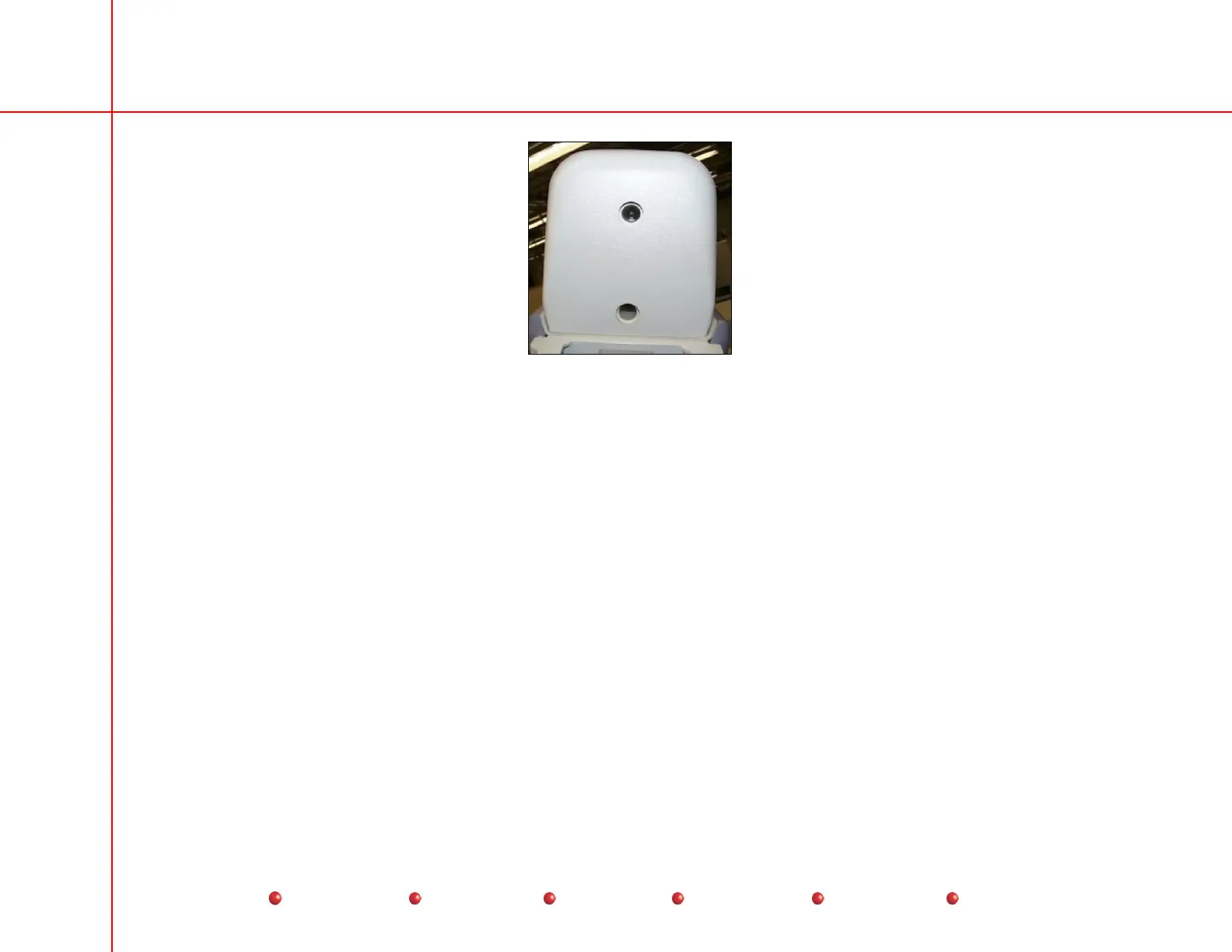
Collimator Cover
The Collimator cover is easy to remove. Follow these steps:
1. Make certain Workstation’s AC power plug is disconnected from AC outlet.
2. Remove X-ray tube connector cover as described in previous screen.
3. Remove and retain two torx screws that secure Collimator cover.
4. Slide Collimator cover forward and lift it off Collimator.
13
Service
Periodic Maintenance
Contents
Schematics
Illustrated Parts
Installation



 To Next Page