Replacement
Cross Arm Bearing Cover
Note: If you decide to completely remove the Cross Arm Bearing cover from the Cross Arm assembly, tag each connector and
wire harness to help you reinstall the cover later.
This procedure describes how to loosen the Cross Arm bearing cover to gain access to the Control Panel Processor PCB,
Control Panel Processor I/O PCB, the Cross Arm Bearing assembly, and the mounting screws for the two Control Panel
assemblies.
1. Disconnect Workstation power cord from AC outlet.
2. Make sure Horizontal Extension brake is set.
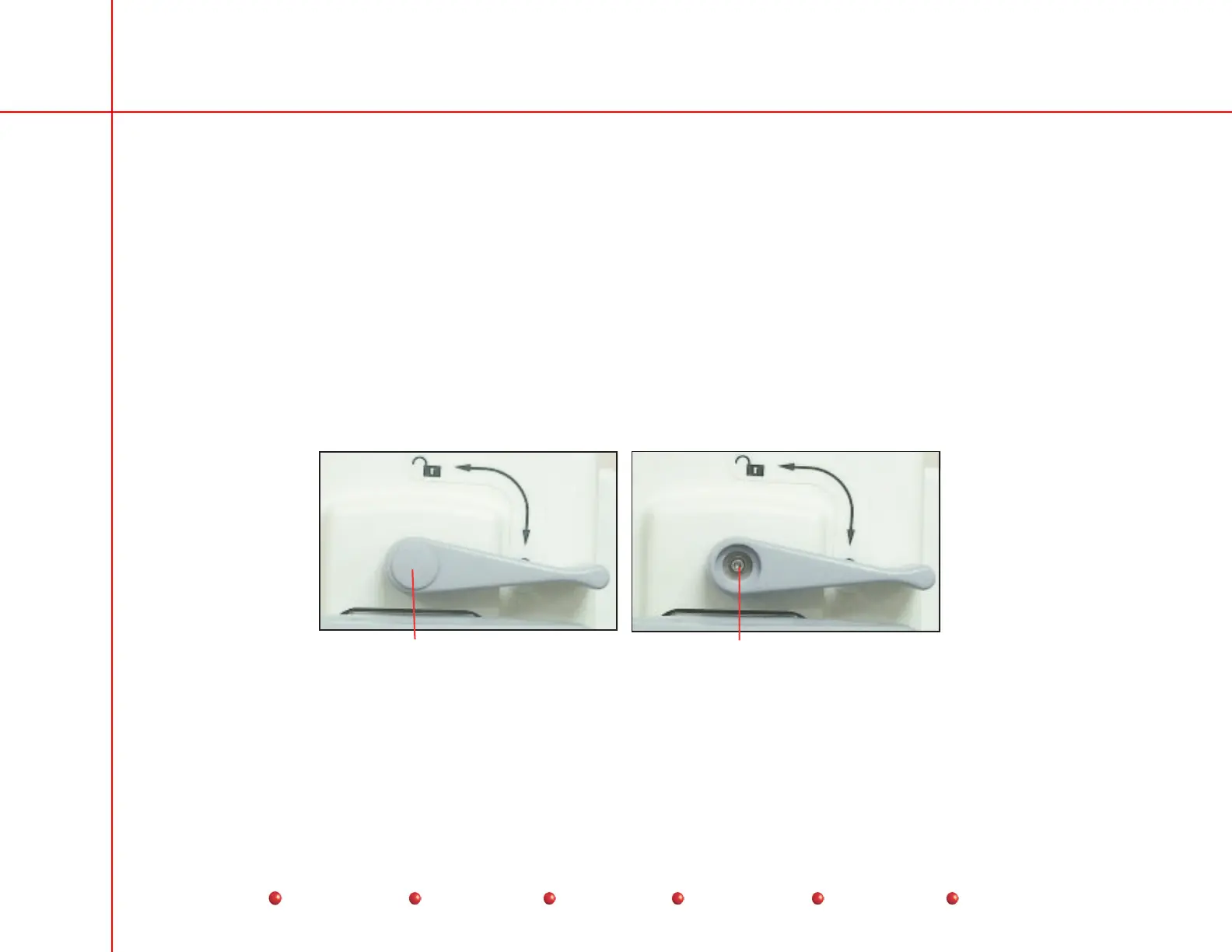
3. Remove and retain cap and screw from Horizontal Extension brake handle.
4. Pull loosened brake handle from brake shaft. Retain handle.
Remove Cap Remove Screw
Horizontal Extension Brake Handle Removal
5. Remove two screws that secure front legs of Cross Arm Bearing cover to vertical column. Retain screws.
6. Lift Cross Arm Bearing cover off bearing assembly.
15
Service
Periodic Maintenance
Contents
Schematics
Illustrated Parts
Installation



 To Next Page