Replacement
7. Being careful not to damage any switch or indicator terminals, set bearing cover across Cross Arm with switches and
indicators facing up.
8. To completely remove Cross Arm Bearing cover, loosen it as described above, then tag and disconnect each cable harness.
Remove
Two Screws
Lift Cover
Straight Up
Cross Arm Bearing Cover Removal
Control Panels
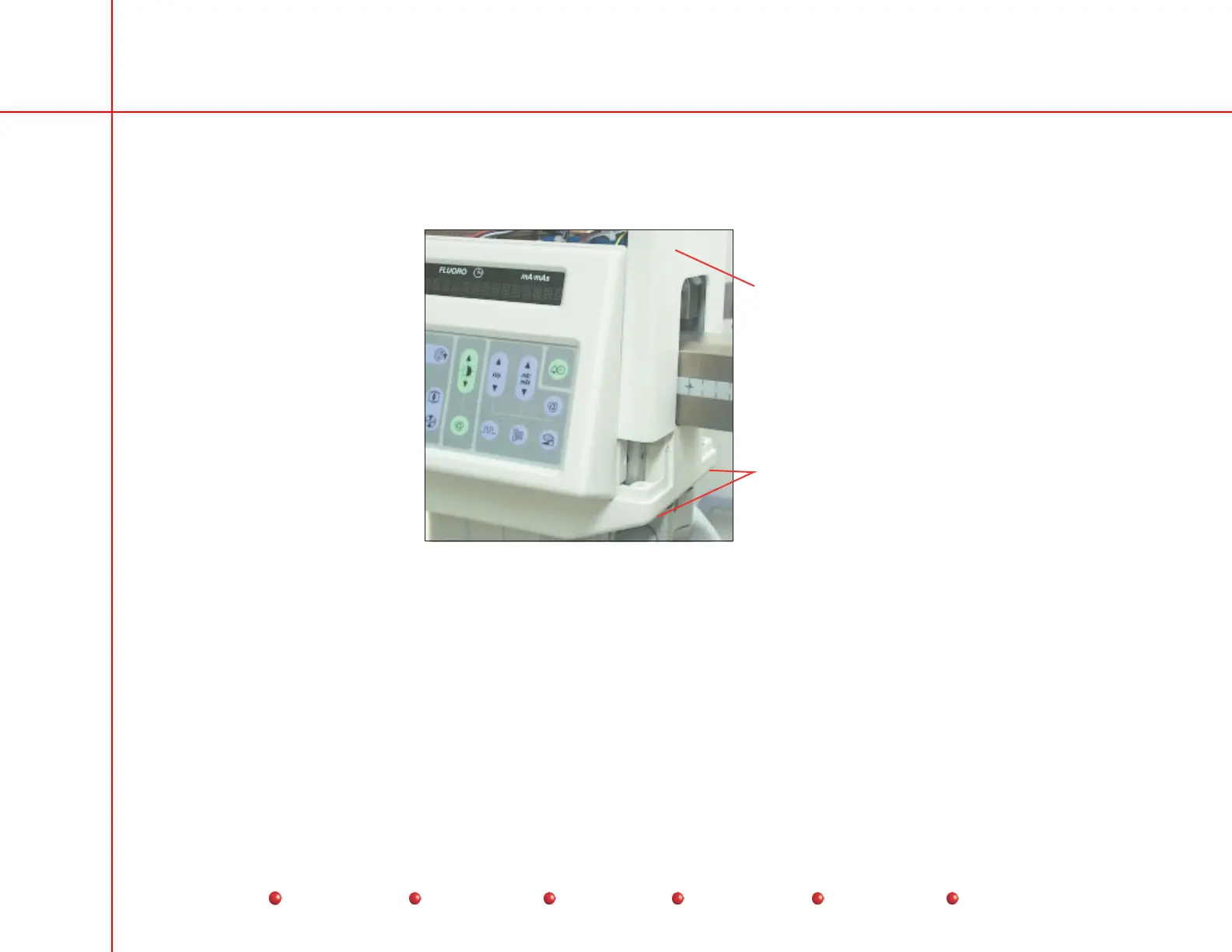
There are two identical Control Panels on the Vertical Column. Each Control Panel holds a Key/Display assembly, and a
Vacuum Fluorescent Display (VFD). Follow these steps to remove either Control Panel cover:
1. Disconnect Workstation power cord from AC outlet.
2. Remove Cross Arm Bearing cover.
3. Loosen six screws that secure Control Panel cover to Vertical Column.
16
Service
Periodic Maintenance
Contents
Schematics
Illustrated Parts
Installation



 To Next Page