Replacement
3. Remove the seven screws that secure the Generator Driver Cover and remove the cover.
4. Disconnect the cabling from the Filament Driver PCB.
5. Remove two screws from the Filament Driver heat sink.
6. Remove the Filament Driver PCB.
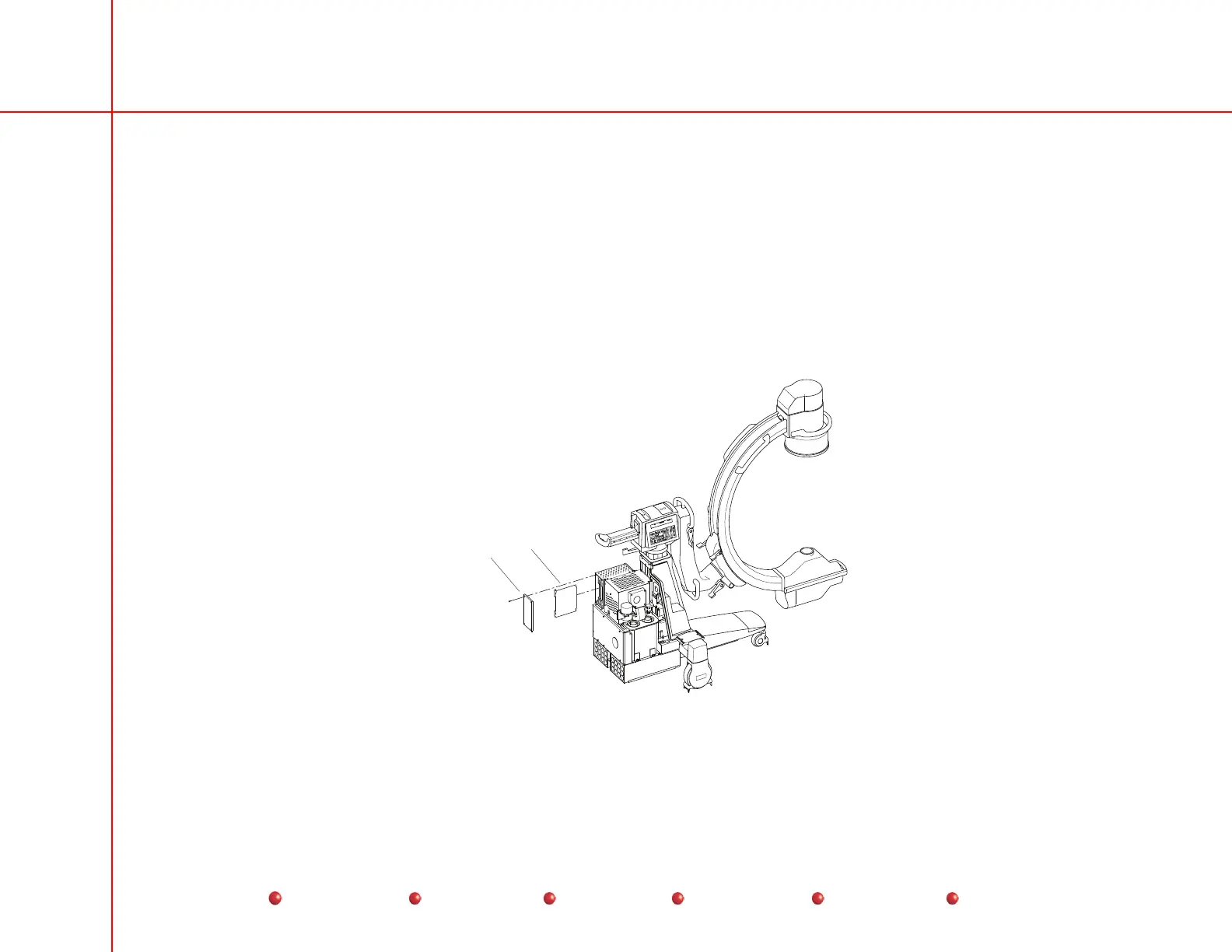
Fluoro Functions PCB
The Fluoro Functions PCB is the left-most PCB in the card rack assembly, which is located in the upper left-hand corner of the C-
Arm chassis. Please refer to the following illustration for additional details.
Electronic
Card Rack
Cover
Fluoro
Function
PCB
Fluoro Functions PCB
57
Service
Periodic Maintenance
Contents
Schematics
Illustrated Parts
Installation



 To Next Page