Replacement
Follow these steps to replace the Fluoro Functions PCB:
1. Place the Workstation power switch in the OFF position and disconnect the Workstation's AC power cord from the AC outlet.
2. Remove the Rear Cover and disconnect the steering linkage.
3. Remove four screws that secure metal cover to the Electronic Card Rack.
4. Remove the Fluoro Functions PCB from the slot located to the far left in the Electronic Card Rack.
Generator Driver PCB
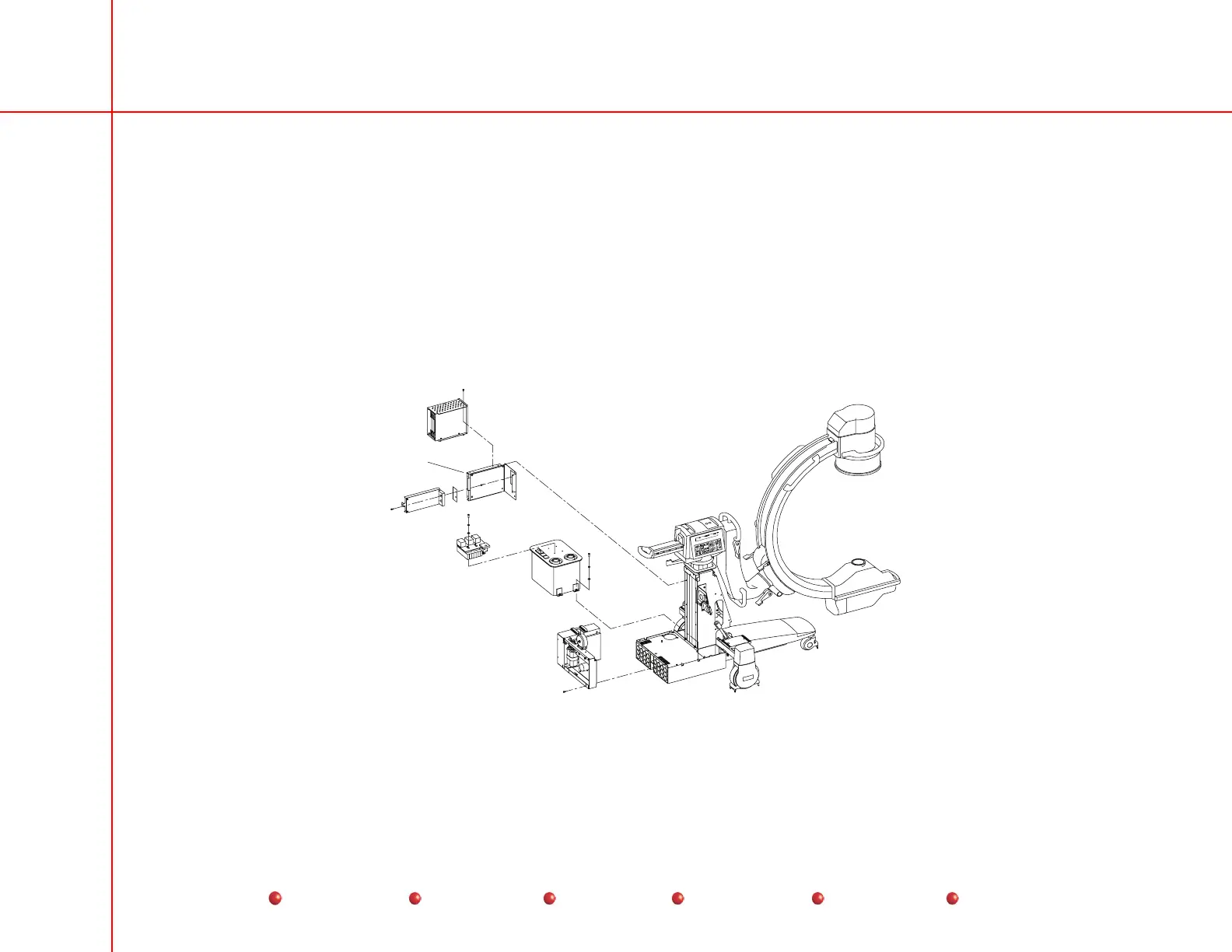
The Generator Driver PCB mounts in the C-Arm as shown next.
Generator
Driver
PCB
Generator Driver PCB Location
58
Service
Periodic Maintenance
Contents
Schematics
Illustrated Parts
Installation



 To Next Page