Replacement
Keyswitch
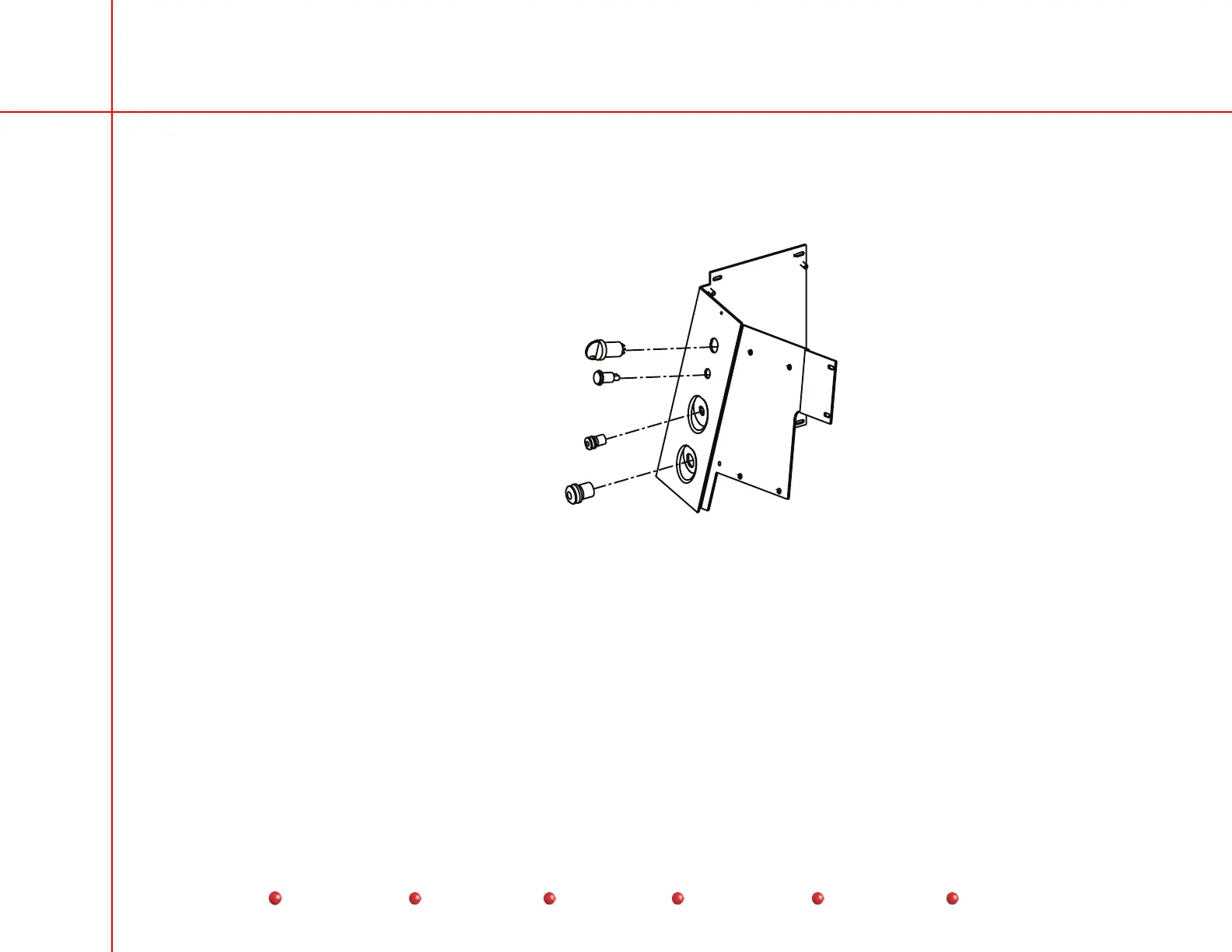
The Keyswitch is located on the C-Arm's Power Panel as shown below. It is readily accessible for testing or replacement.
Keyswitch
Battery Charger
Indicator Lamp
Handswitch
Connector
Footswitch
Connector
Keyswitch
Follow these steps to replace the Keyswitch:
1. Remove the Front Cover.
2. Remove the Right Side Cover.
3. Remove the Rear Cover and disconnect the steering linkage.
4. Remove the Left Side Cover.
5. Remove the two Phillips screws that secure the Power Panel Door.
6. Open the Power panel Door.
74
Service
Periodic Maintenance
Contents
Schematics
Illustrated Parts
Installation



 To Next Page