Replacement
7. Access the Power Panel Interior.
8. Trace the Keyswitch cable from the Keyswitch to the connector and disconnect the cable plug.
9. Remove the retaining nut from the Keyswitch.
10. Remove the Keyswitch from the front of the Power Panel.
11. Reassemble in reverse order mounting the Keyswitch so that the key’s teeth face down when the key is in the Standby
position.
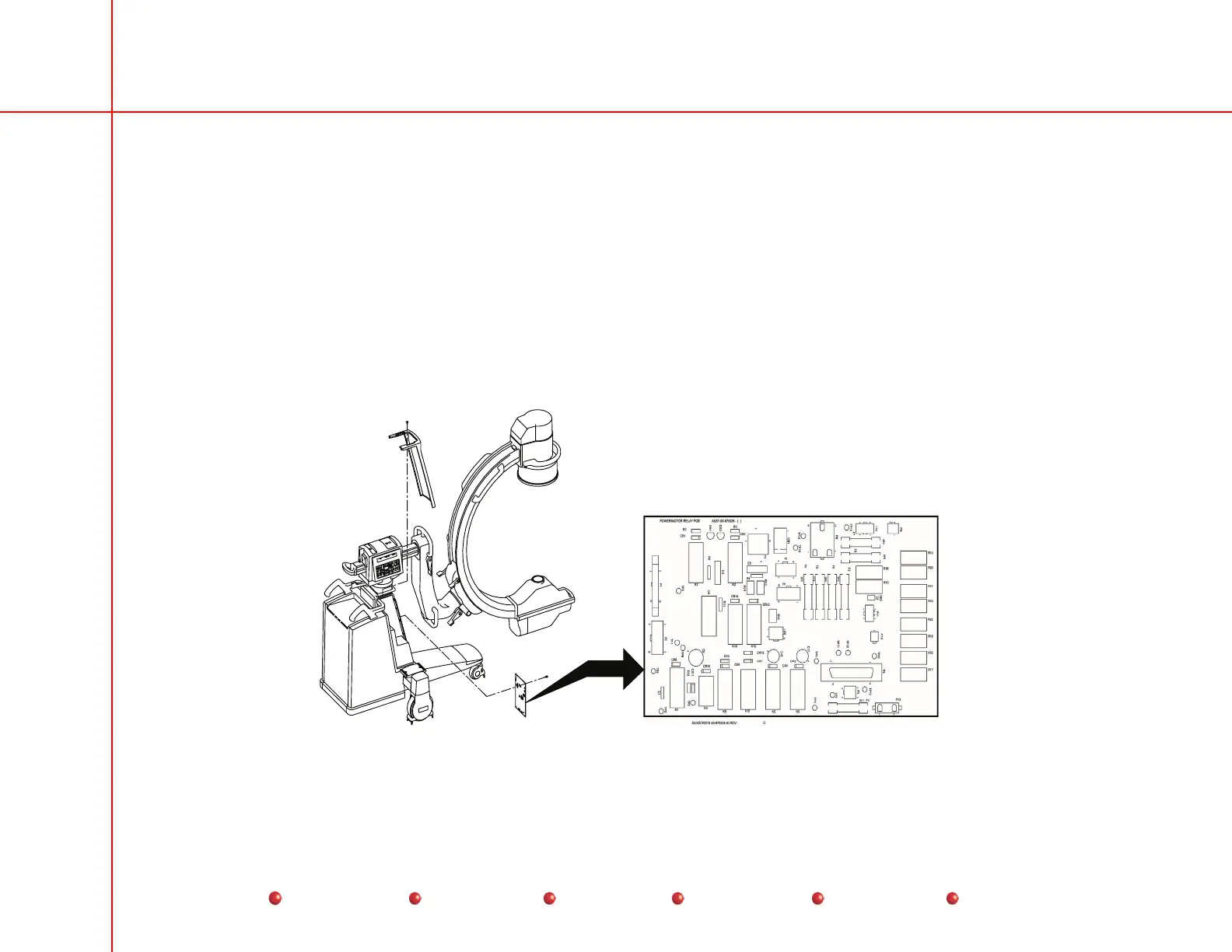
Power Motor Relay PCB
The Power/Motor Relay PCB mounts at the front of the C-Arm as shown in the following illustration.
Power/Motor Relay PCB
75
Service
Periodic Maintenance
Contents
Schematics
Illustrated Parts
Installation



 To Next Page