14
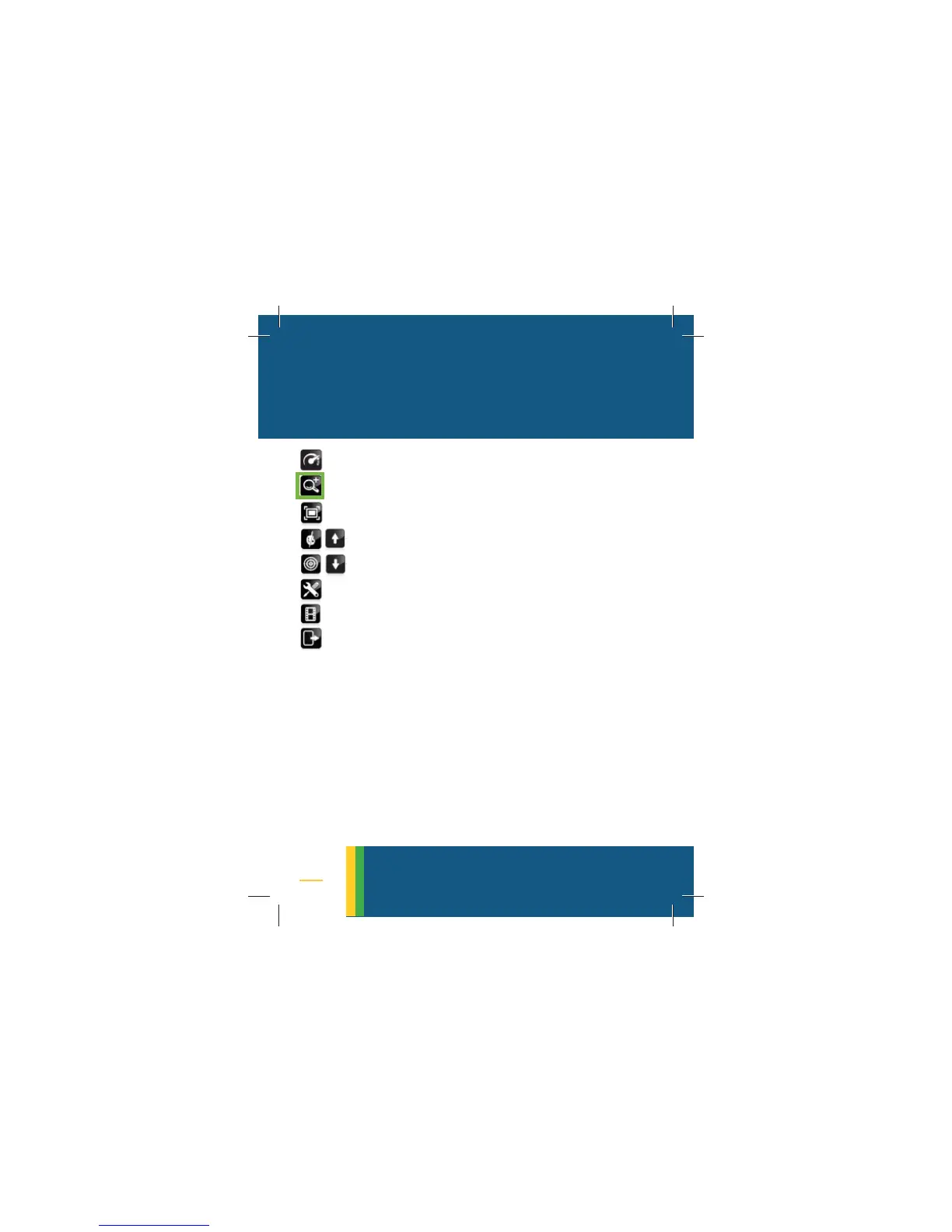
5. VISIBLE ZOOM
• Zoom is used to magnify the visible
image
• Once corona is detected, zoom-in to
get more detailed data
• While zooming the camera enters
automatically the
VISIBLE-MODE (no UV
displayed and no counting). When
exited the COMBINED-MODE is restored
• Move the green frame to the visible
zoom icon
• Click on the SELECTOR button to turn on
the visible zoom function
• Use the
UP/DOWN arrows to zoom in
and out
• A long press on either arrows acti-
vates the fast zoom. Maximum zoom
is attained within one second
visible zoom



 To Next Page