18
8. COUNTING
• Counting displays the counted de-
tected UV signals and is available
while in combined mode. Counting is
unavailable during zooming
• The counting value represents an aver-
age of a couple of measurements. It is
therefore advised to wait for the result
to become stabilized
• Counting values are qualitative indica-
tion of the corona in an area en-
closed by a square frame. Values are
displayed in the
OSD bottom status line
with a preceeding “c:”
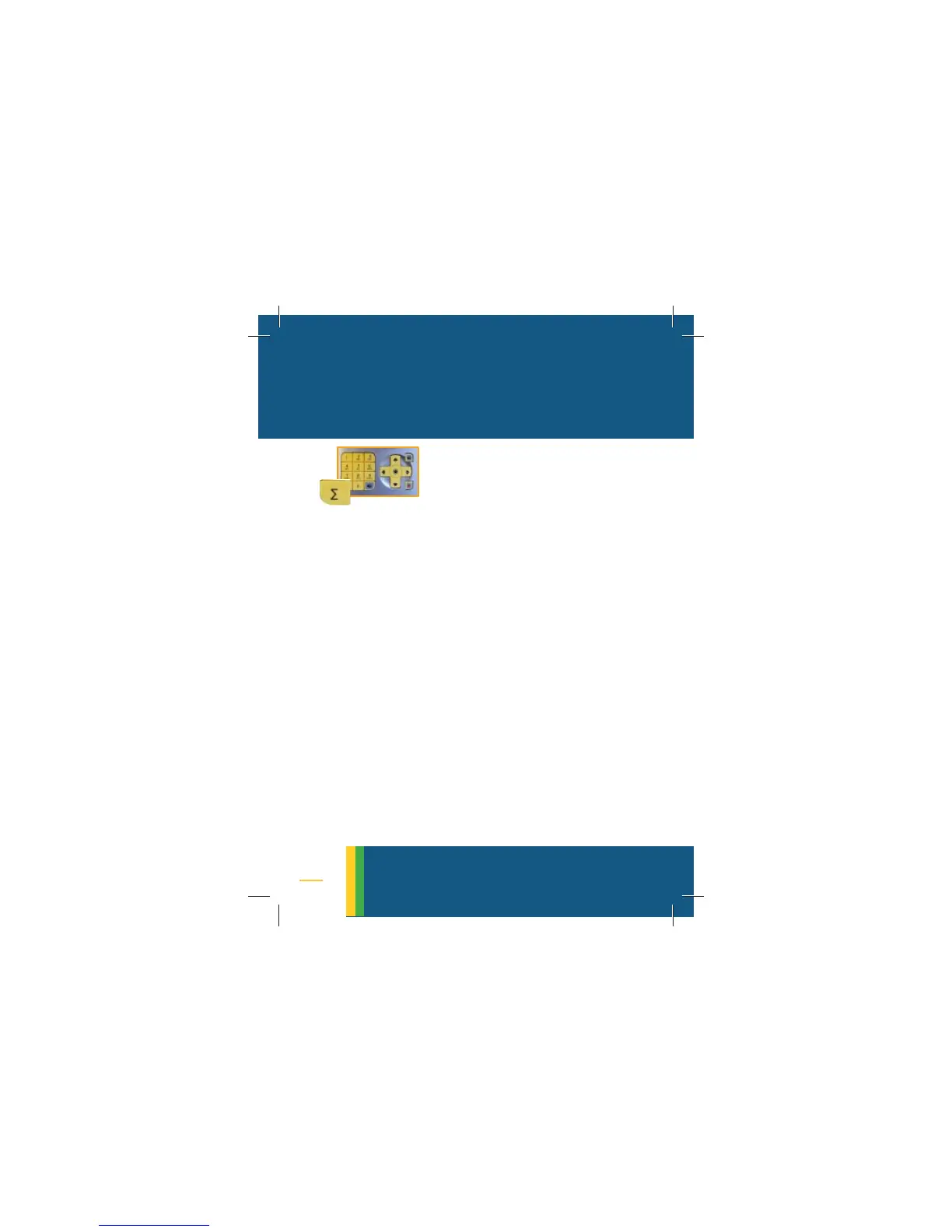
• To change the size of the counting
frame click on the hotkey [Σ]
• Each click changes the size of the
frame
counting



 To Next Page