23
13. AUDIO RECORDING
• Add narrations to your video clips with data
obout the condition of the inspected object
• Narrations are handy when processing the
video clips and for reports
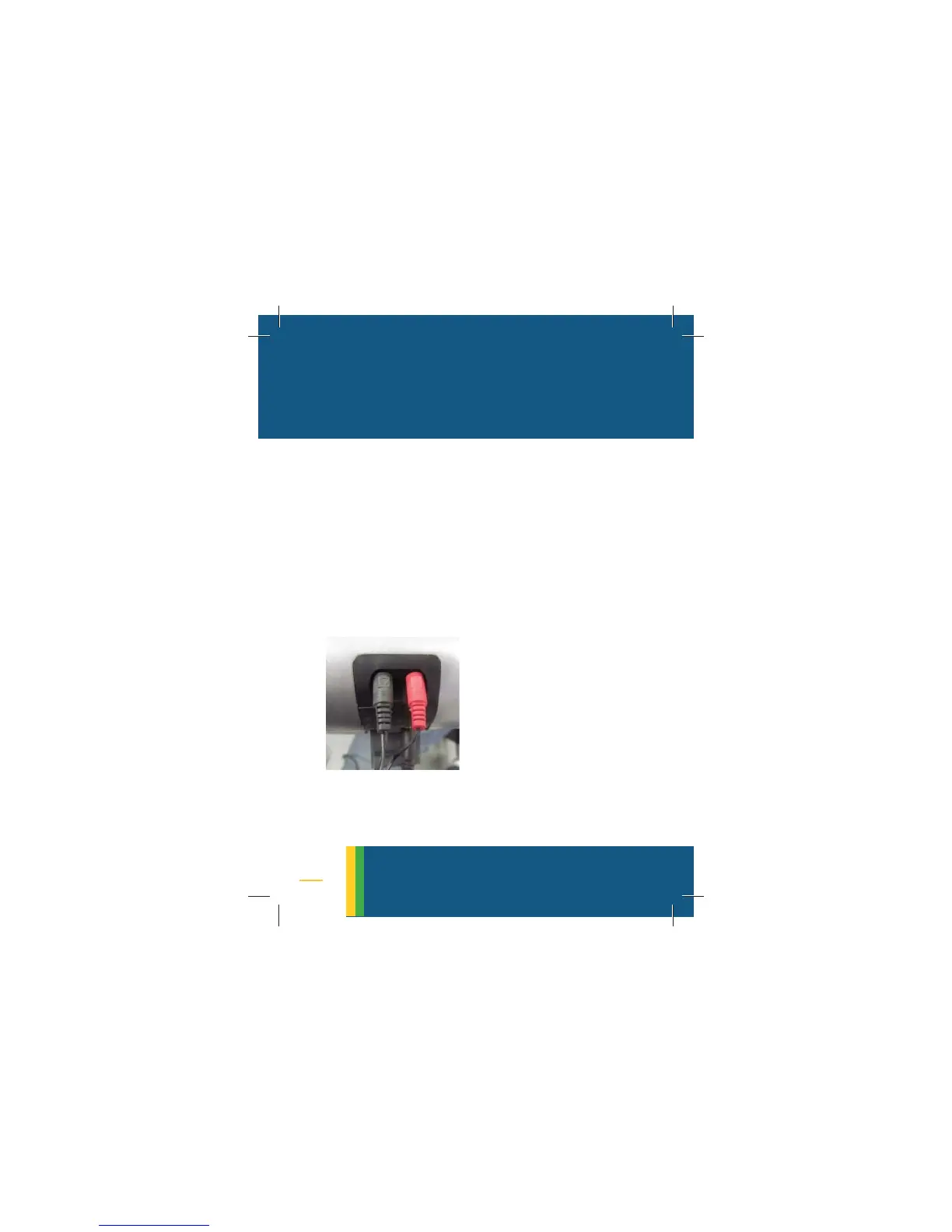
• To add narrations plug-in the microphone
and click on
VIDEO RECORDING. Match the
icons on the plugs to those on the camera
(the mic is closer to the battery)
• Narrations will be recorded with a movie
clip and played during playback
audio recording
NOTE:
It is recommended to
keep the mic 30cm (1
foot) away from the
mouth to get a clean
recording



 To Next Page