27
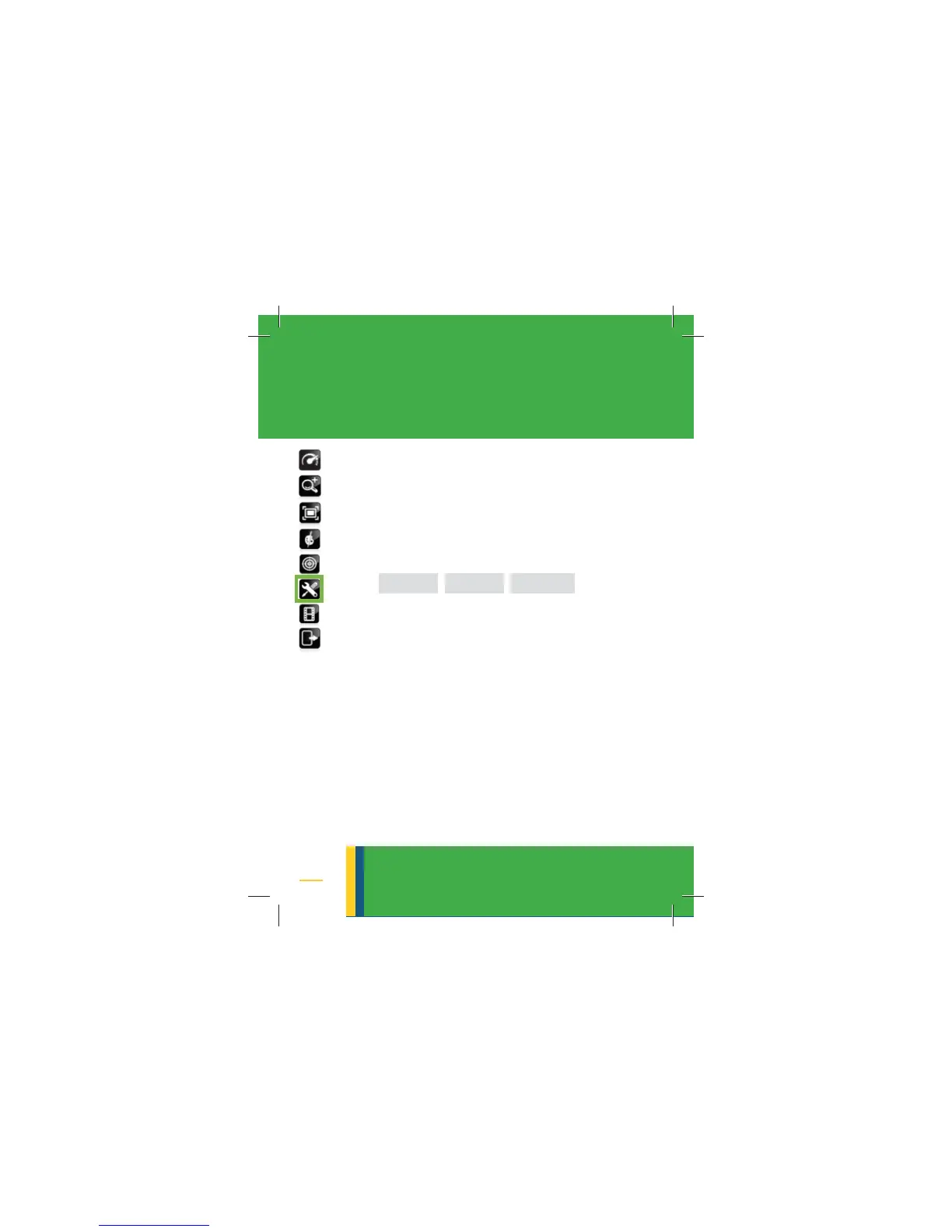
• Move the green frame to the SETTINGS
• Click on the selector to turn on the set-
tings options
• A new sub-menu opens up with the
following control-buttons:
• Use the up/down arrows to move
the green frame to a selected control
button
• Use the selector to turn on the select-
ed control
16. SETTINGS
settings
DISPLAY CAMERA SYSTEM



 To Next Page