


 To Next Page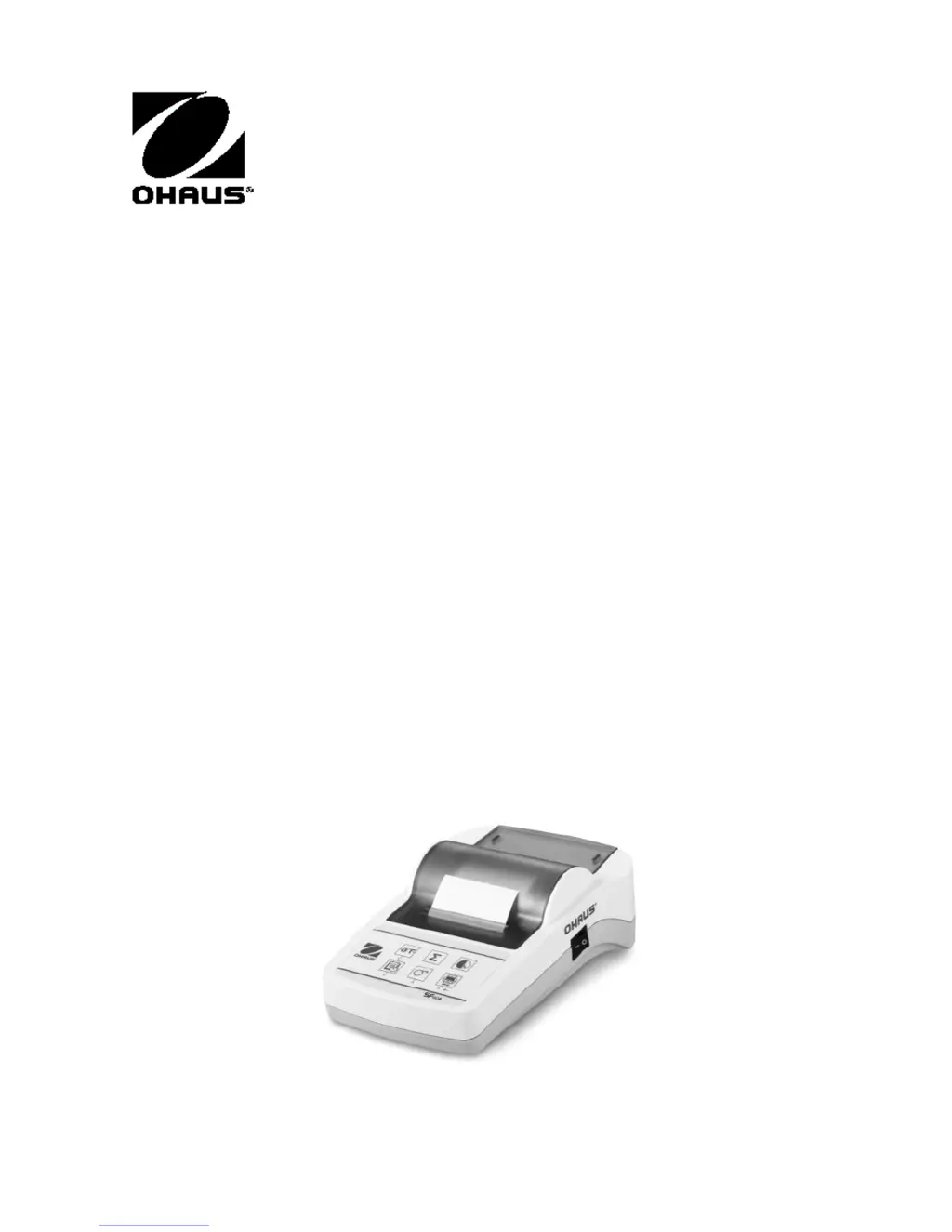

K
Kathleen PattersonSep 12, 2025
What to do if the OHAUS Printer displays 'Over Load'?
- DDonna CharlesSep 12, 2025
If your OHAUS Printer displays 'Over Load', it could mean the balance is in overload range, so check the sample weight. Alternatively, the zeroing might be out of the zero range, so change the zero range of the balance. You can also try changing the setting of the printer from zero to tare.
 General