EN-4 Valor
TM
1000 Series
3. OPERATION
Notes:
Short Press: Press less than 3 seconds.
Long Press: Press and hold for more than 3 seconds.
3.1 Using the Instrument
Weighing application:
1. If required, place an empty container on the pan and press Tare.
2. Add sample to the pan or container. The display shows the weight of the sample.
4. MAINTENANCE
4.1 Cleaning
WARNING: Electric Shock Hazard. Disconnect the equipment from the
power supply before cleaning.
Make sure that no liquid enters the interior of the instrument.
Attention: Do not use solvents, harsh chemicals, ammonia or abrasive
cleaning agents.
The housing may be cleaned with a cloth dampened with a mild detergent if necessary.
4.2 Troubleshooting
For technical issues contact an Authorized Ohaus Service Agent. Please visit our website
www.ohaus.com to locate the Ohaus office nearest you.
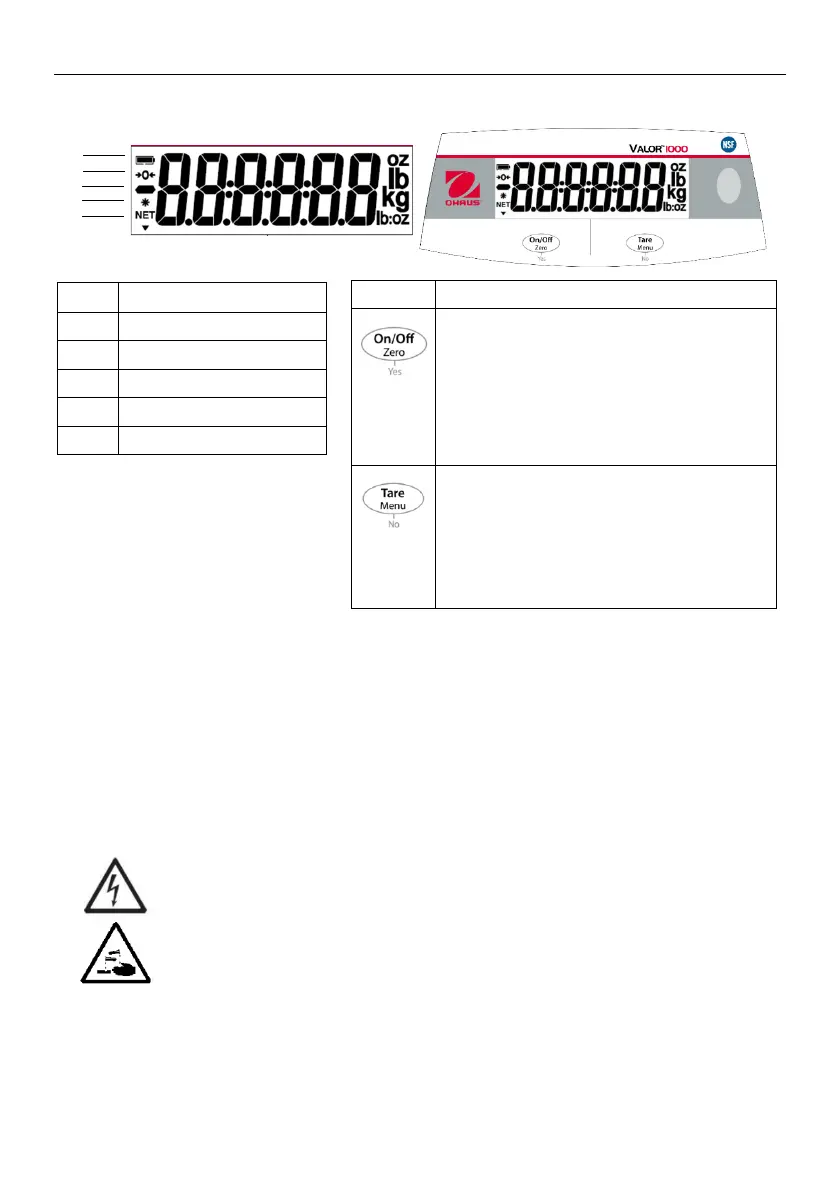
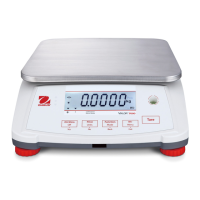
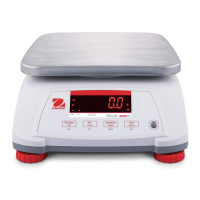
On/Off
- Press (when off): Turn the scale on
- Long Press (when on): Turn the scale
off
Zero
- Short Press (when on): Zero the scale
Yes
- Press (in Menu): Confirm(Enter)
Tare
- Short Press: Enter / clear a Tare value
Menu
- Long Press: Enter User Menu
No
- Press (in Menu): Move to next menu or
selection





 To Next Page