63
STI 7575 PRO
EN
CLEANING AND MAINTENANCE
Storage
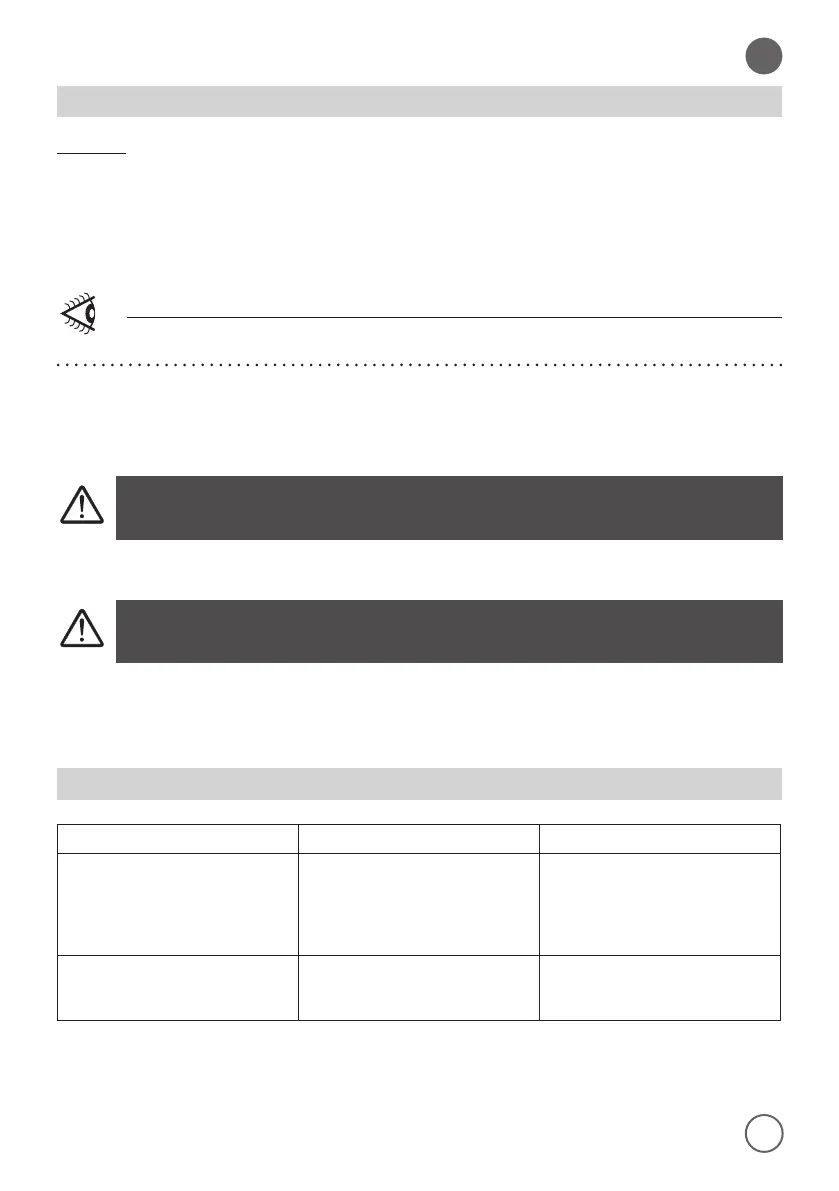
1. Switch o the steam generator and unplug it.
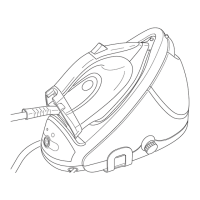
2. Empty the tank (2) and reposition it in its slot.
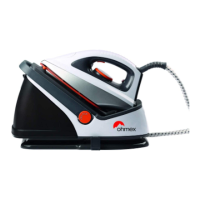
3. Place the iron (8) on its specic support (3) and lock it by pressing the lever (5).
4. Wrap the power cord and place it in its specic bracket (6).
Do not carry the appliance by holding the water tank release handle (13).
• For the external parts cleaning use a wet cloth.
Never wash either the appliance body or the iron under running
water and do not immerse them in water or other liquids.
• Periodically rinse the inside of the tank (2) with water.
Don’t use chemical additives or vinegar.
> > > > >
TROUBLESHOOTING
Problem Cause Solution
The ironing board cover becomes
wet.
Steam has condensed on the
ironing board cover after a long
ironing session.
Replace the ironing board cover
or add an additional layer of ma-
terial appropriate for ironing to
avoid condensation on the ironing
board.
Water droplets come out of the
soleplate.
The steam that was still present
in the hose has cooled down and
condensed into water.
Point the iron away from the gar-
ment and let it produce steam for
a few seconds.


 To Next Page