To Next Page

T
Thomas ParsonsAug 5, 2025
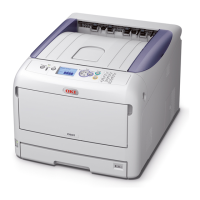
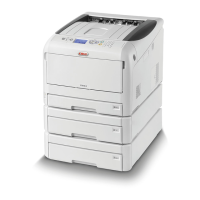
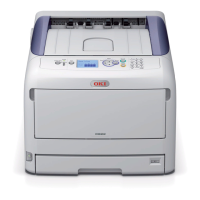
What to do if my Oki C831dn keeps jamming?
- EEvelyn ShermanAug 5, 2025
If your Oki Printer has a paper jam or the error message persists after removing the jammed paper, here's what to do: 1. Remove jammed paper according to the remedy displayed or the relevant procedure. 2. Inspect the inside of the printer and the duplex unit for any remaining jammed paper, gently pulling it out if found. 3. If paper jams occur frequently, clean the paper feed rollers.
 General