Setting the security > 7
A
DJUSTING
THE
SECURITY
SETTINGS
You must log on as the administrator to adjust the security settings.
1. Click Administrator Login.
2. Enter the correct user name and password.
3. Click Login.
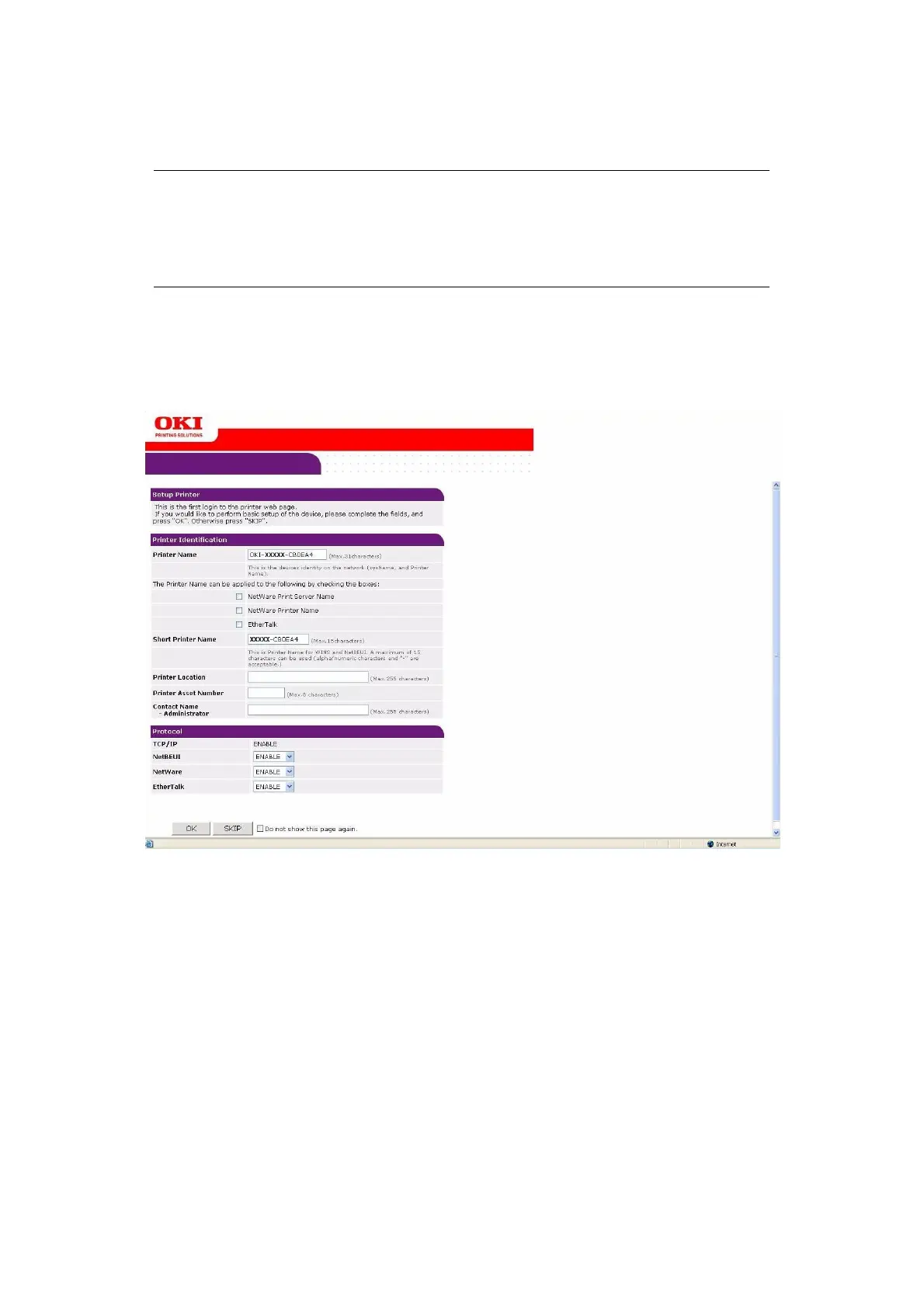
The initial administration entry screen is displayed.
NOTE
The Administrative Settings are blocked by a password. Refer to your user
documentation for the factory default settings.
It is recommended that the system administrator creates a new password,
refer to “Password configuration” on page 15.



 To Next Page