HOME
MENU
ADVANCED
OLI eBike Systems | High Vision
USE
DESCRIPTION
INSTALLATION
TROUBLESHOOTING
MAINTENANCE AND
ASSISTANCE
GENERAL
INFORMATION
studioimmagina.com 00_102020
12
COMMANDS
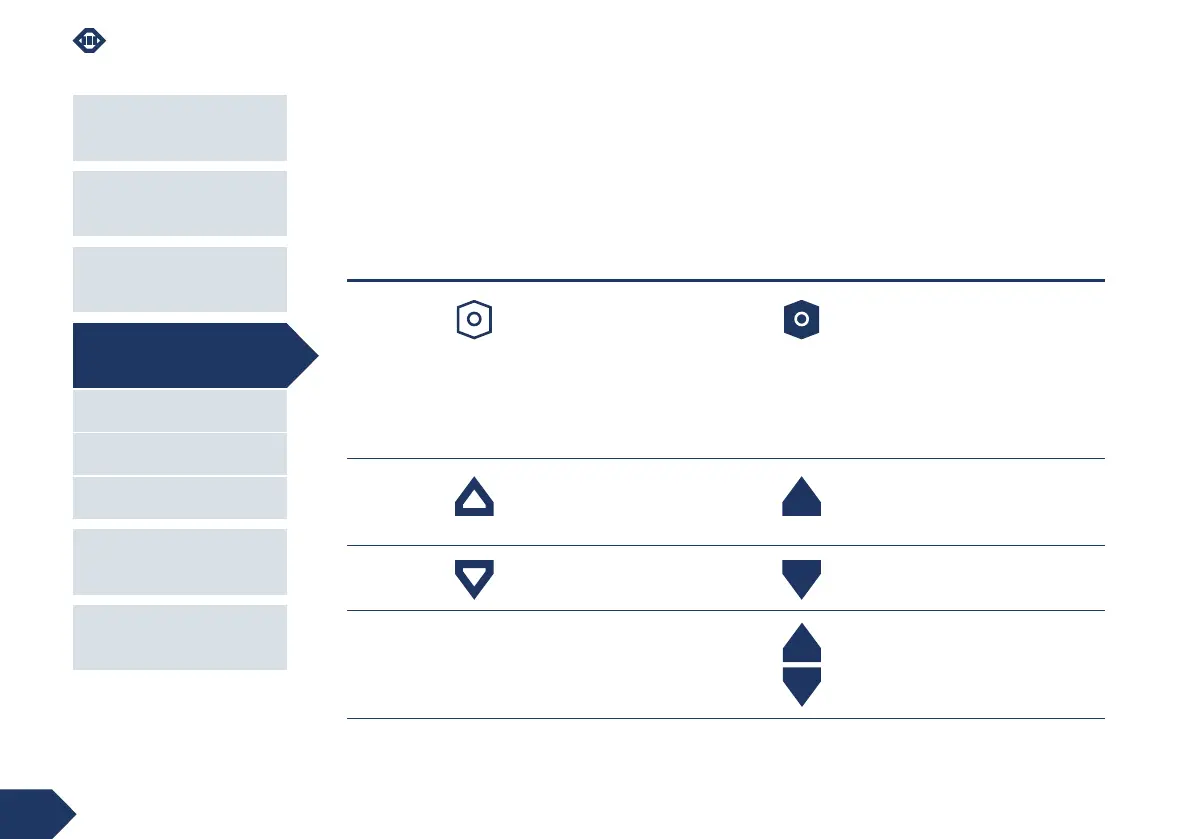
To navigate the software there are 3 keys that can be
used with short press or with a press of more than 2
seconds.
Throughout this manual, the following icons are used
to indicate the type of key and press for each action.
key short press / <1 second (1 ") long press /> 2 seconds (2 ")
power allows you to:
scroll on the Home screen from one
main screen to another;
scroll between the Home screen and
the Menus;
confirm the action during the
changes.
allows you to:
turn the display on or off;
from the Menu and Advanced section,
return to the last displayed Home
screen.
up allows you to scroll through the menu
items, going up
from any main screen allows you to
change the operating mode of the
lights
down allows you to scroll through the menu
items, going down
from any main screen allows you to
activate Walk mode
down+up - from the main screens, pressing the
two keys simultaneously allows access
to the Menu
USE



 To Next Page