HOME
MENU
OLI eBike Systems | High Vision
USE
DESCRIPTION
INSTALLATION
TROUBLESHOOTING
MAINTENANCE AND
ASSISTANCE
GENERAL
INFORMATION
studioimmagina.com 00_102020
28
ADVANCED
Unit of measure
From this screen it is possible to select the unit of
measure with which the following are calculated:
› instantaneous speed,
› average speed,
› average consumption,
› lap distance,
› total distance.
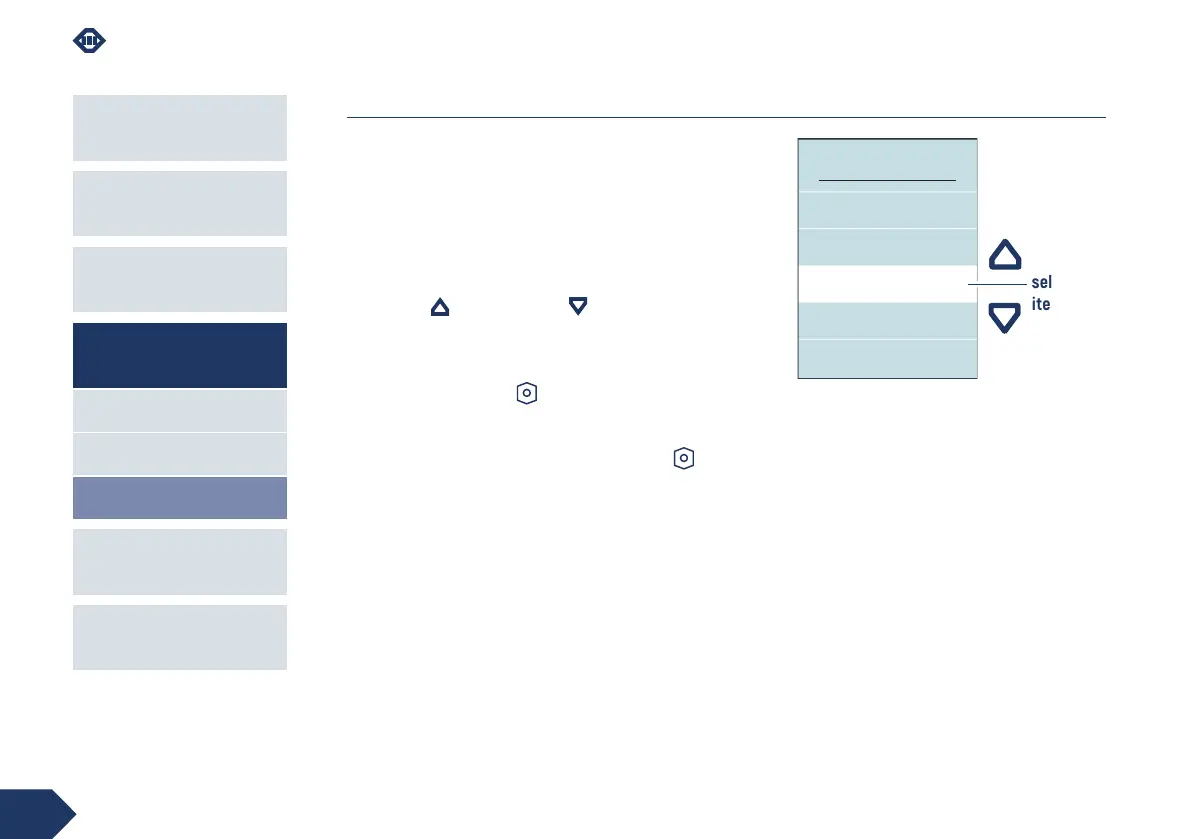
Use the up and down keys to scroll through
the available items. The selected value is highlighted
in the centre in the white line.
Press the power-on key to confirm and return to
the Advanced page.
Select the Back item and press the power-on key to
return to the Advanced page without changing the unit
of measure.
MEASURE UNIT
Km
Back
Miles
selected
item



 To Next Page