HOME
MENU
OLI eBike Systems | High Vision
USE
DESCRIPTION
INSTALLATION
TROUBLESHOOTING
MAINTENANCE AND
ASSISTANCE
GENERAL
INFORMATION
studioimmagina.com 00_102020
31
ADVANCED
Night mode
From this screen you can choose the configuration
for night mode:
› automatic, the night mode is set automatically by
means of the twilight sensor inside the display,
which detects the ambient brightness;
› active, night mode always active;
› deactivated, night mode always deactivated.
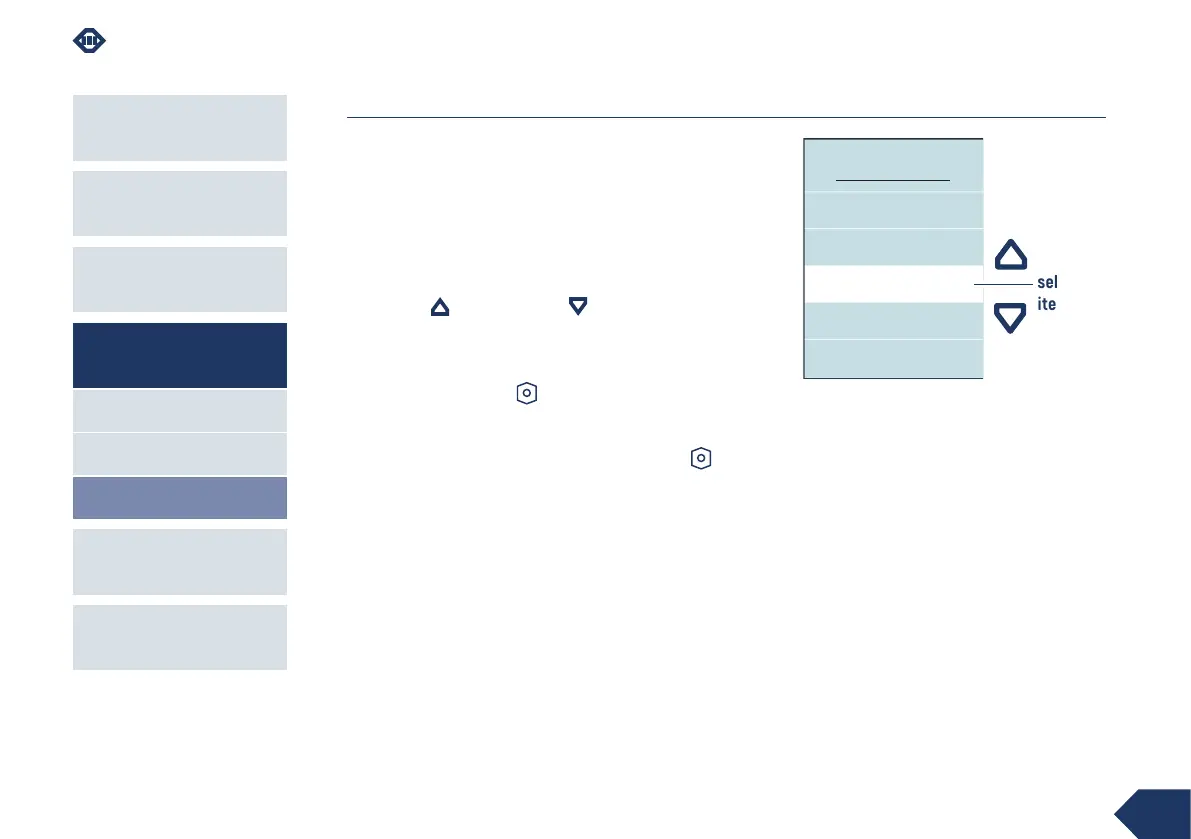
Use the up and down keys to scroll through
the available items. The selected value is highlighted
in the centre in the white line.
Press the power-on key to confirm and return to
the Advanced page.
Select the Back item and press the power-on key
to return to the Advanced page without changing the
configuration.
NIGHT MODE
Automatic
Active
Back
Disable
selected
item



 To Next Page