HOME
MENU
OLI eBike Systems | High Vision
USE
DESCRIPTION
INSTALLATION
TROUBLESHOOTING
MAINTENANCE AND
ASSISTANCE
GENERAL
INFORMATION
studioimmagina.com 00_102020
29
ADVANCED
Weight
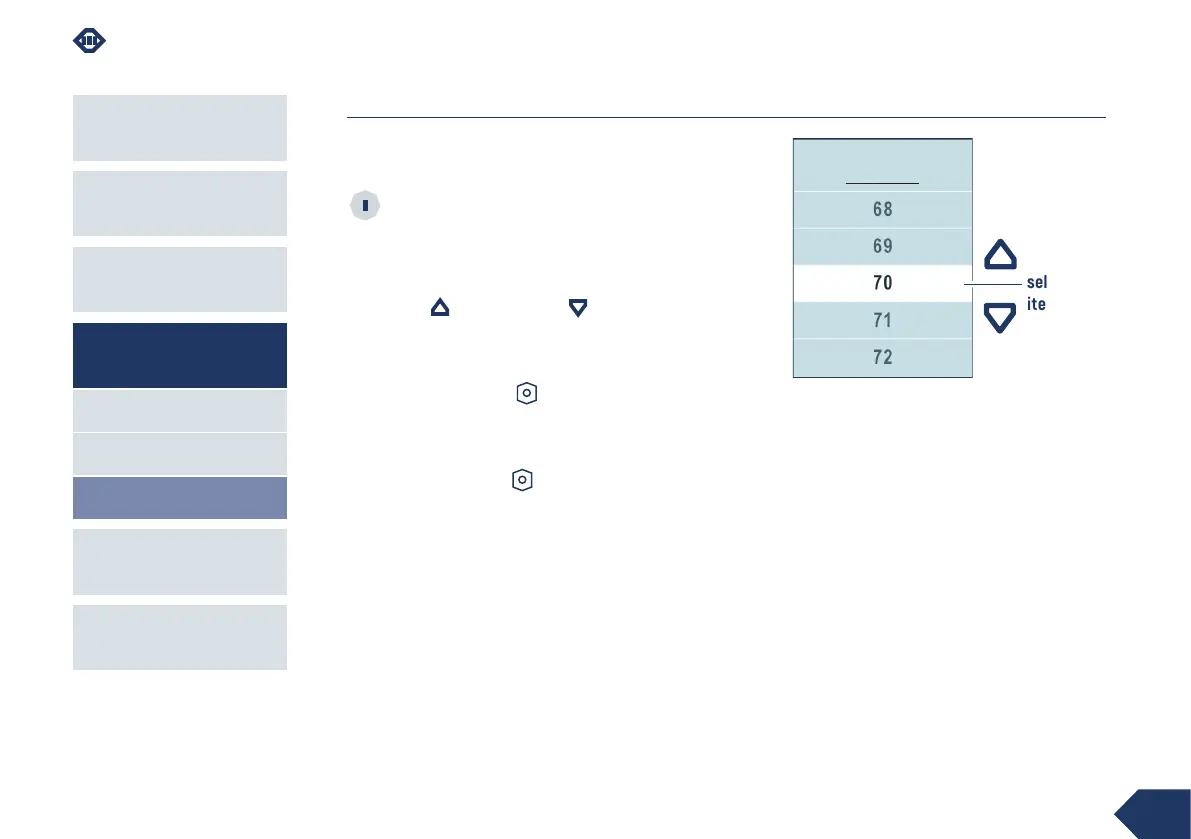
From this screen you can set your body weight by
choosing a value between 50 and 150 kg.
Setting this datum is not necessary for the
eBike to function correctly. The value has the
sole purpose of making the calculation of the calories
consumed reliable.
Use the up and down keys to scroll through
the available items. The selected value is highlighted
in the centre in the white line.
Press the power-on key to confirm and return to
the Advanced page.
Select the Back item (located after item 150) and
press the power-on key to return to the Advanced
page without changing the weight.
WEIGHT
selected
item
min 50 Kg
max 150 Kg



 To Next Page