MENU
ADVANCED
OLI eBike Systems | High Vision
USE
DESCRIPTION
INSTALLATION
TROUBLESHOOTING
MAINTENANCE AND
ASSISTANCE
GENERAL
INFORMATION
studioimmagina.com 00_102020
21
HOME
Walk mode
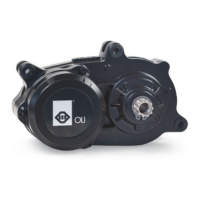
The system is equipped with a walk assistance function,
which allows you to activate the motor up to a maximum
speed of 6 km / h, allowing you to tackle short stretches
more easily by pushing the eBike.
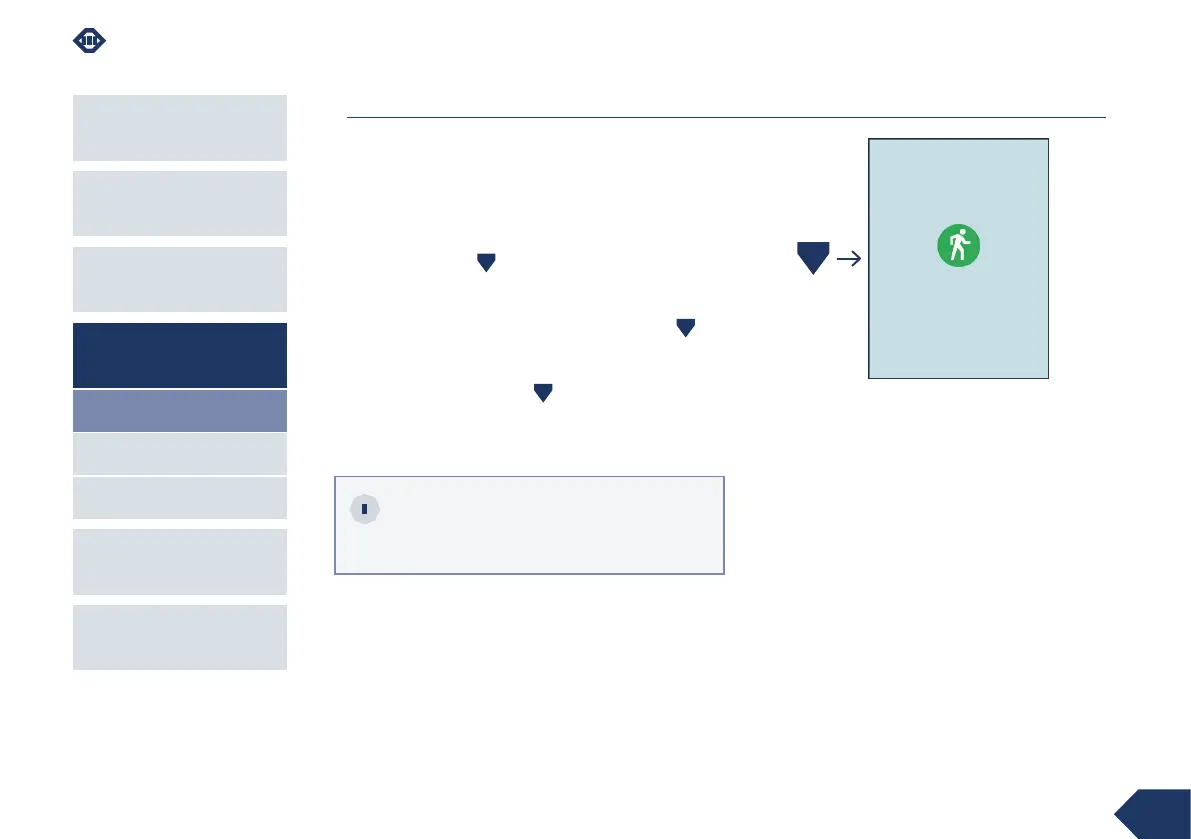
To activate the walk assistance function, press and
hold the down key .
The motor will start in Walk mode and the
corresponding icon will appear on the display.
To deactivate Walk mode, release the down key .
The motor will shut down in the following cases:
› release of the down key ,
› speed exceeding 6 km / h,
› locking the eBike wheel.
Walk
If assistance level zero () is set, the motor is
disabled and the walk assistance function
cannot be used.



 To Next Page