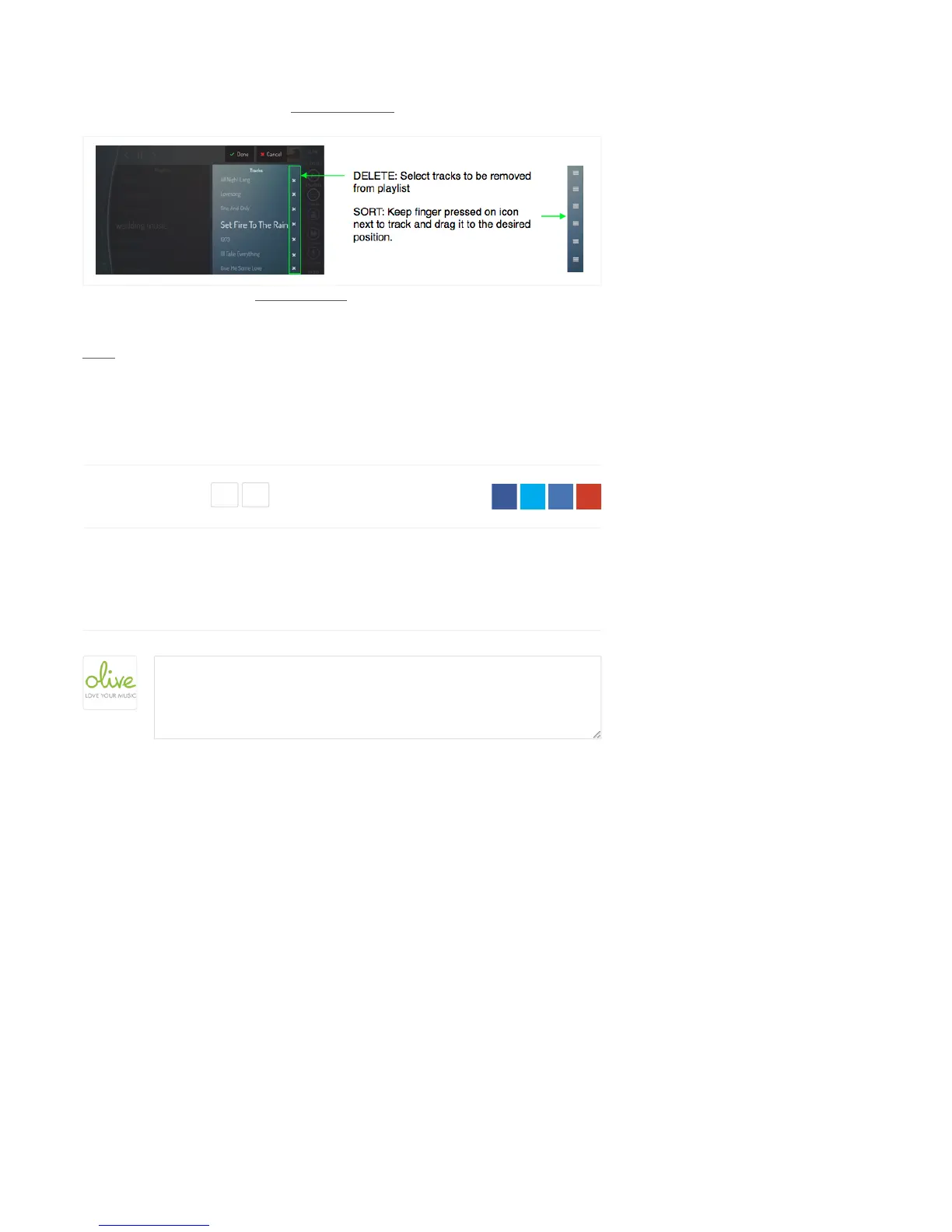
Keep your finger pressed on one of the tracks in the playlist and select “Delete” or “Sort” in the
pop-up to delete or rearrange the sequence of tracks.
Keep your finger pressed on the name of a playlist and select “Delete” or “Rename” in the pop-up
to delete or rename the playlist itself.
Notes
1) Playlists are stored locally on your ONE and can contain tracks from your local HDD
and/or UPnP sources.
Comments
Be the first to write a comment.
Was this article helpful?
0 out of 0 found this helpful
( )


 To Next Page