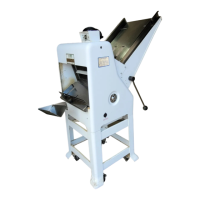
777-NT Variety Slicer
0777S20036 3-2
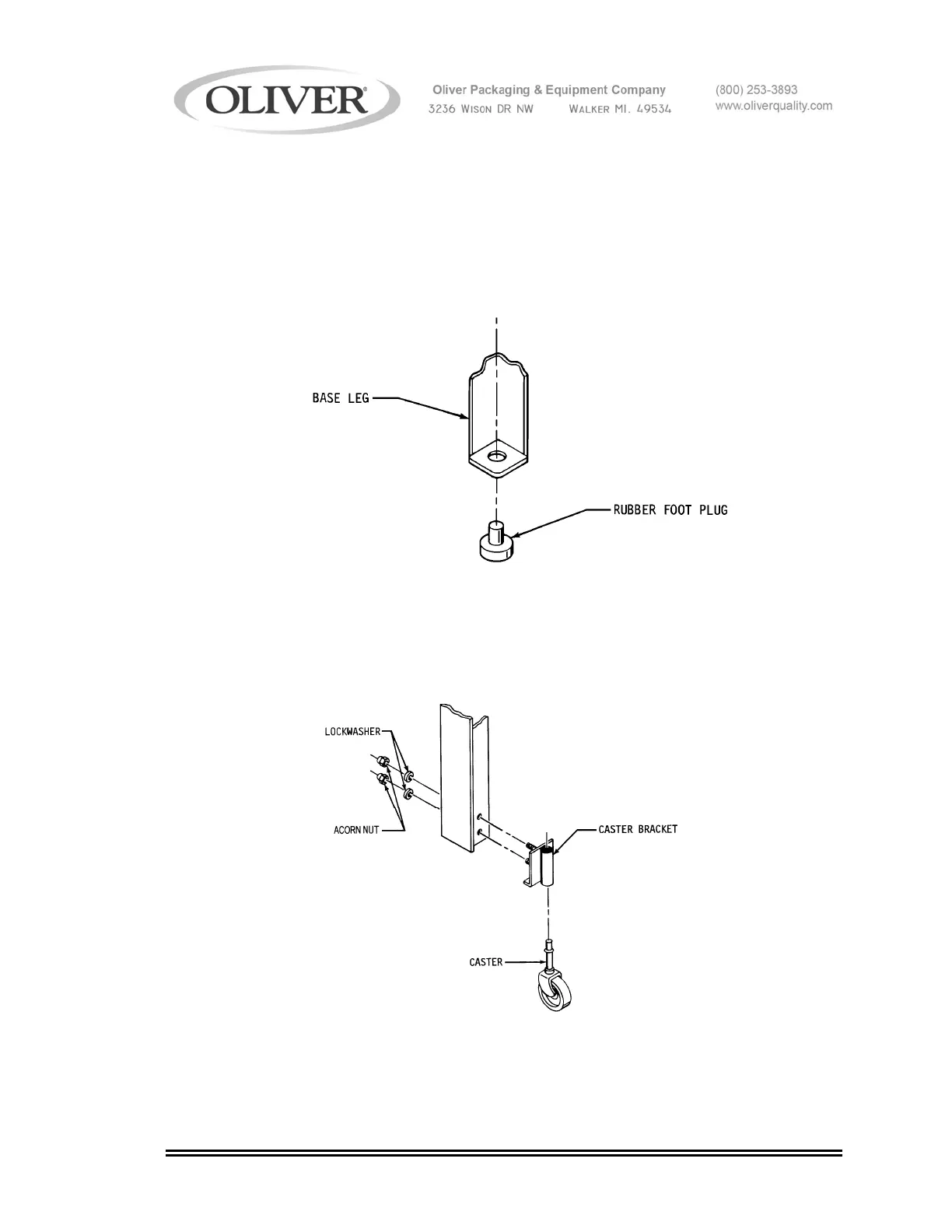
Installing the Rubber Feet
Remove the rubber feet from the accessory package and insert the plugs into the
holes in the leg bottoms, see below. Carefully restore the machine to the upright
position.
Installing Optional Casters
Remove the casters, caster brackets and hardware from the accessory package.
Insert the studs of the brackets, see figure below, through the holes provided on
the base of the slicer. Secure the brackets with the lock washers and hex acorn
nuts. Press fit the casters into the brackets as shown below. Carefully restore
the machine to the upright position.



 To Next Page