EasyManua.ls Logo

Olivetti d-Copia 16 - User Manual

Olivetti d-Copia 16
122 pages
Print Icon
To Next Page IconTo Next Page
Loading...
Please read the Operation Guide before using the copier.
Keep it close to the copier for easy reference.
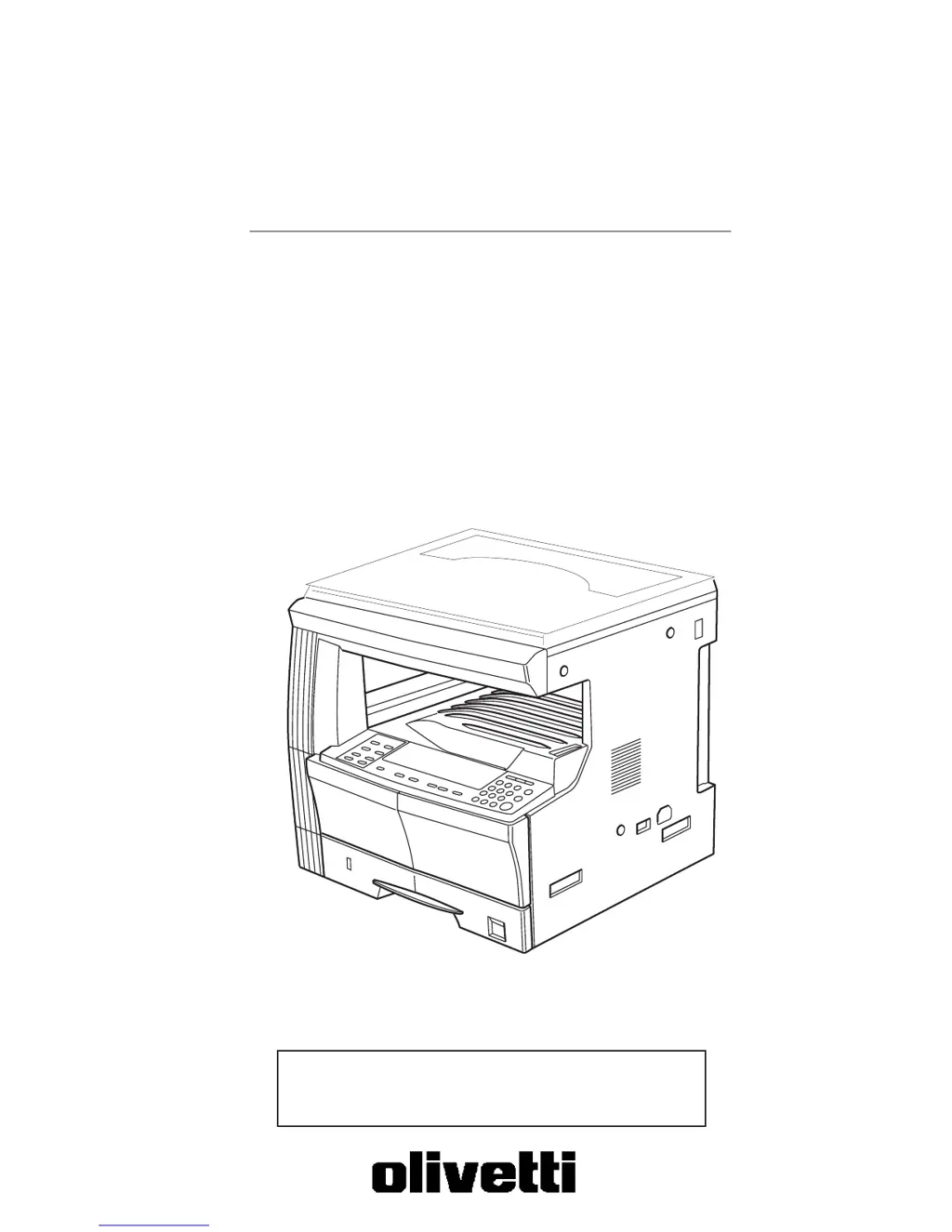
Copier Operation Manual
d-Copia 16
d-Copia 200

Table of Contents

Questions and Answers

Summary

Section 1 IMPORTANT! PLEASE READ FIRST.

Caution Labels

Details safety labels attached to the product to prevent accidents.

INSTALLATION PRECAUTIONS

Provides essential precautions for installing the copier safely and correctly.

PRECAUTIONS FOR USE

Outlines crucial safety measures and warnings for operating the copier.

Section 3 PREPARATIONS

Section 4 BASIC OPERATION

Basic Copying Procedure

Step-by-step guide to performing a standard copy operation.

Section 5 COPY FUNCTIONS

Making 2-Sided Copies

Details how to create copies on both sides of a sheet from various original types.

Section 6 COPIER MANAGEMENT

Department Management Mode

Manages copy numbers for different departments using section codes.

Section 8 TROUBLESHOOTING

If One of the Following Indications is Displayed

Lists error codes and their corresponding corrective procedures for troubleshooting.

If Paper Jams

Provides instructions for clearing paper jams from different locations in the copier.

If Other Trouble Occurs

Lists common symptoms and checks for resolving issues not covered by error codes.

Section 9 MAINTENANCE AND OPERATION INFORMATION

Replacing the Toner Container and Waste Toner Box

Step-by-step guide for replacing toner and waste toner components.

Summary

Section 1 IMPORTANT! PLEASE READ FIRST.

Caution Labels

Details safety labels attached to the product to prevent accidents.

INSTALLATION PRECAUTIONS

Provides essential precautions for installing the copier safely and correctly.

PRECAUTIONS FOR USE

Outlines crucial safety measures and warnings for operating the copier.

Section 3 PREPARATIONS

Section 4 BASIC OPERATION

Basic Copying Procedure

Step-by-step guide to performing a standard copy operation.

Section 5 COPY FUNCTIONS

Making 2-Sided Copies

Details how to create copies on both sides of a sheet from various original types.

Section 6 COPIER MANAGEMENT

Department Management Mode

Manages copy numbers for different departments using section codes.

Section 8 TROUBLESHOOTING

If One of the Following Indications is Displayed

Lists error codes and their corresponding corrective procedures for troubleshooting.

If Paper Jams

Provides instructions for clearing paper jams from different locations in the copier.

If Other Trouble Occurs

Lists common symptoms and checks for resolving issues not covered by error codes.

Section 9 MAINTENANCE AND OPERATION INFORMATION

Replacing the Toner Container and Waste Toner Box

Step-by-step guide for replacing toner and waste toner components.

Olivetti d-Copia 16 Specifications

General IconGeneral
BrandOlivetti
Modeld-Copia 16
CategoryCopier
LanguageEnglish

Related product manuals