EasyManua.ls Logo

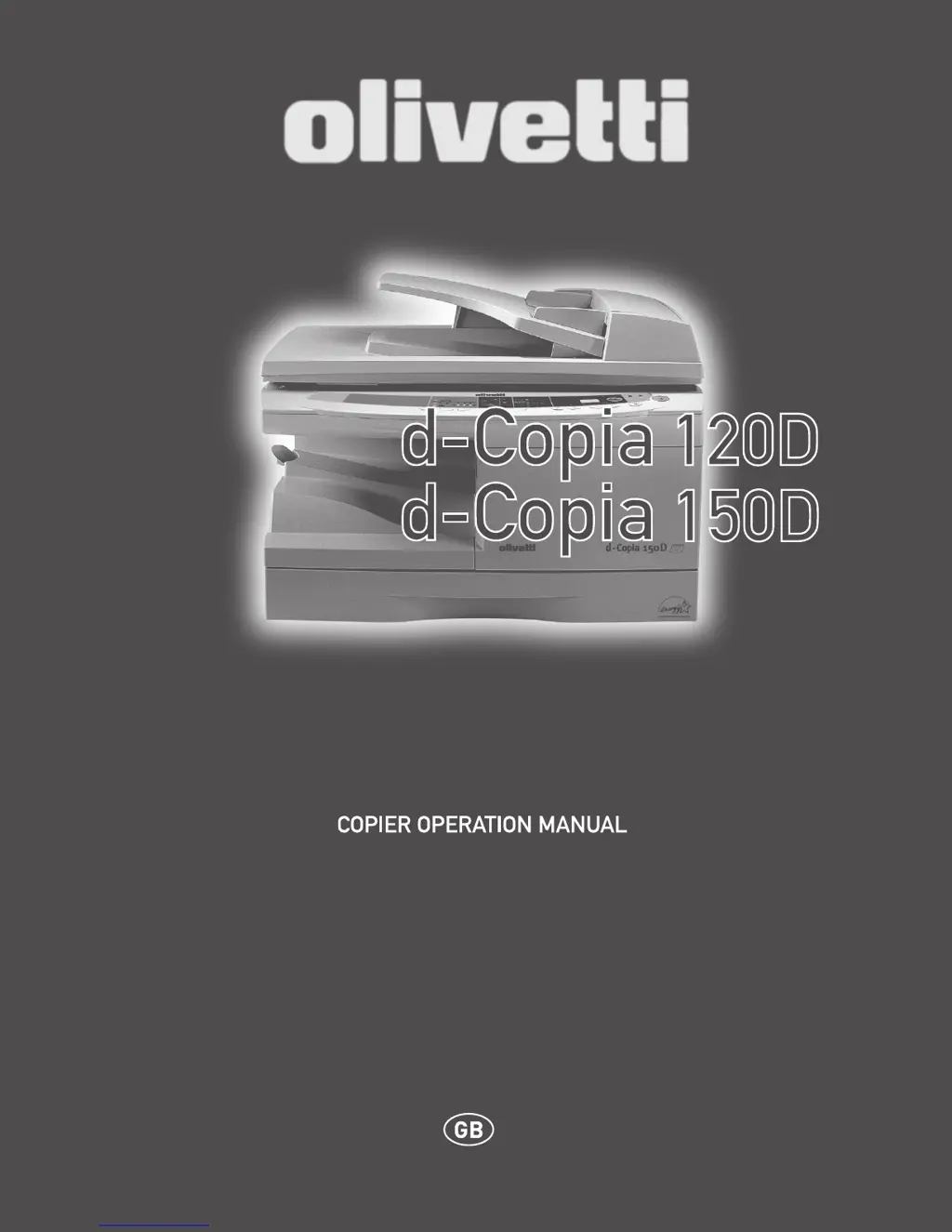
Olivetti D-COPIA 120D - User Manual

Olivetti D-COPIA 120D
81 pages
Print Icon
To Next Page IconTo Next Page
Loading...

Table of Contents

Questions and Answers

  • R
    Ryan ReynoldsAug 9, 2025
    What to do if my Olivetti Copier paper misfeeds frequently?
    • E
      Erin MurrayAug 9, 2025
      If your Olivetti Copier experiences frequent paper misfeeds, consider these potential causes and solutions: * Ensure you are using standard paper. If using special papers, feed them through the single bypass. * Make sure the paper is not curled or damp. Store paper flat in its wrapper in a dry location. * Check for and remove any pieces of misfed paper inside the unit. * Verify that the paper guides in the paper tray are set properly for the paper size. * Avoid overfilling the paper tray by removing excessive paper.
  • A
    Ashley ClarkAug 14, 2025
    Why are my Olivetti D-COPIA 120D copies too dark or too light?
    • M
      michelle76Aug 14, 2025
      If your Olivetti Copier copies are coming out too dark or too light, it could be due to several reasons. Check if the original image itself is too dark or light and adjust the exposure manually. Also, examine if the unit is in automatic exposure mode and adjust the automatic exposure level. Finally, determine if the unit is in photo exposure mode, and if so, cancel it.
  • J
    Joshua SmithAug 19, 2025
    What to do if my Olivetti D-COPIA 120D images rub off the copy easily?
    • M
      Mrs. Carrie BradleyAug 19, 2025
      If images rub off the copy easily when using your Olivetti Copier, it may be due to the paper you are using. Check if the paper is too heavy and use paper within the specified range. Also, ensure that the paper is not damp. Replace with dry paper and if the unit is not used for a long time, remove the paper from the paper tray and store it in its wrapper in a dry location.
  • K
    Kristina LoweAug 25, 2025
    How to fix blank copies from my Olivetti Copier?
    • A
      alexander90Aug 25, 2025
      If your Olivetti Copier is producing blank copies, ensure that the original is placed correctly. Place the original face down on the original table or face up in the SPF.
  • Z
    zjohnsonAug 29, 2025
    Why does my Olivetti D-COPIA 120D Copier not operate?
    • L
      Lisa WilliamsAug 29, 2025
      If your Olivetti Copier is not operating, check the following: * Is the unit plugged in? Plug the unit into a grounded outlet. * Is the power switch on? Turn the power switch on. * Is the side cover closed securely? Gently close the side cover. * Is the front cover closed? Gently close the front cover and then close the side cover.
  • A
    Austin ShermanSep 3, 2025
    Why does my Olivetti Copier have striped copies?
    • P
      Patricia StokesSep 3, 2025
      If your Olivetti Copier is producing striped copies, it could be due to a dirty transfer charger. Clean the transfer charger.

Olivetti D-COPIA 120D Specifications

General IconGeneral
BrandOlivetti
ModelD-COPIA 120D
CategoryCopier
LanguageEnglish

Related product manuals