31
4
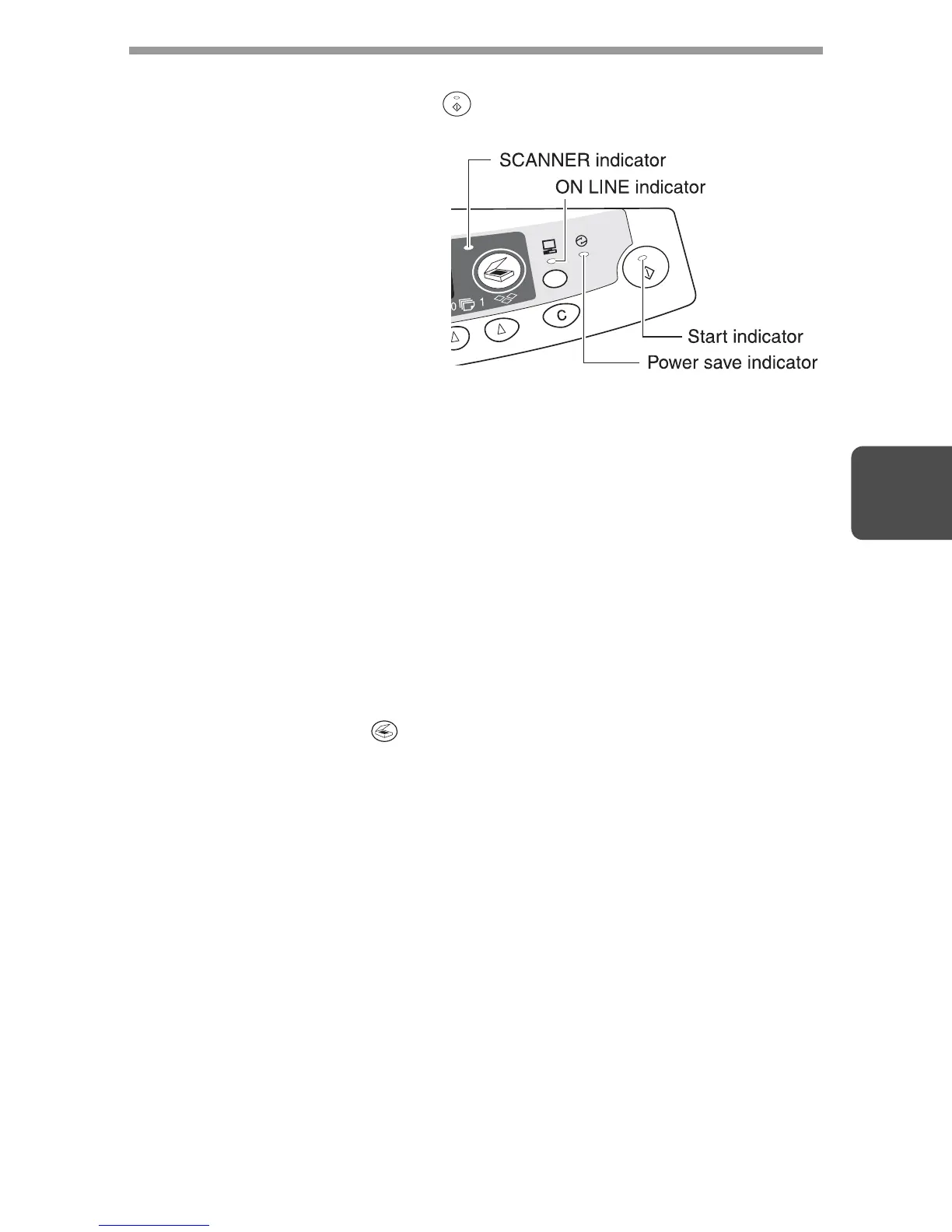
INDICATORS ON THE OPERATION PANEL
The ON LINE indicator and the Start ( ) indicator indicate the state of the printer
or scanner.
Start indicator
On: Indicates the unit is
ready for copying or
scanning is being
performed.
Blinking: The indicator blinks in
the following situation:
• When a print jobs is
interrupted.
• When reseving a
copy job.
• When toner is being
replenished during a
copy or print job.
Off: The indicator is off in the following situations:
• During copying or scanning.
• The unit is in the auto power shut-off mode.
• When a misfeed or error has occurred.
ON LINE indicator
The ON LINE key is pressed and on line and off line are changed.
On: Indicates the unit is ready for printing or scanning is being performed.
(On line)
Blinking: Printing or data is being received from a computer.
Off: Copying is being performed. (Off line)
Power save indicator
On: Indicates the unit is in a power save mode.
Blinking: Indicates that the unit is initialising (when the side cover is opened and
closed or the power turned off and on).
SCANNER indicator
On: The SCANNER ( ) key has been pressed and the unit is in scanner
mode.
Blinking: A scan job is being executed from the computer, or scan data is stored
in the unit's memory.
Off: The unit is in the copy mode.












 To Next Page