BIOS Utilities
5 - 12 Boot Menu
5
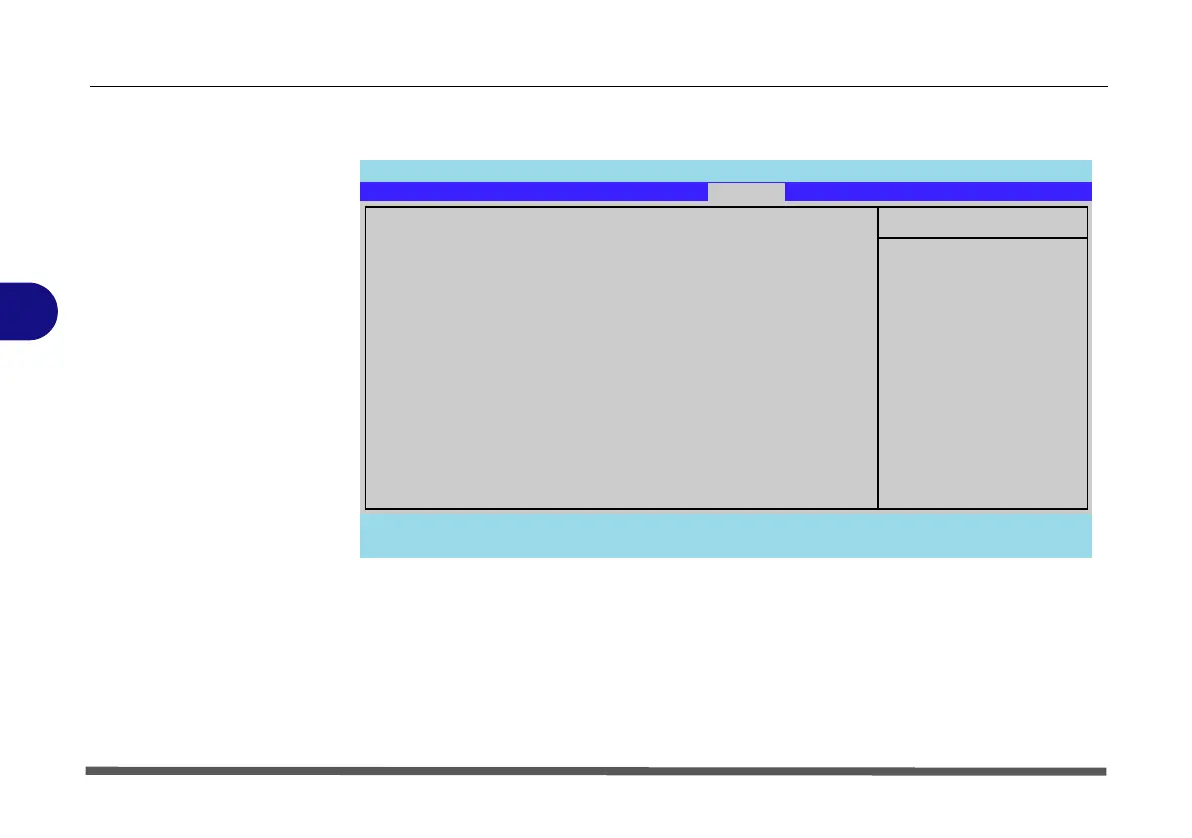
Boot Menu
When you turn the computer on it will look for an operating system (e.g. Win-
dows Vista) from the devices listed in this menu, and in this priority order.
If it cannot find the operating system on that device, it will try to load it from
the next device in the order specified in the Boot priority order. Item specific
help on the right is available to help you move devices up and down the order.
Figure 5 - 5
Boot Menu
Phoenix TrustedCore(tm) Setup Utility
F1 Help Select Item -/+ Change Values F9 Setup Defaults
Esc Exit Select Menu Enter Select Sub-Menu F10 Save and Exit
Item Specific Help
Keys used to view or
configure devices:
Up and Down arrows
select a device.
<+> and <-> moves
the device up or down.
<x> exclude or include
the device to boot.
<Shift + 1> enables or
disables a device.
Boot priority order:
1: USB HDD:
2: USB CDROM:
3: IDE CD:
4: IDE HDD: FUJITSU MHY212BH-(S1)
5: USB KEY:
6: USB FDC:
7: PCI BEV: KMC26X Fast Ethernet Contr
8:
Excluded from boot order:
: USB ZIP:
Main Advanced Security
Boot
Exit


 To Next Page