Troubleshooting
8 - 6 Problems and Possible Solutions
8
Problems and Possible Solutions
Problem Possible Cause - Solution
You turned on the power but it doesn’t
work.
Battery missing / incorrectly installed. Check the battery bay, make sure the battery
is present and seated properly (the design of the battery only allows it to go in one
way). Make sure there’s nothing interfering with the battery contacts.
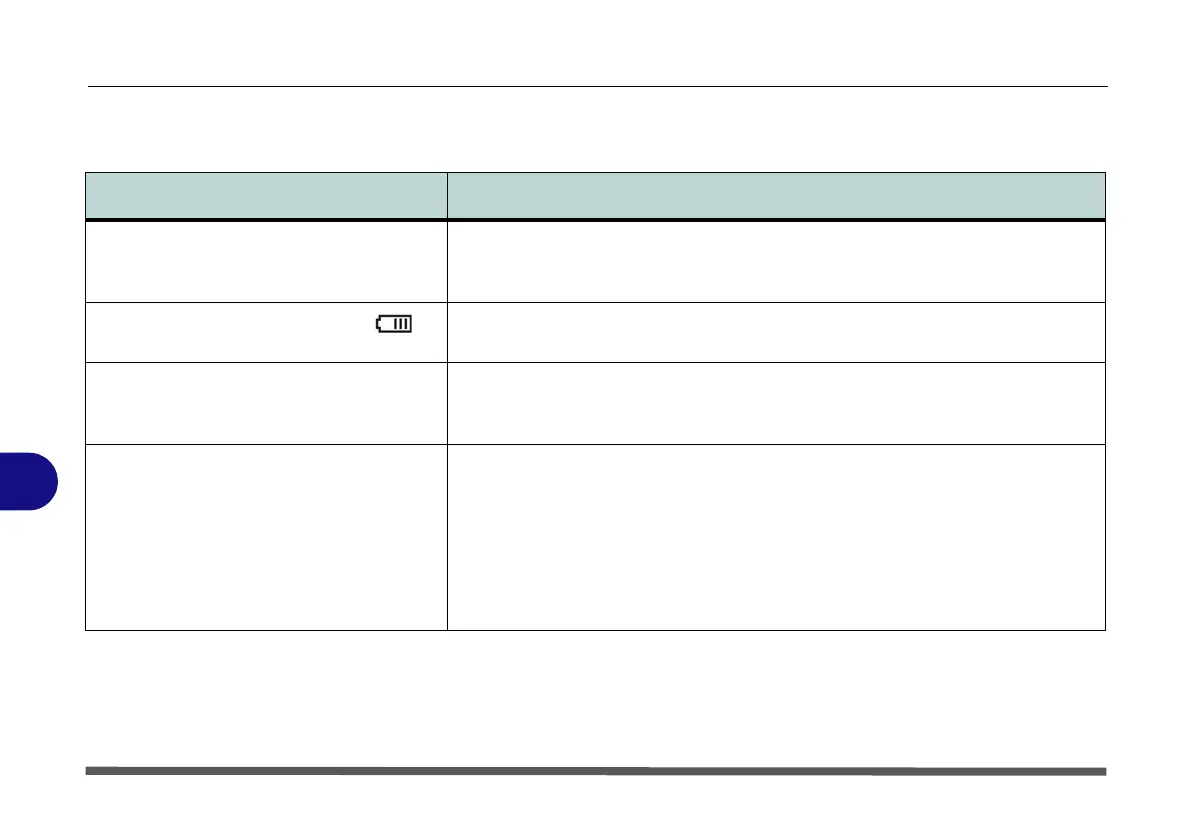
The battery LED power indicator , is
blinking orange.
Low Battery. Plug in the DC power source. If the computer doesn’t start up
immediately, turn it off then on again.
You are losing battery power too quickly. The system is using too much power. If your OS has a Power Options Scheme (see
“Power Schemes” on page 3 - 4) check its settings. You may also be using a USB
device/external device that is drawing a lot of power.
Actual battery operating time is shorter
than expected.
The battery has not been fully discharged before being recharged. Make sure the
battery is fully discharged and recharge it completely before reusing (see “Battery
Information” on page 3 - 9).
Power Options have been disabled. Go to the Control Panel in Windows and re-
enable the options.
A peripheral device is consuming a lot of power. Turn off the unused device to save
power.


 To Next Page