4-67
Operation Panel
3 Press or to select the connection mode.
4 Press [OK]. The Custom Setup menu reappears.
Channel (Channel settings)
This sets the Channel to be used in the wireless network.
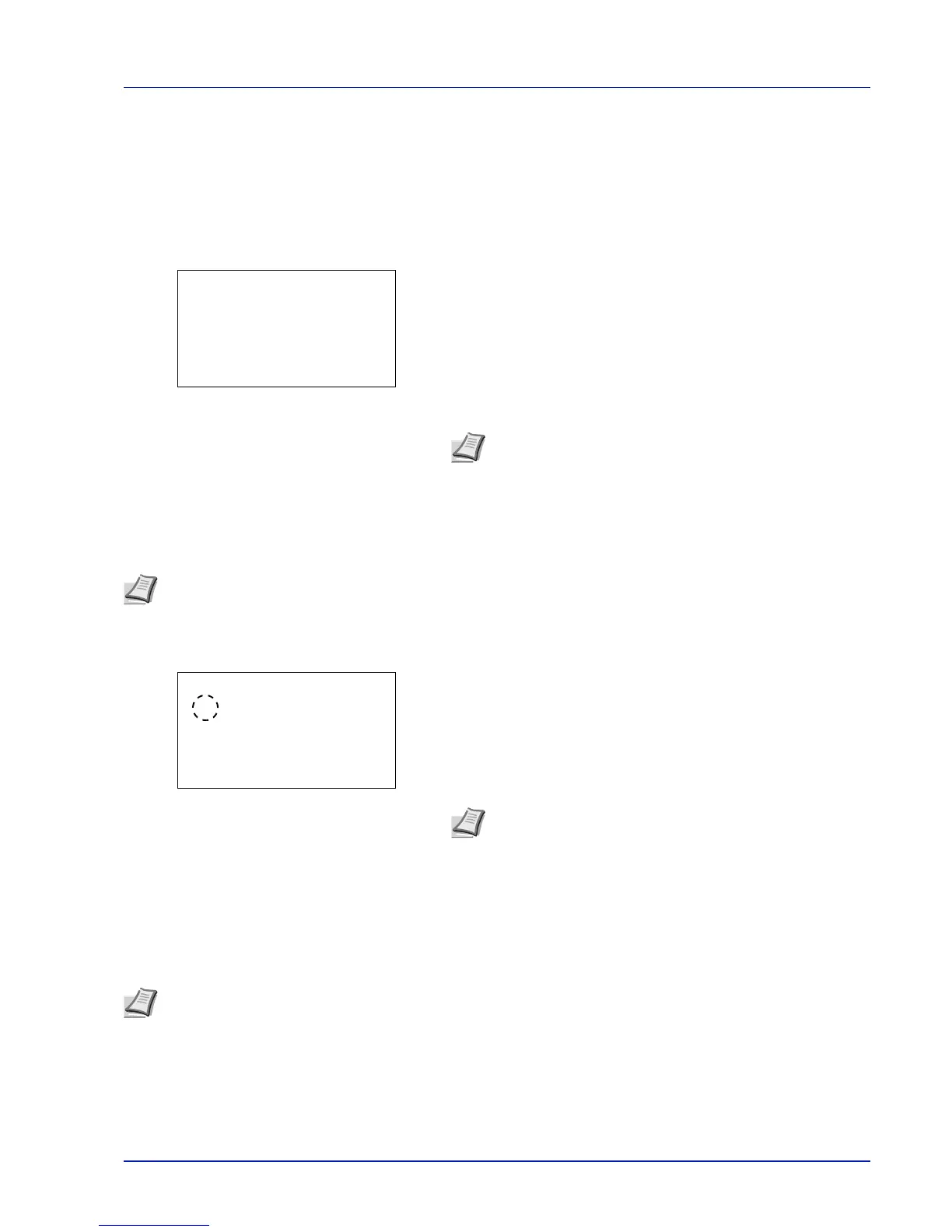
1 In the Custom Setup menu, press or to select Channel.
2 Press [OK]. The Channel screen appears.
3 Enter the Channel number using the numeric keys, or .
4 Press [OK]. The Custom Setup menu reappears.
Netwk Authentic. (Network Authentication setting)
This sets the authentication method to be used when connecting to an access point.
1 In the Custom Setup menu, press or to select Netwk
Authentic..
2 Press [OK]. The Netwk Authentic. screen appears.
The available authentication methods are as follows:
Open
Shared
WPA-PSK
WPA2-PSK
3 Press or to select the desired authentication method.
4 Press [OK]. The Custom Setup menu reappears.
Encryption (Encryption settings)
This selects the encryption settings.
1 In the Custom Setup menu, press or to select Encryption.
Note The Channel can be set between 1 and 11.
Note You can also configure the network authentication setting for WPA-Enterprise and WPA2-Enterprise using
the web page of the optional wireless network interface kit (IB-51). For details, refer to the IB-51 User's Manual.
Note WPA-PSK and WPA2-PSK are only displayed when
Infrastructure has been set as the Connection mode
(Switch between connection modes) on page 4-66.
Note This setting is not displayed when the setting for Netwk Authentic. (Network Authentication setting) on page
4-67 is set to use an authentication method other than Open, Shared, WPA-PSK and WPA2-PSK, using Utility.













 To Next Page