4-5
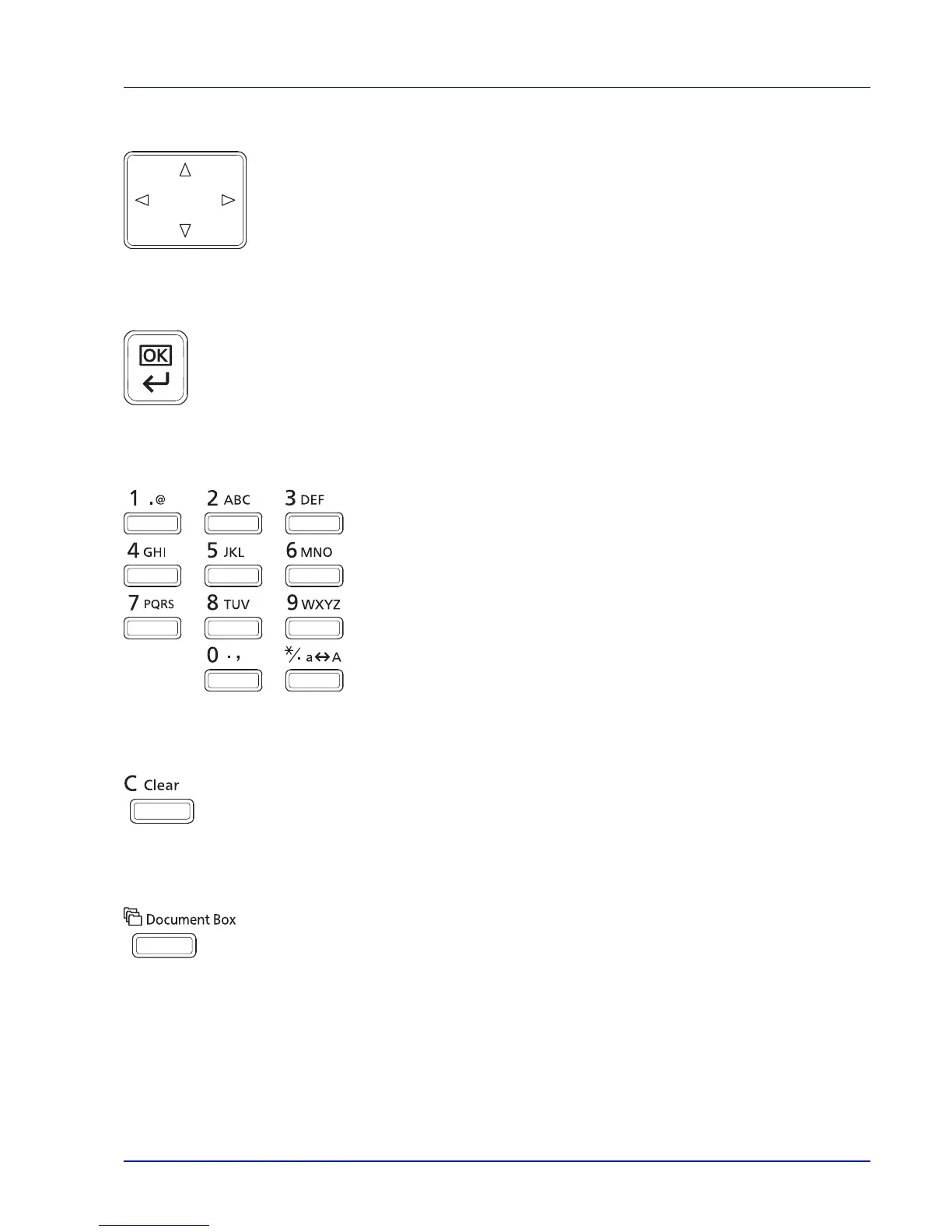
Operation Panel
Arrow Keys
• The four arrow keys are used in the menu system to access an item or enter numeric values.
OK Key
• Finalize settings of numeric values and other selections.
Numeric Keys
• Enter numbers and symbols.
Clear Key
• Clears entered numbers and characters.
Document Box Key
• Press this key when using Document Box. For details, refer to Document Box on page 5-1.



 To Next Page