4-21
Operation Panel
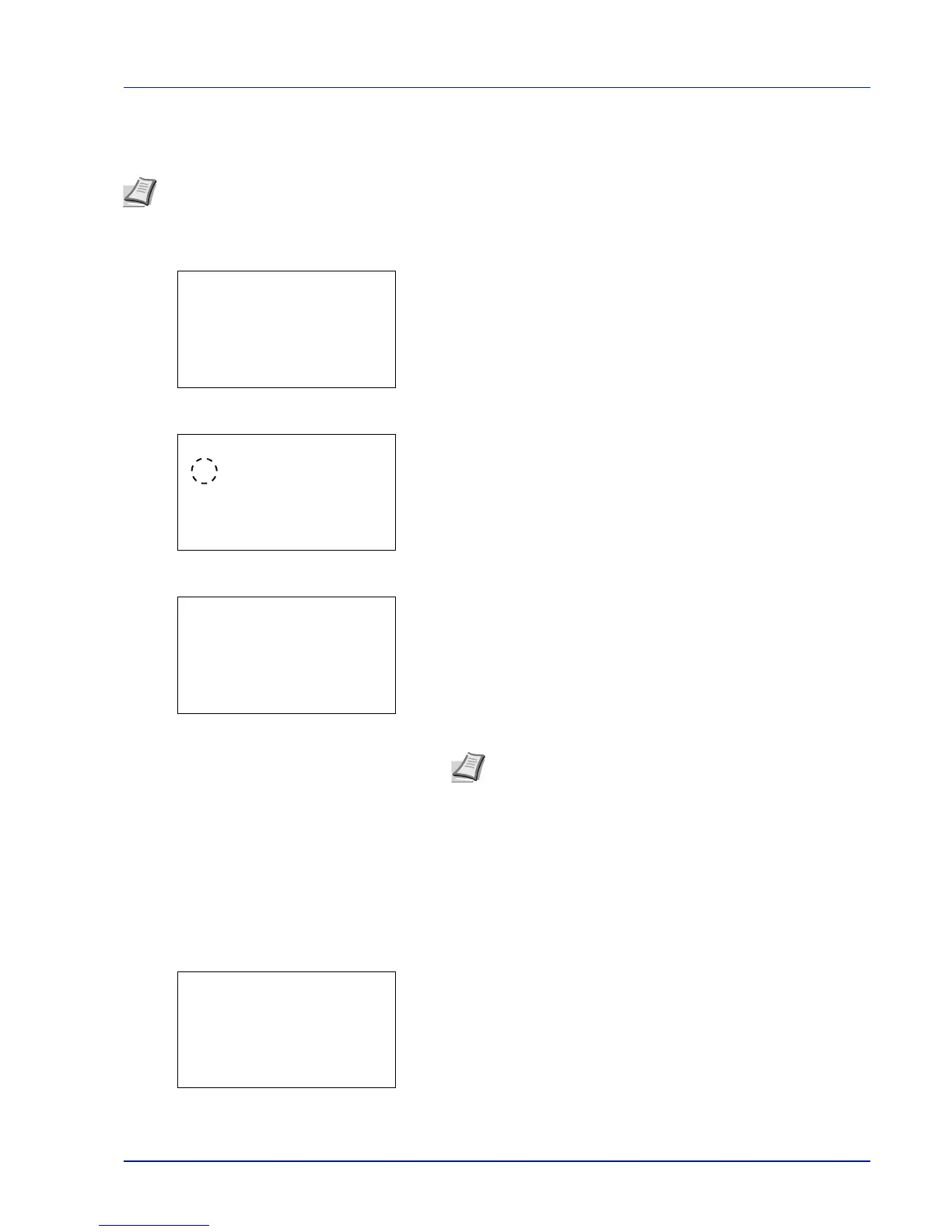
JobFinish Notice (Setting for notification when jobs are finished.)
Notification that a job has finished is sent by E-Mail.
1 In the Copies menu or the Paper Source menu, press
[Function] ([Right Select]). The Function menu appears.
2 Press or to select JobFinish Notice.
3 Press [OK]. The JobFinish Notice screen appears.
4 Press or to select On.
5 Press [OK]. The Address Entry screen appears.
6 Enter the address to be notified.
7 Press [OK]. Register the address and the Function menu
reappears.
Encrypted PDF (Entering the PDF password)
The password of a PDF file can be entered.
1 In the Copies menu or the Paper Source menu, press
[Function] ([Right Select]). The Function menu appears.
2 Press or to select Encrypted PDF.
Note To send E-mail from this machine, set the SMTP and POP3 settings to On. For details, refer to the Protocol
Detail (Detailed settings for the network protocol) on page 4-60.
It is necessary to register a mail server. For the method for setting the server, refer to the section on Embedded Web
Server RX on page 2-17.
Function:
a
b
********************-
2
EcoPrint
3
File Name Entry
1
Duplex
JobFinish Notice:
a
b
********************-
2
On
1
*Off
Address Entry:
a
b
*
ABC
[ Text ]
Note Up to 128 characters can be entered. For details on
entering characters, refer to Character Entry Method on page
A-2.
When user login administration is enabled, the address of the
logged in user is entered.
Function:
a
b
********************-
2
EcoPrint
3
File Name Entry
1
Duplex













 To Next Page