Preparation before Use
2-20
Power On/Off
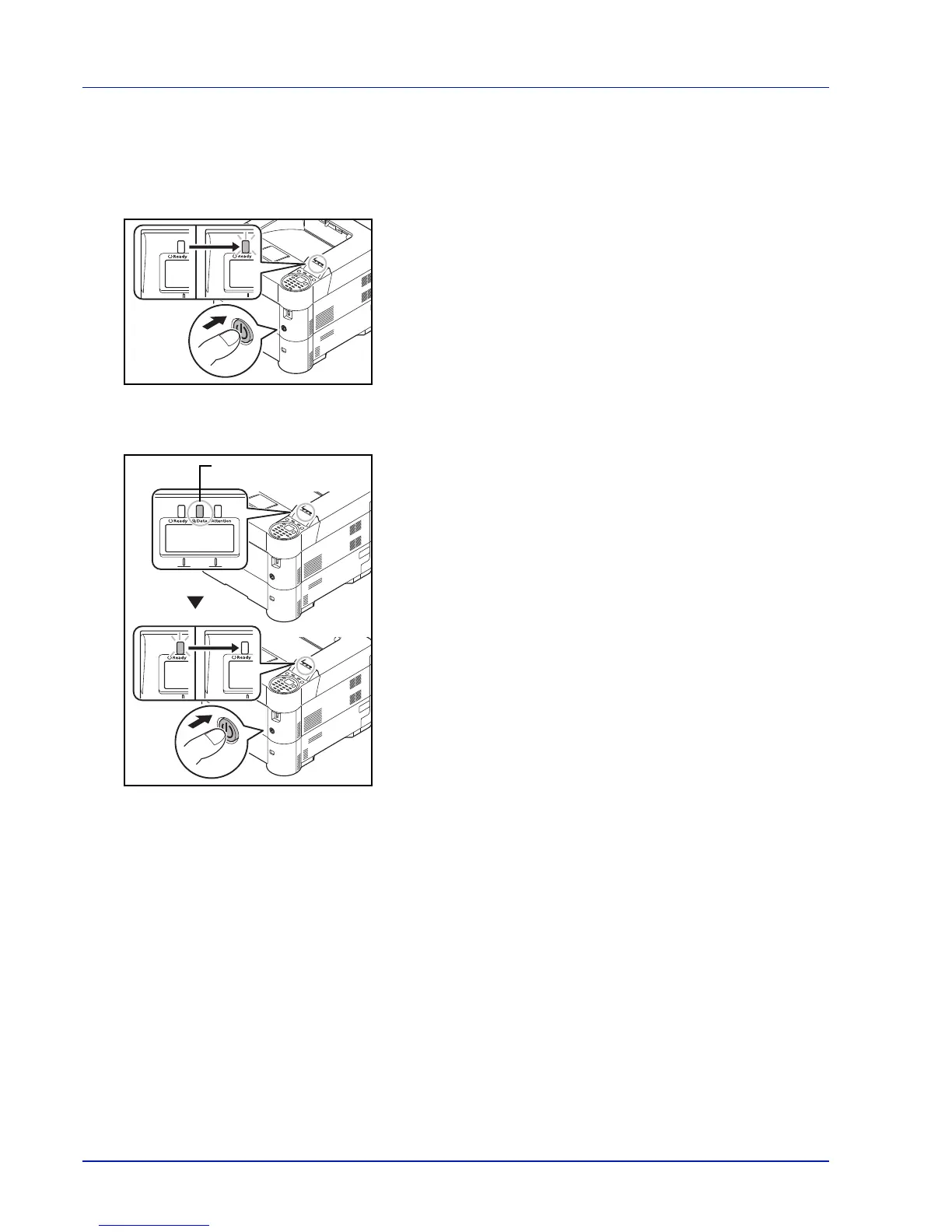
Power On
1 Press the Power switch.
IMPORTANT When turning off the power switch, do not turn on the
power switch again immediately. Wait more than 5 seconds, and then
turn on the power switch.
Power Off
1 Make sure that the Data indicator is off, then press the Power switch.













 To Next Page