Operation Panel
4-36
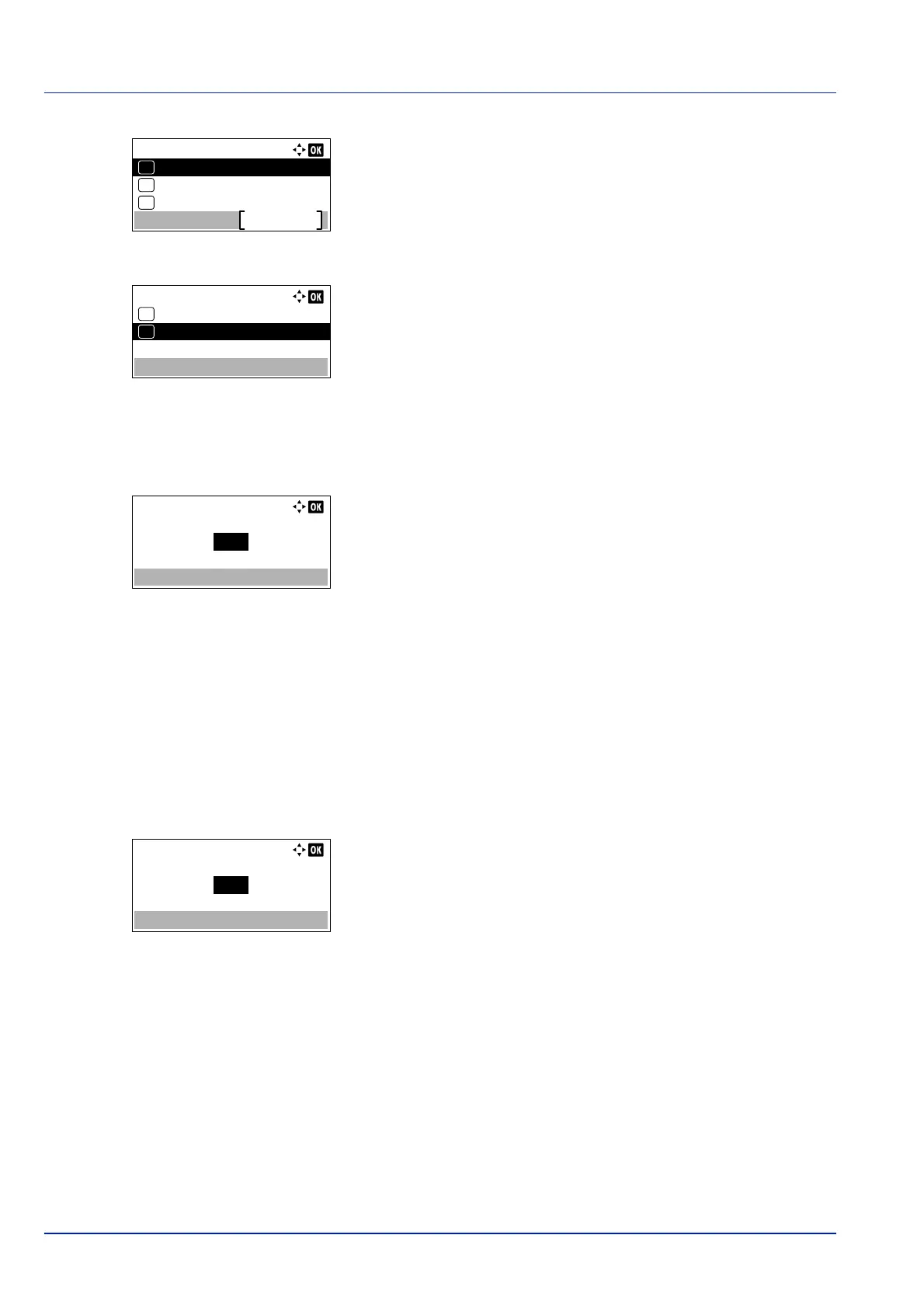
2 Press [OK]. The Custom PaperSize menu screen appears.
3 Press or to select Measurement.
4 Press [OK]. The Measurement menu screen appears.
5 Press or to select the paper size units and then press [OK]. The
unit for entering the p
aper size is set and the Custom PaperSize
menu screen reappears.
6 Press or to select Size Entry(Y).
7 Press [OK]. The Size Entry(Y) menu screen appears.
8 Use the numeric keys or press or to enter the paper length.
The range of paper lengths you can set for each cassette is as
follows:
• C
assette:
148
to 356 mm (5.83 to 14.02 inches)
• Paper Feeder PF-320:
162 to 356 mm (6.38 to 14.02 inches)
9 Press [OK]. The entered paper length is set and the Custom
Pa
perSize menu screen reappears.
10
Press or to select Size Entry(X).
11
Press [OK]. The Size Entry(X) menu screen appears.
12
Use the numeric keys or or to enter the paper width.
The range of paper widths you can set for each cassette is as follows:
• Cassette:
10
5 to 216 mm (4.13 to 8.5 inches)
• Paper Feeder PF-320:
92 to 216 mm (3.62 to 8.5 inches)
13
Press [OK]. The entered paper width is set and the Custom
Pa
perSize menu screen reappears.
14
Pressing [Exit] ([Right Select]) returns to the Ready to print
scre
en.
Custom PaperSize:
Size Entry(X)
Exit
03
Size Entry(Y)
02
01
Measurement
Size Entry(Y):
200
(148 - 356)
mm
Size Entry(X):
216
(105 - 216)
mm













 To Next Page