3-7
Printing
Printing System Driver Help
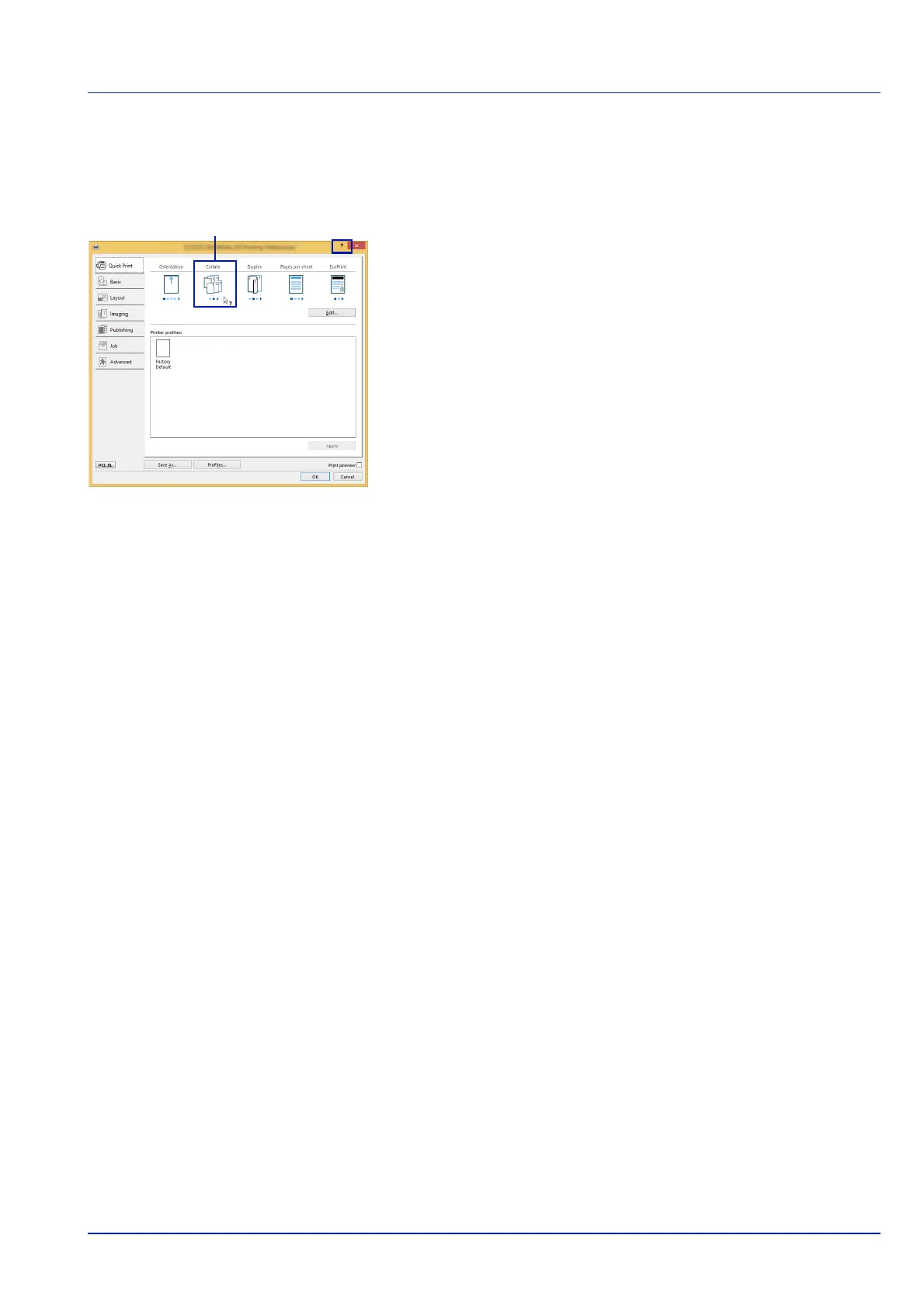
The Printing System Driver includes Help. To learn more about print settings, display the Printing System Driver print settings screen and
display Help using either of the methods explained below.
• Click the ? button in the upper right corner of the screen and then click the
item you want to know about.
• Click the item you want to know about and press the [F1] key on your
keyboard.
Changing the Default Printing System Driver Settings (Windows 8.1)
The default Printing System Driver settings can be changed. By selecting frequently used settings, you can omit steps when
printing. For the settings, refer to Printing System Driver User Guide.
1 In charms on Desktop, click Settings, Control Panel, and then
Devices and Printers.
2 Right-click the Printing System Driver icon of the machine, and click
Printer properties menu of the
Printing System Driver
3 Click Preferences on the General tab.
4 Select the default settings and click OK.













 To Next Page