4-49
Operation Panel
KPDL Error Rpt. (Printing KPDL errors)
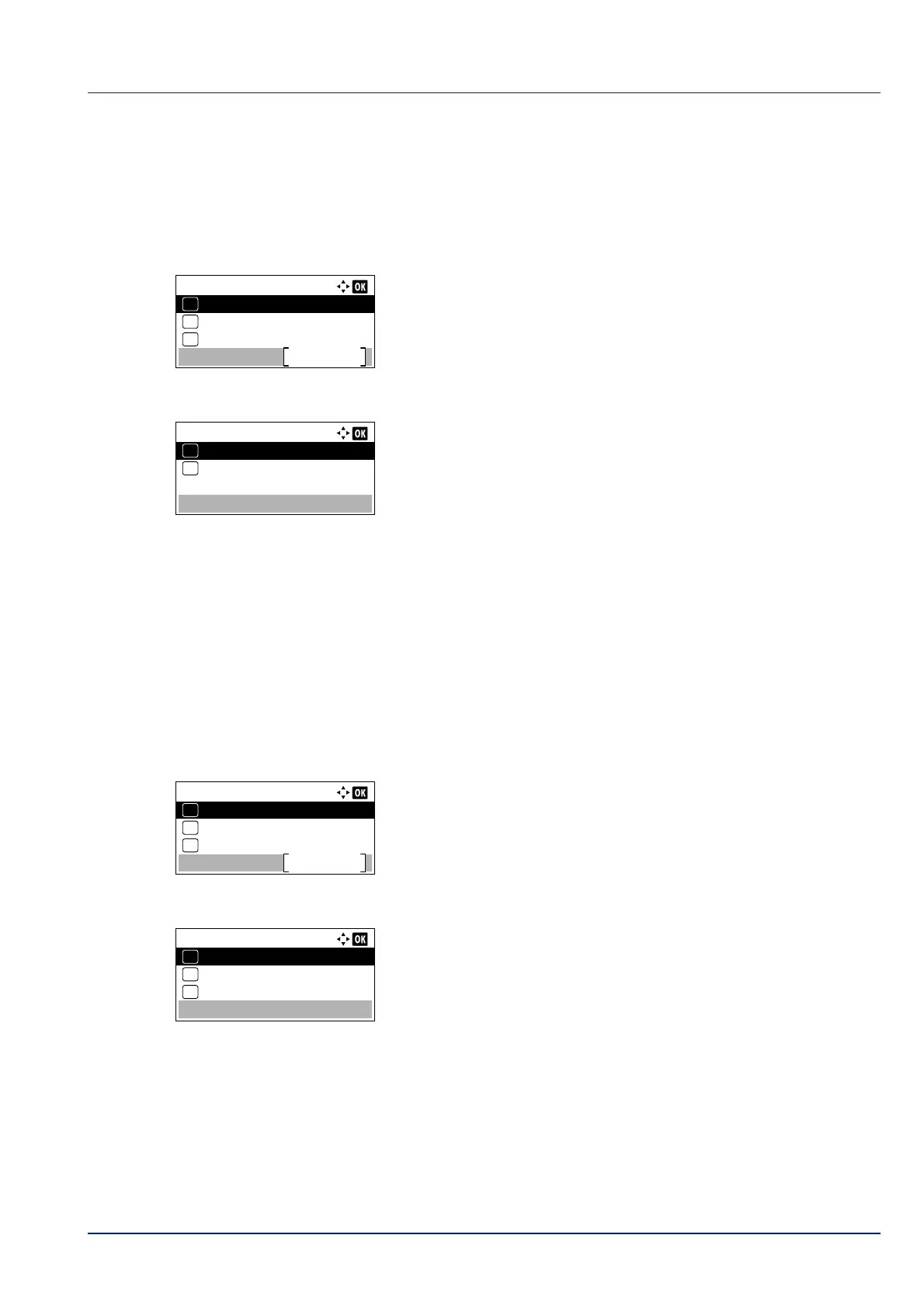
The printer can print error descriptions when printing error occurs during KPDL emulation.
1 In the Print Settings menu, press or to select Emulation
Set..
2 Press [OK]. The Emulation Set. menu screen appears.
3 Press or to select KPDL Error Rpt..
4 Press [OK]. The KPDL Error Rpt. screen appears.
5 Press or to select whether error reports are printed.
6 Press [OK]. The error report print setting is set and the Emulation
Set. menu reappears
.
Alt. Emulation (Alternative Emulation for KPDL Emulation)
The KPDL (AUTO) emulation enables the printer to automatically change the emulation mode according to the data
received when printing.
1 In the Print Settings menu, press or to select Emulation
Set..
2 Press [OK]. The Emulation Set. menu screen appears.
3 Press or to select Alt. Emulation.
4 Press [OK]. The Alt. Emulation screen appears showing a list of
the available alternative emulations.
The available altern
ative emulations are as follows:
PCL6
IBM Proprinter
EPSON LQ-850
Line Printer
5 Press or to select the desired alternative emulation.
6 Press [OK]. The alternative emulation is set and the Emulation
Set. menu reappears
.
IMPORTANT This setting only appears when KPDL or KPDL(Auto) is selected for the emulation.
Emulation Set.:
Alt. Emulation
Exit
03
KPDL Error Rpt.
02
01
Emulation
KPDL Error Rpt.:
Off
01
On
02
*
IMPORTANT This setting only appears when KPDL(Auto) is selected for the emulation.
Emulation Set.:
Alt. Emulation
Exit
03
KPDL Error Rpt.
02
01
Emulation
Alt. Emulation
PCL6
01
IBM Proprinter
02
*
EPSON LQ-850
03













 To Next Page