Operation Panel
4-54
Print Resolution (Selecting the Print Resolution)
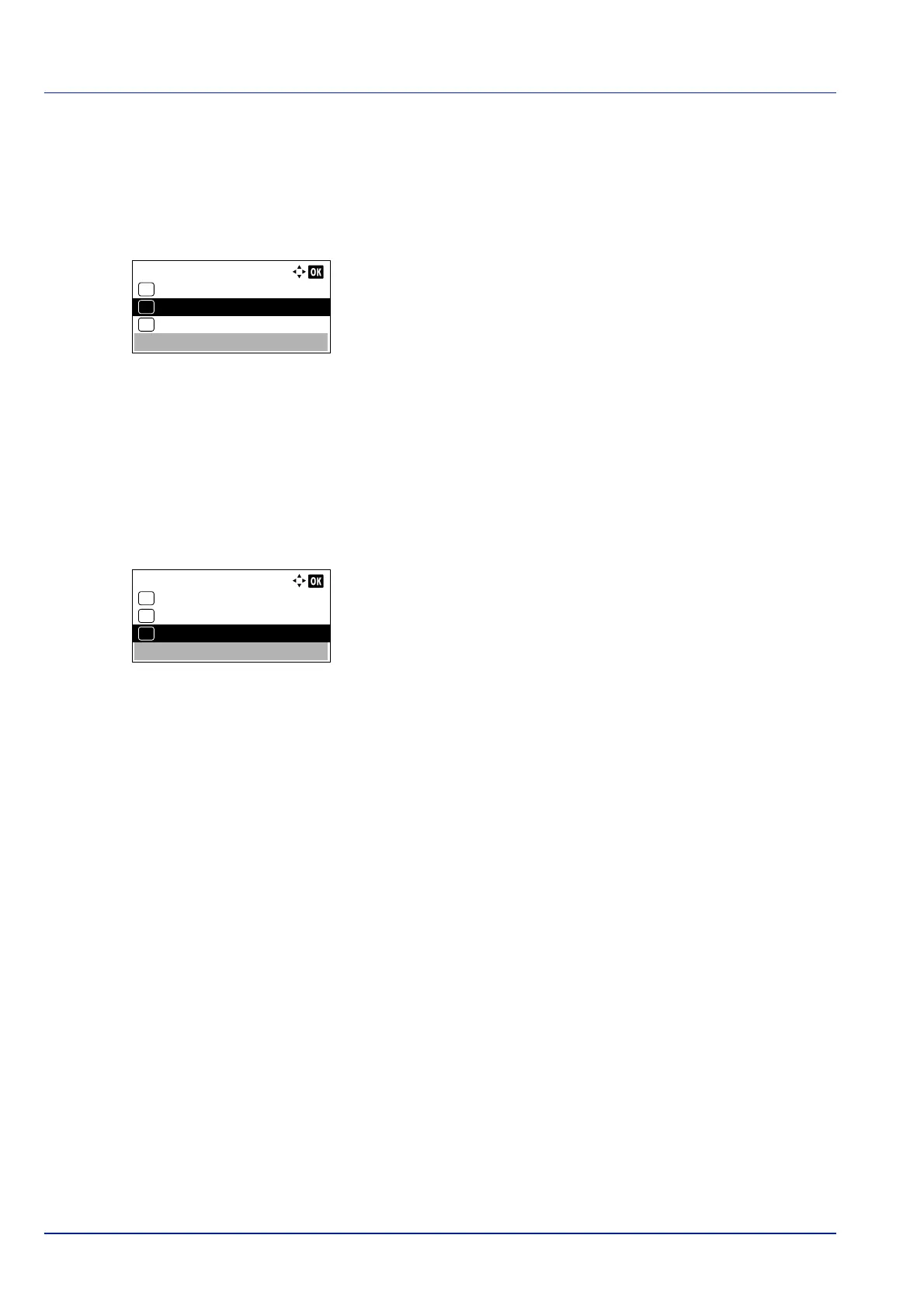
You can set the default print resolution in four ways: 300dpi, 600dpi, Fast1200 and Fine1200. The clarity of printed
characters and graphics becomes sharper in this order.
1 In the Print Quality menu, press or to select Print
Re
solution.
2 Press [OK]. The Print Resolution screen appears.
3 Press or to select the Print Resolution.
4 Press [OK]. The Print Resolution is set and the Print Quality
menu screen reappears.
Print Density (Selecting the Print Density)
The print density can be adjusted in five steps: from 1 Lighter to 5 Darker.
1 In the Print Quality menu, press or to select Print
De
nsity.
2 Press [OK]. The Print Density screen appears.
3 Press or to select the print density from five steps from 1
Li
ghter to 5 Darker
4 Press [OK]. The print density is set and the Print Quality menu
scre
en reappears.
Print Resolution:
Fine1200
01
Fast1200
02
*
600dpi
03
Print Density:
1 Lighter
01
2
02
*3
03













 To Next Page