4-57
Operation Panel
6 Press [OK]. The Reduced Print is set and the Page Setting menu
reappea
rs.
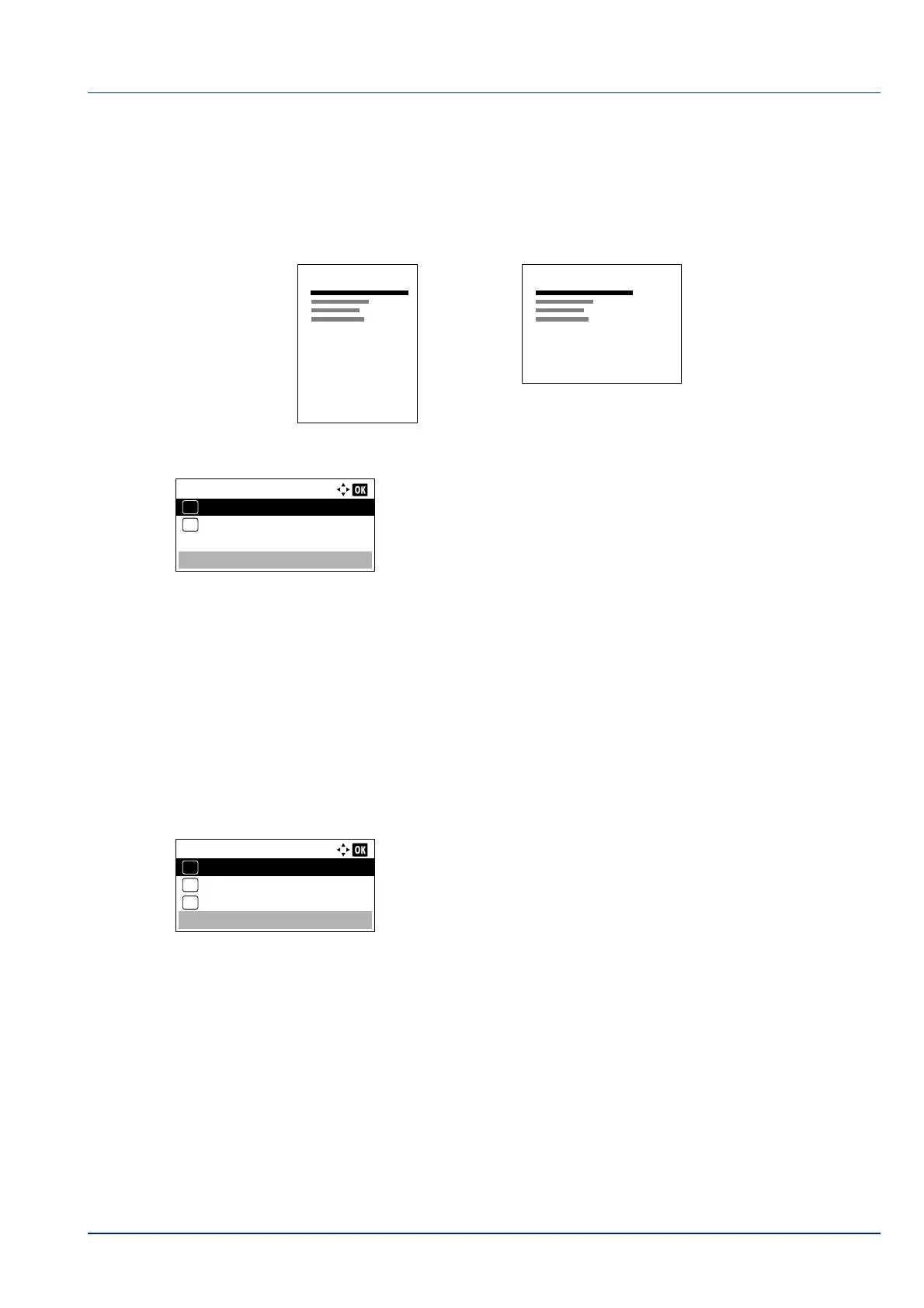
Orientation (Print orientation)
You can select portrait (upright) or landscape (sideways) page orientation.
1 In the Page Setting menu, press or to select Orientation.
2 Press [OK]. The Orientation screen appears.
3 Press or to select the desired Orientation.
4 Press [OK]. The orientation is set and the Page Setting menu
reappea
rs.
LF Action (Linefeed)
This procedure instructs the printer what to do when it receives a linefeed code (0AH).
• LF Only: Linefeed is performed.
• LF and CR: A linefeed and carriage return are performed.
• Ignore LF: The linefeed is ignored.
1 In the Page Setting menu, press or to select LF Action.
2 Press [OK]. The LF Action screen appears.
3 Press or to select the desired action.
4 Press [OK]. The action is set and the Page Setting menu
reappea
rs.
Portrait Orientation
A
Landscape Orientation
A
Orientation:
Portrait
01
Landscape
02
*
LF Action:
LF Only
01
LF and CR
02
*
Ignore LF
03













 To Next Page