Operation Panel
4-62
Device Name (Specify the device name.)
Specify the device name.
1 In the Wi-Fi Direct Set menu, press or to select Device
Na
me.
2 Press [OK]. The Device Name screen appears.
3 Enter the device name using the numeric keys.
4 Press [OK]. The device name is stored and the Wi-Fi Direct Set
menu reappears.
IP address (Check the IP address of the machine)
Check the IP address of the machine.
1 In the Wi-Fi Direct Set menu, press or to select IP
ad
dress.
2 Press [OK]. The IP address screen appears.
Auto Disconnect (Auto Disconnect Settings)
Automatically disconnect devices connected through Wi-Fi Direct.
1 In the Wi-Fi Direct Set menu, press or to select Auto
Di
sconnect.
2 Press [OK]. The Auto Disconnect screen appears.
3 Press or to select On or Off.
4 Press [OK]. TheAuto Disconnect setting is set and the Wi-Fi
Di
rect Set menu reappears.
Note This setting is displayed when the setting for Wi-Fi Direct (Enable/Disable Wi-Fi Direct) on page 4-61 is set to
On.
Note Up to 32 characters can be entered. For details on
entering characters, refer to Character Entry Method on page
A-2.
Note This setting is displayed when the setting for Wi-Fi Direct (Enable/Disable Wi-Fi Direct) on page 4-61 is set to
On.
IP Address:
192. 168. 0. 10
Note This setting is displayed when the setting for Wi-Fi Direct (Enable/Disable Wi-Fi Direct) on page 4-61 is set to
On.
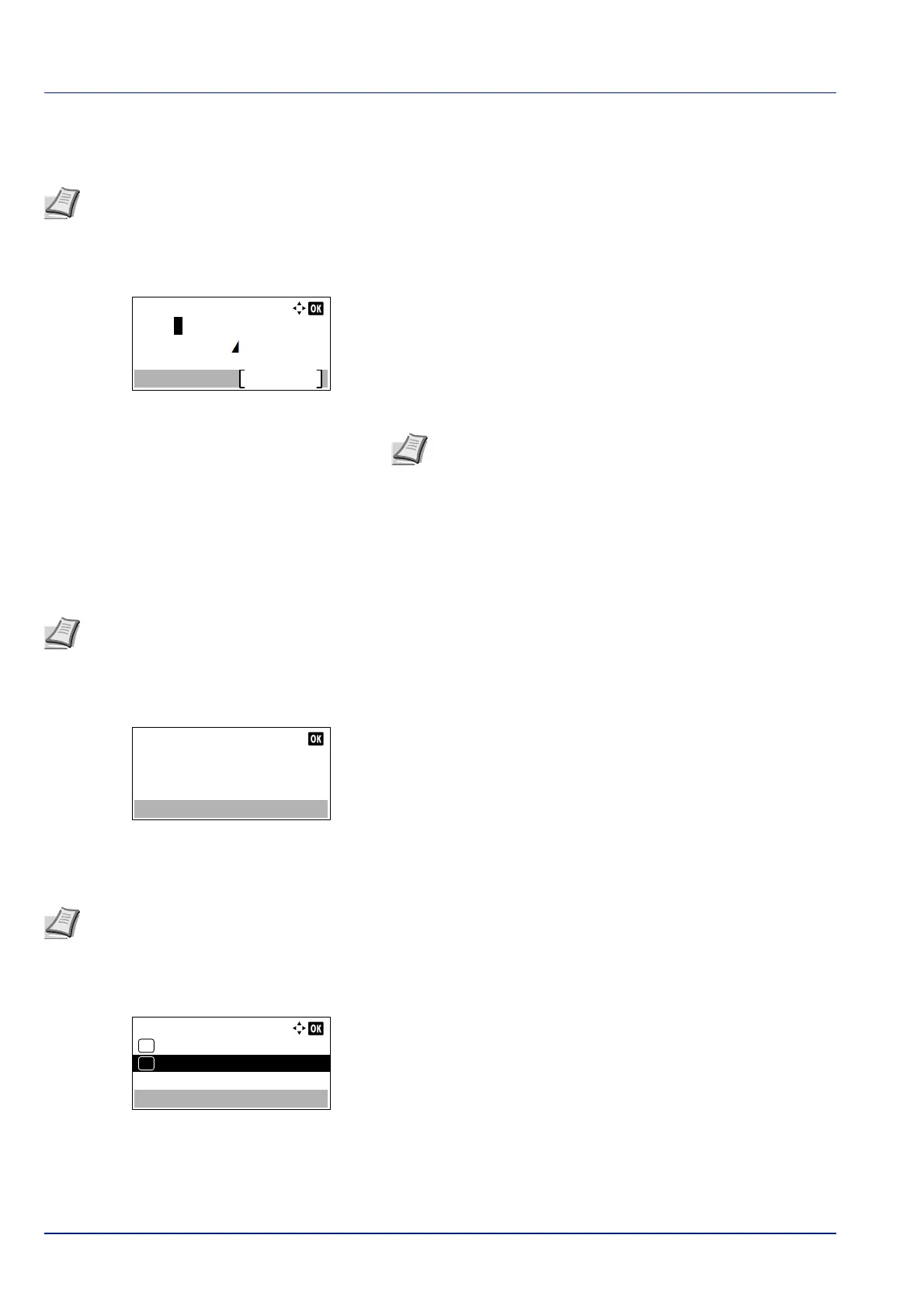
Auto Disconnect:
Off
01
On
02
*













 To Next Page