4-79
Operation Panel
Use the procedure below.
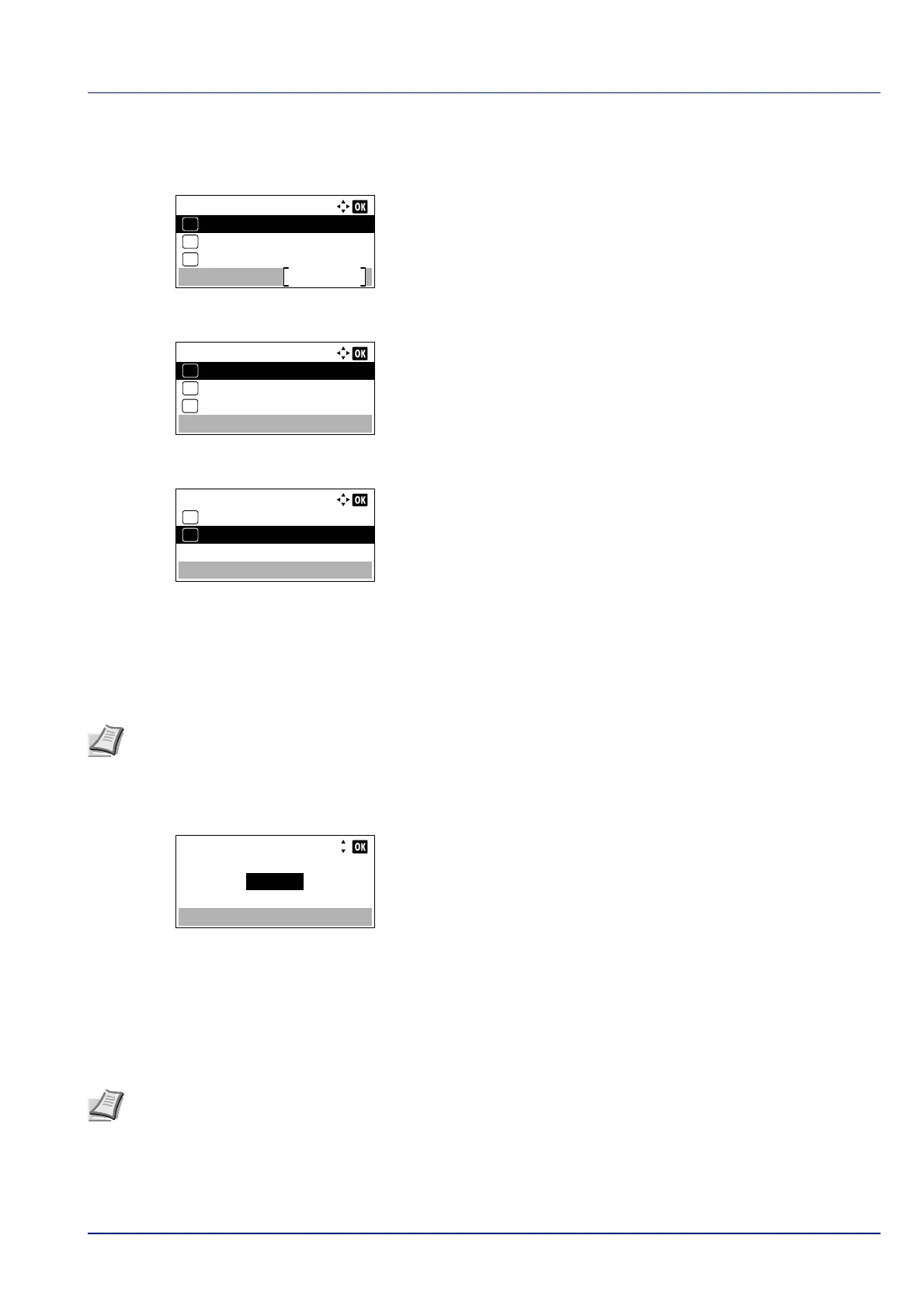
1 In the Network menu, press or to select ProtocolSettings.
2 Press [OK]. The ProtocolSettings menu screen appears.
3 Press or to select the item for which you want to make settings.
4 Press [OK]. This displays the setting screen for the item selected in
step 3.
The scre
en shown is the one when IPP is selected.
5 Press or to select Off/On.
6 Press [OK]. The Off/On screen appears.
7 Press or to select On or Off.
8 Press [OK]. The IPP menu screen reappears.
Port Number (Port Number settings)
Specify the port number.
1 Press or key in the menu screen of the selected item, and select
the Port Number.
2 Press [OK]. The Port Number screen appears.
3 Use the numeric keys or press or to set the Port Number.
4 Press [OK]. The Port Number is set and the menu screen of the
selected item reapp
ears.
Available Net. (Protocol settings of each network)
Set whether to enable this function for each network.
1 Press or key in the menu screen of the selected item, and select
the Available Net.
ProtocolSettings:
NetBEUI
Exit
03
IPSec
02
01
Bonjour
IPP:
Off/On
01
Port Number
02
*
Available Net.
03
Note This function appears when "IPP" or "ThinPrint" is selected in Protocol Settings (Detailed
settings for the network protocol) on page 4-25.
Port Number:
(1 - 32767)
12345
Note This setting is is only displayed when the optional Wireless Network Interface Kit is installed.













 To Next Page