Troubleshooting
8-22
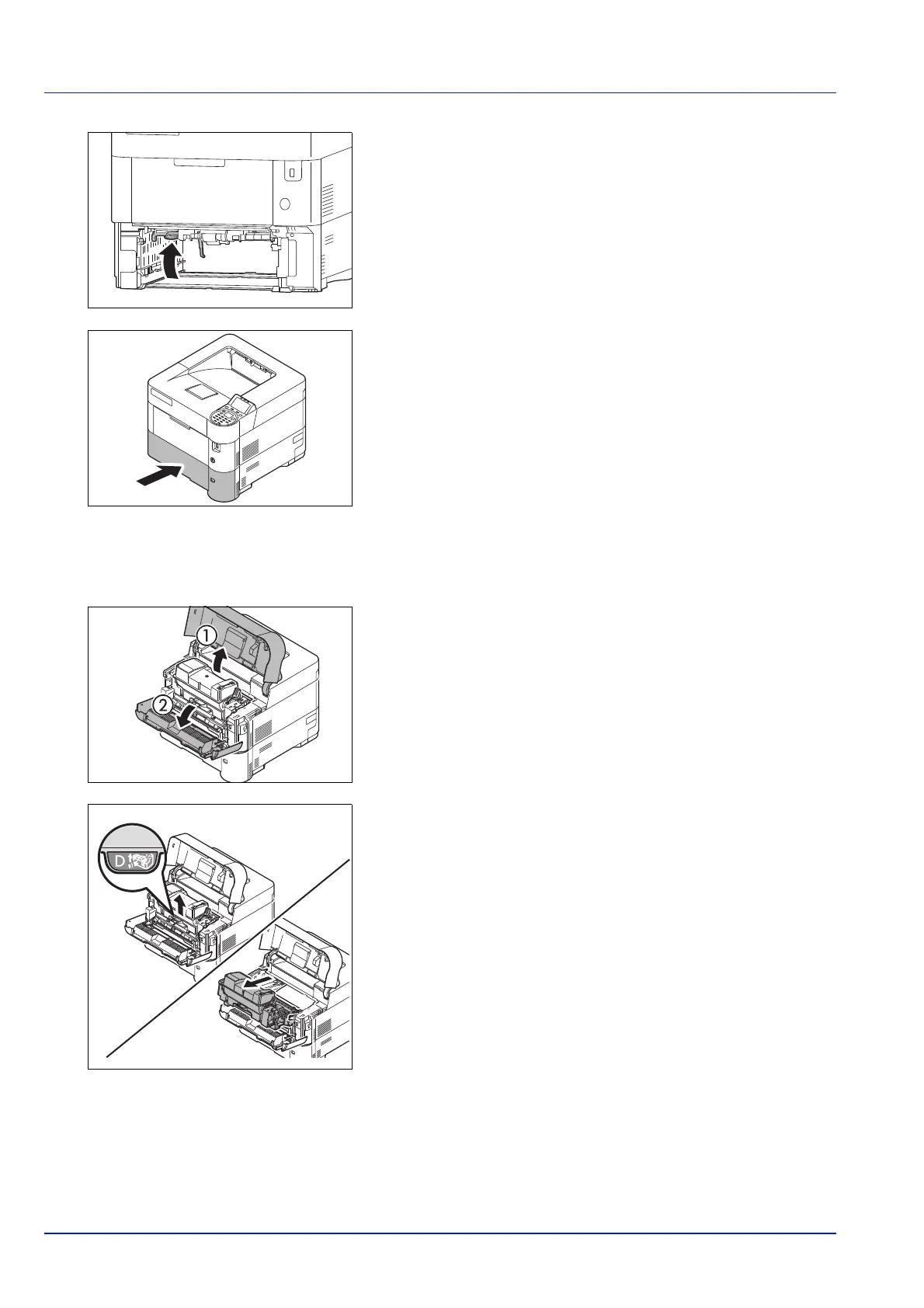
3 Close the duplex front cover.
4 Insert the cassette into the slot in the printer. The printer warms up
and resumes printing.
Inside the Printer
Paper is jammed inside the printer . Remove the jammed paper using the procedure given below.
1 Open the top cover and front cover.
IMPORTANT Before clearing the jammed paper, remove the
paper on the MP tray.
2 Pull the developer unit together with the toner container.













 To Next Page