A-9
Appendix
PT-320 Faceup Output Tray (Only PG L2550/PG L2555)
Use the faceup output tray when you wish paper to be stacked with the printed side facing up (reverse order).
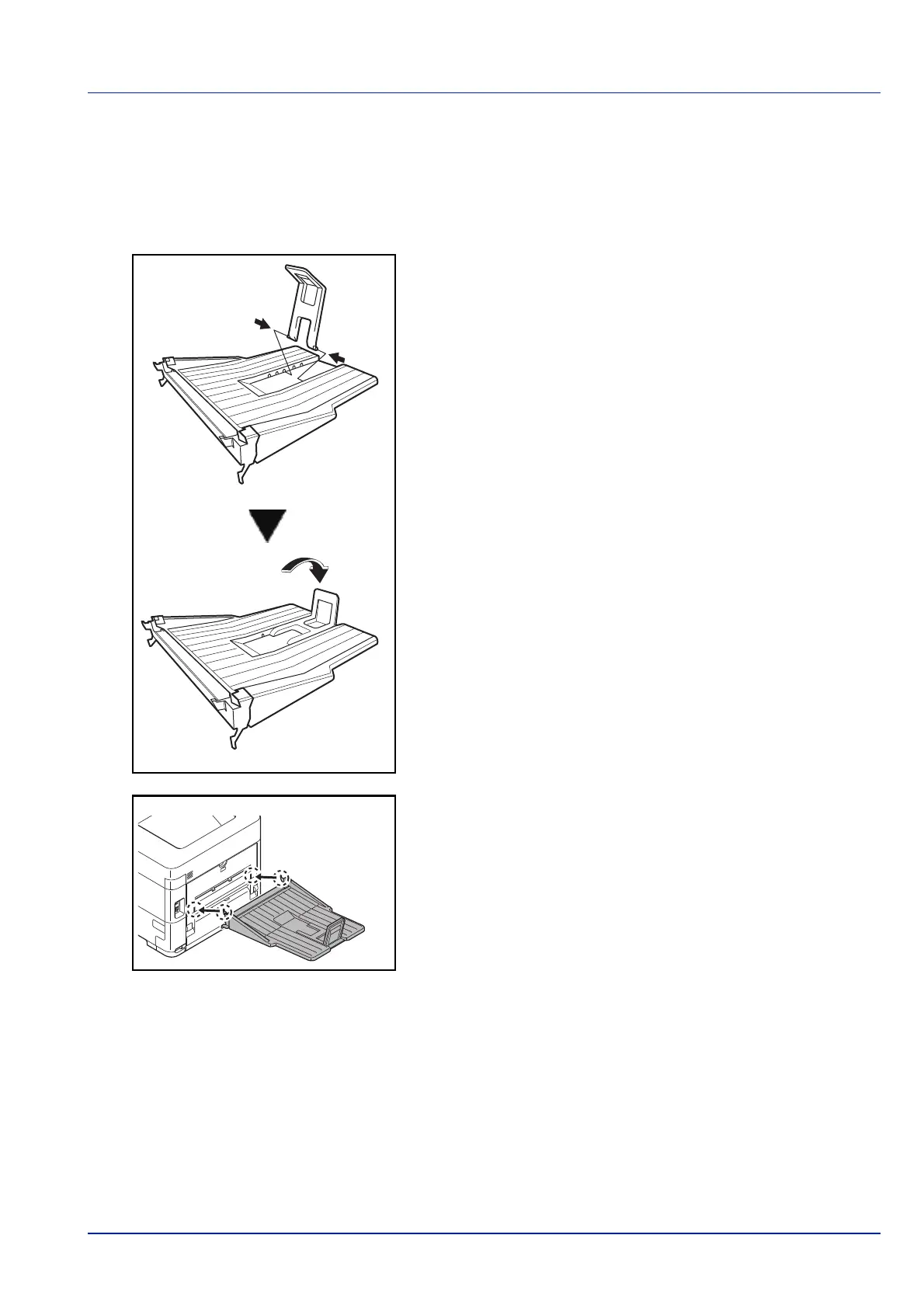
To install the faceup output tray, perform the following procedures:
1 Install the paper stopper according to the size of paper to be used.
2 Install the faceup output tray on the rear of the printer.













 To Next Page