2-25
Preparation before Use
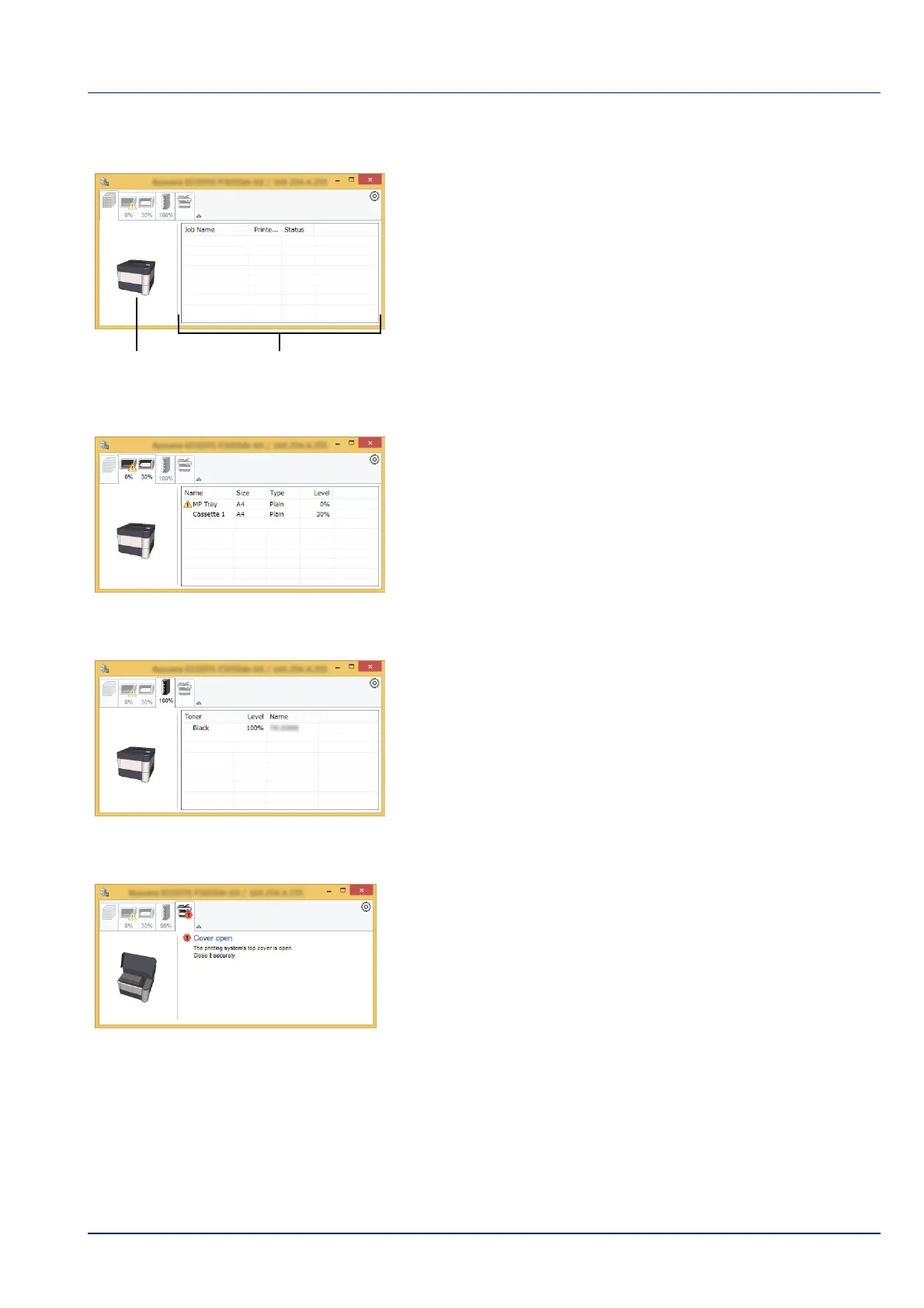
Printing Progress Tab
The status of the print jobs is displayed.
Select a job on the job list and it can be canceled using the menu
displayed with a right-click.
Paper Tray Status Tab
Information is displayed about the paper in the printer and about the
amount of paper remaining.
Toner Status Tab
The amount of toner remaining is displayed.
Alert Tab
If an error occurs, a notice is displayed using a 3D image and a message.













 To Next Page