General Overview
START SCREEN
CLASSIC
13
Start Screen
The start screen is the standard display which appears when the mobile
phone is switched on. The start screen contains various useful indicators.
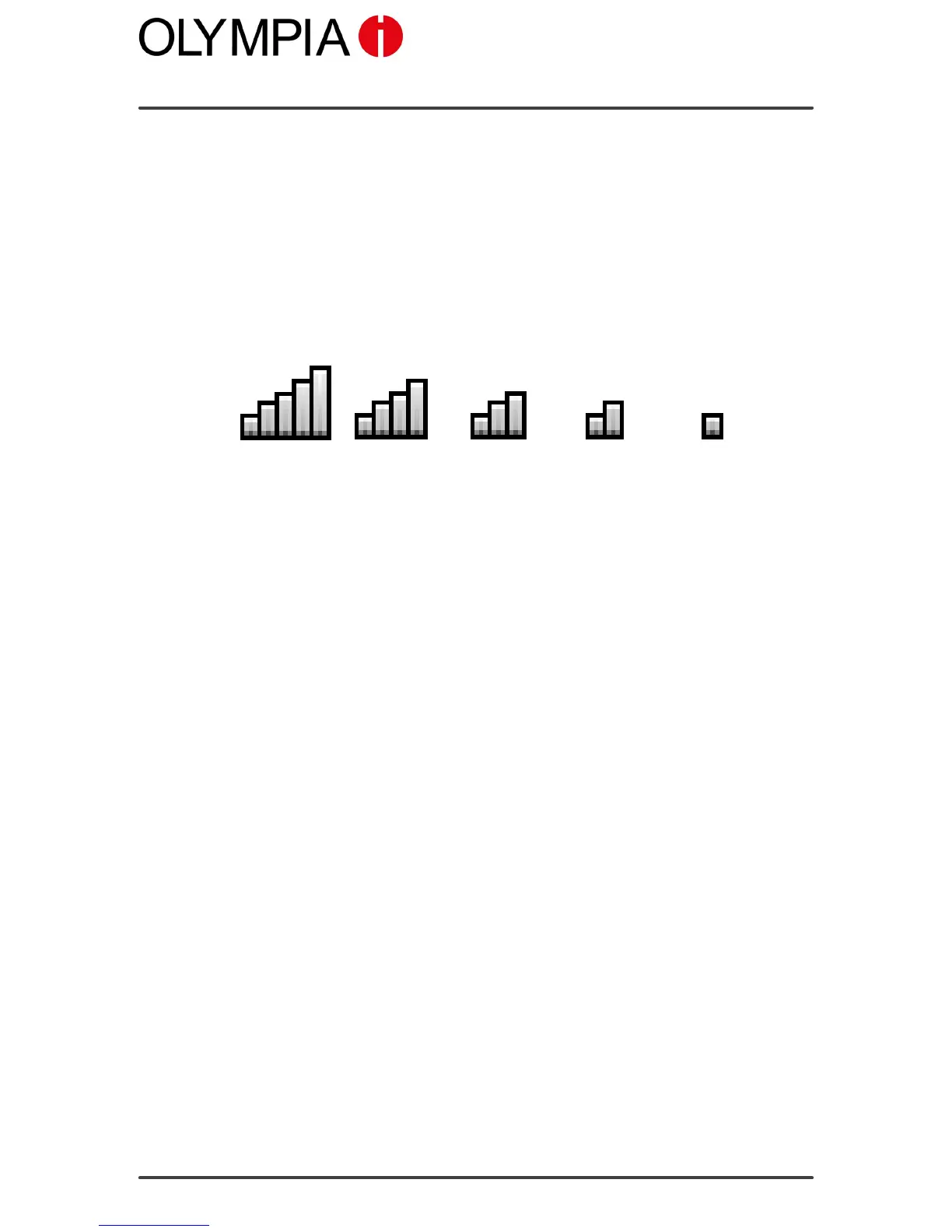
Display of the network availability
The current network availability is displayed graphically at the top left of
the mobile phone screen.
Very good
reception
Poor
reception
The more bars in the display icon, the better the reception quality.
Some mobile phone networks offer better coverage than others in different
areas.
Display of the network operator
The name of the network operator appears in the top centre of the mobile
phone screen, underneath the display of the network availability.



 To Next Page