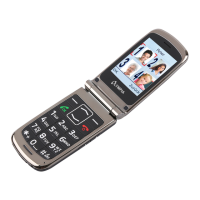
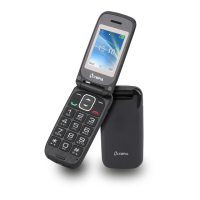
Switching the Mobile Phone On and Off
CHARGING THE BATTERY, CHARGING CRADLE
CLASSIC
21
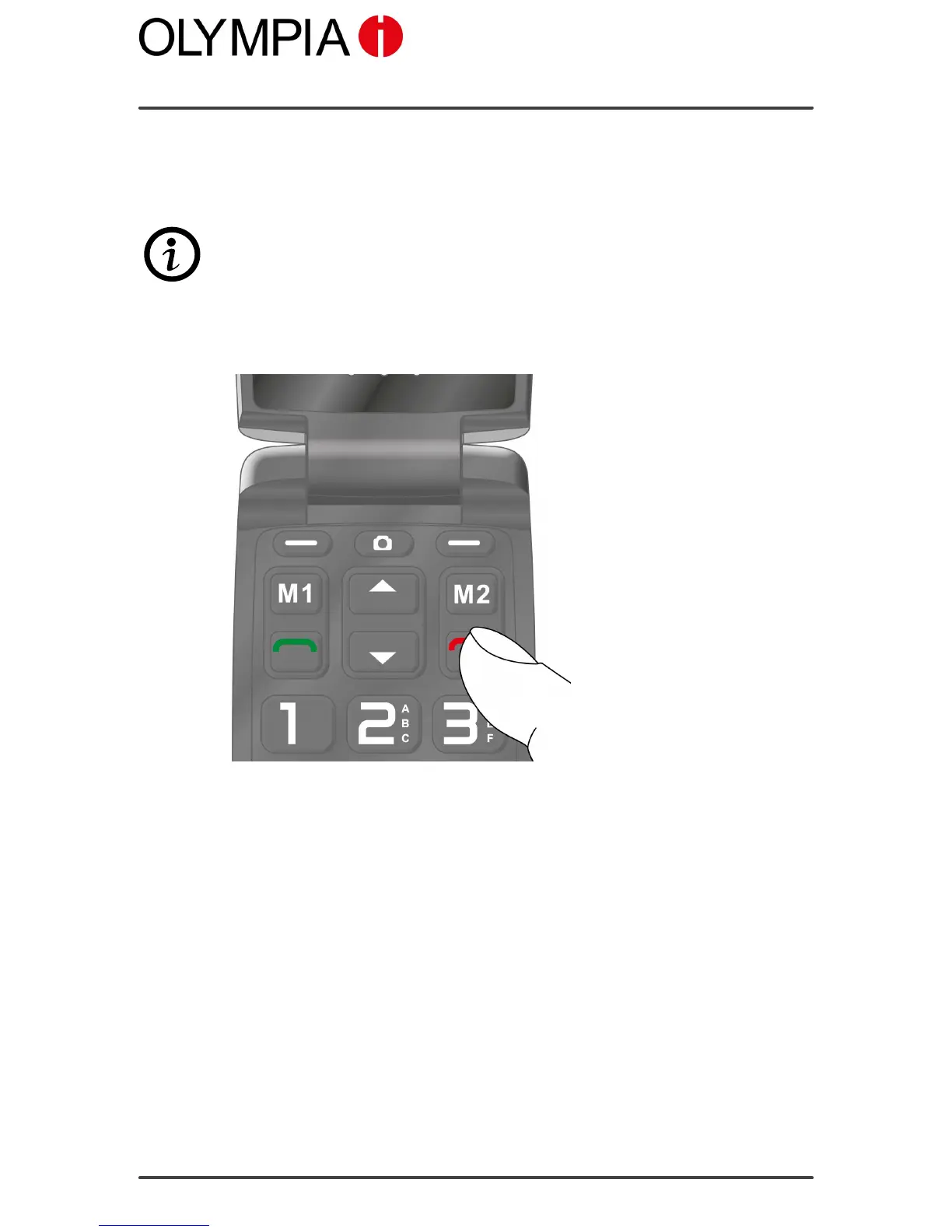
Switching the Mobile Phone On and Off
1. Press the ON-HOOK key for 3 seconds. The mobile phone is
switched on.
Some SIM cards will require you to enter a PIN code. Follow the instruc-
tions on the screen.
2. Press the ON-HOOK key key for 3 seconds. The mobile phone is
switched off.


 To Next Page