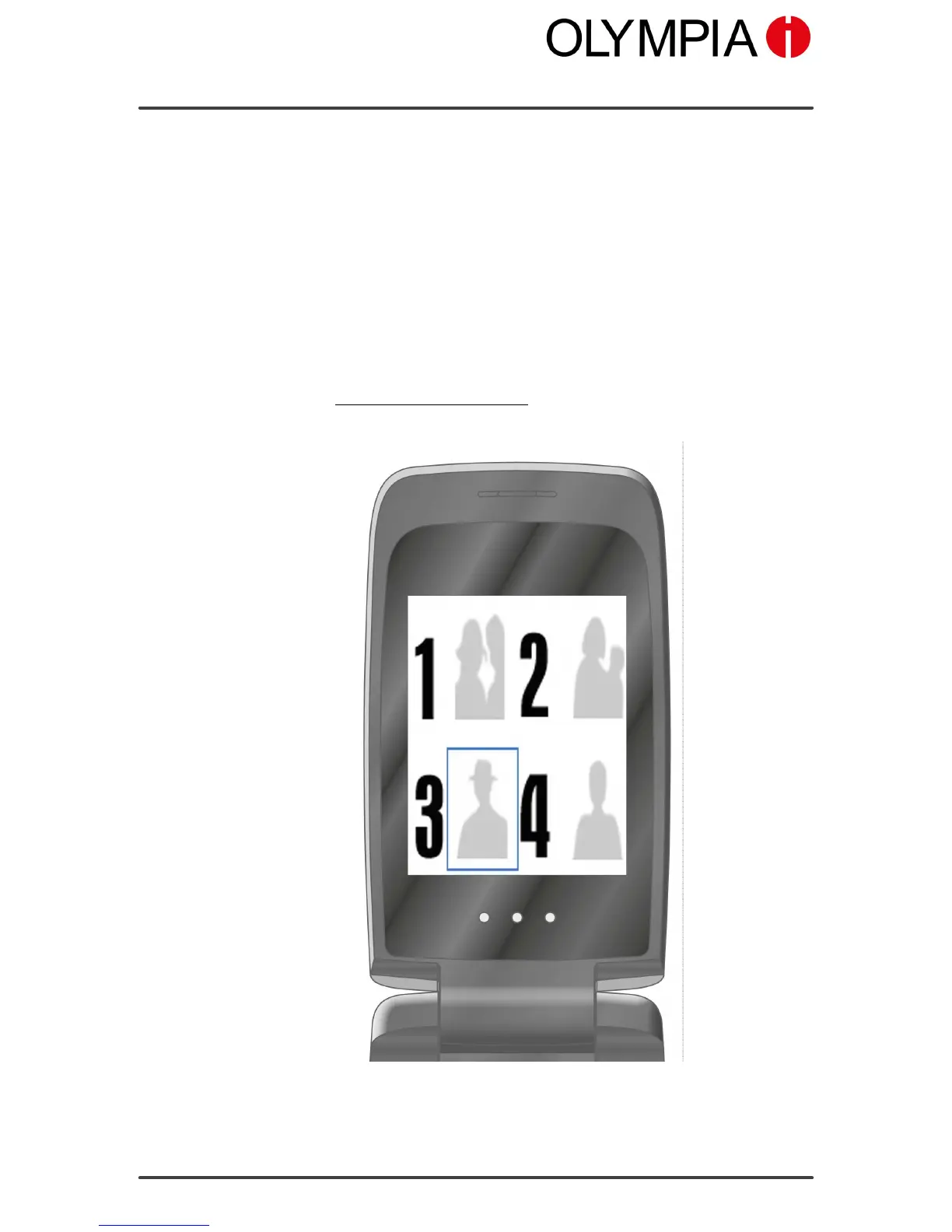
PICTURE DIALLING
Mobile Phone Menu
CLASSIC
80
Picture Dialling
You can assign pictures to your favourite contacts. These pictures are dis-
played in the picture menu. On selecting a picture, the phone number of
the contact assigned to the picture is dialled.
You can transfer your own pictures from a computer to the mobile phone
or the memory card and set them up for picture dialling.
To ensure optimal display quality of the pictures, only use photos with a
resolution of 80 x 80 pixels. Otherwise, pictures could be blurred or not
shown at all. Only pictures in ".jpeg" format can be displayed.
In order to adapt your pictures, use the image converter provided on our
homepage at www.olympia-vertrieb.de.



 To Next Page