CALLER ID
(Note: This function applies only ifyou subscribe to a caller ID service)
The Info Globe at all times, except during battery low and power down, will detect ringing
with Caller ID. Twenty seconds after Caller ID information is received it will return to
Standby.
•
Caller ID information will
be
received and stored in the call log which has a maximum
number of 54 memories of 1
6
digits and 1
8
characters.
•
The last Caller ID received will be the first to be shown in the list.
•
When the Caller ID list is full the oldest caller ID is automatically deleted and the most
recent caller ID is added.
The following are possible Caller ID messages:
UNAVAILABLE
PRIVATE
PUBLIC
LONGDISTANCE
MESSAGE WAITING
Call from an area which
does
not provide caller ID information
The other party
is
blocking name and number information
Call from public payphone
Long distance phone call
There is a message left by a caller (requires subscription to
telephone company for messaging services).
Please
see
below for illustrations.
Viewing CiD List
1. In Menu select CID LIST.
The most recent caller ID is shown first.
The following are messages that may
be
shown.
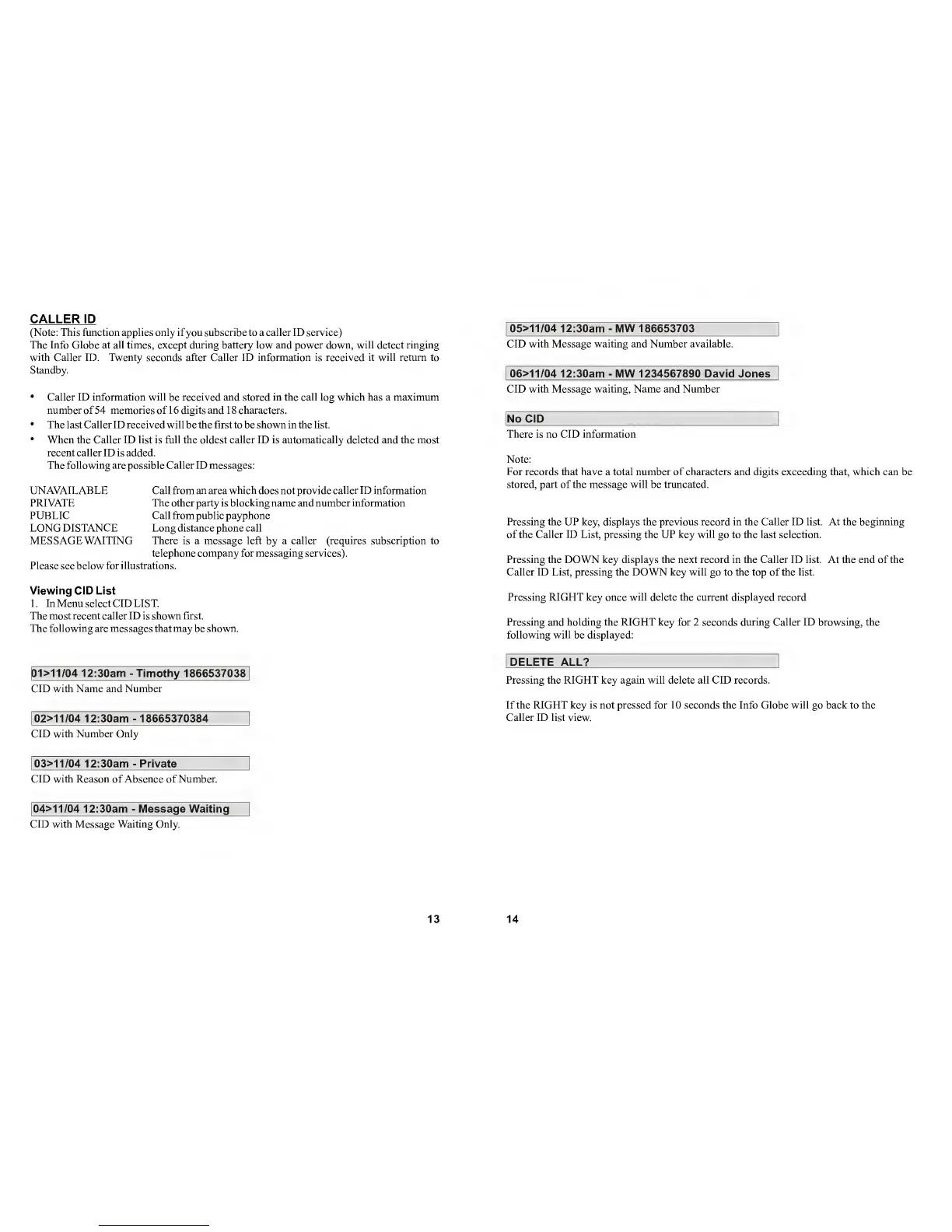
ai>11/04 12:30am
-
Timothy 1866537038
CID with Name and Number
02>11/04
12:30am
-
18665370384
CID with Number Only
03>11/04
12:30am
-
Private
CID with Reason of Absence of Number.
04>11/04
12:30am
-
Message Waiting
CID with Message Waiting Only.
13
05>11/04 12:30am
-
MW 186653703
CID with Message waiting and Number available.
06>11/04
12:30am
-
MW 1234567890 David Jones
CID with Message waiting. Name and Number
No CiD
There is no CID information
Note:
For records that have
a total
number of characters
and
digits exceeding that, which can
be
stored, part of the message will be truncated.
Pressing the UP key, displays the previous record in the Caller ID list. At the beginning
of the Caller ID List, pressing the UP key will
go
to the last selection.
Pressing the DOWN key displays the next record in the Caller ID list. At the end of the
Caller ID List, pressing the DOWN key will go to the top of the list.
Pressing RIGHT key once will delete the current displayed record
Pressing and holding the RIGHT key for 2 seconds during Caller ID browsing, the
following will
be
displayed:
DELETE ALL?
Pressing the RIGHT key again will delete all CID records.
If the RIGHT key is not pressed for 10 seconds the Info Globe will go back to the
Caller ID list view.
14


 To Next Page