SETTING TIMER ON/OFF
The unit can be programmed to turn on and off at a set time, e.g. turned off at 10:30pm
and turned on at 6:00am.
1
.
Press SELECT key to enter the menu.
2. Select SET ON/OFF TIME
.
The current setting will
be
shown,
e.g.
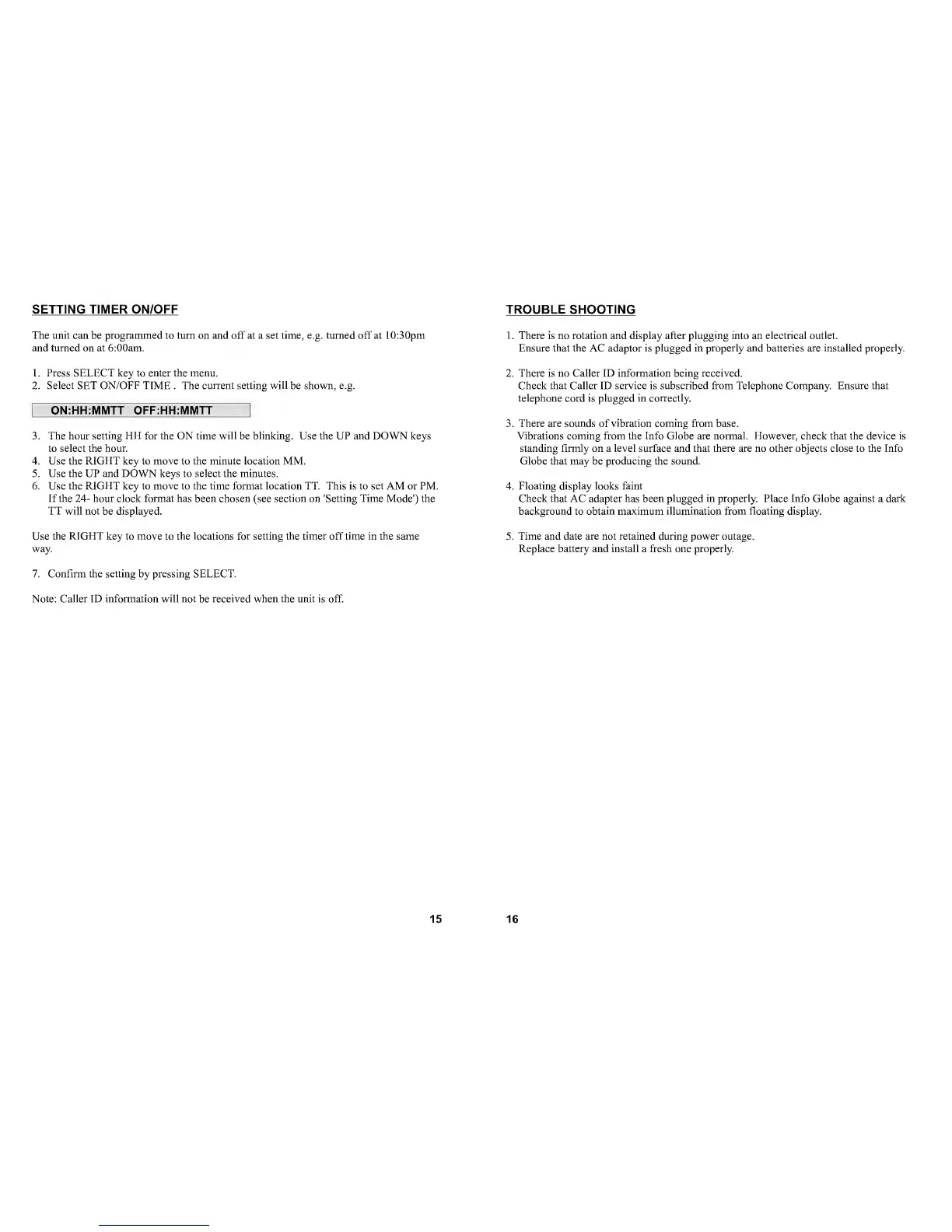
ON:HH:MMTT OFF:HH:MMTT
3.
The hour setting FlFt for the
ON
time will
be
blinking.
Use
the UP and DOWN keys
to
select the hour.
4. Use the RIGHT key to move to the minute location MM.
5. Use the UP and DOWN keys to select the minutes.
6. Use the RIGHT key to move to the time format location TT. This is to set AM or PM.
If the
24-
hour clock format has been chosen
(see
section on 'Setting Time Mode') the
TT will not
be
displayed.
Use
the RIGHT key
to
move
to
the locations for setting the timer off time in the same
way.
7. Confirm the setting by pressing SELECT.
Note: Caller ID information will not
be
received when the unit is off.
15
TROUBLE SHOOTING
1
.
There is no rotation and display after plugging into an electrical outlet.
Ensure that the
AC
adaptor is plugged in properly and batteries are installed properly.
2. There is no Caller ID information being received.
Check that Caller ID service is subscribed from Telephone Company. Ensure that
telephone cord is plugged in correctly.
3.
There are sounds
of
vibration coming from
base.
Vibrations coming from
the
Info Globe are normal. However, check
that
the
device
is
standing firmly on a level surface and that there are no other objects close to the Info
Globe that may be producing the sound.
4. Floating display looks faint
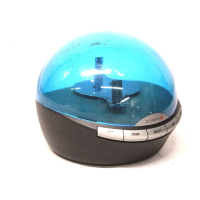
Check that AC adapter has been plugged in properly. Place Info Globe against
a
dark
background
to
obtain maximum illumination from floating display.
5. Time and date are not retained during power outage.
Replace battery and install a fresh one properly.
16


 To Next Page