Information on Navigation
NOVA Plus
Using the Mobile Phone
27
Using the Mobile Phone
This chapter provides information on the ways to operate the mobile phone.
Information on Navigation
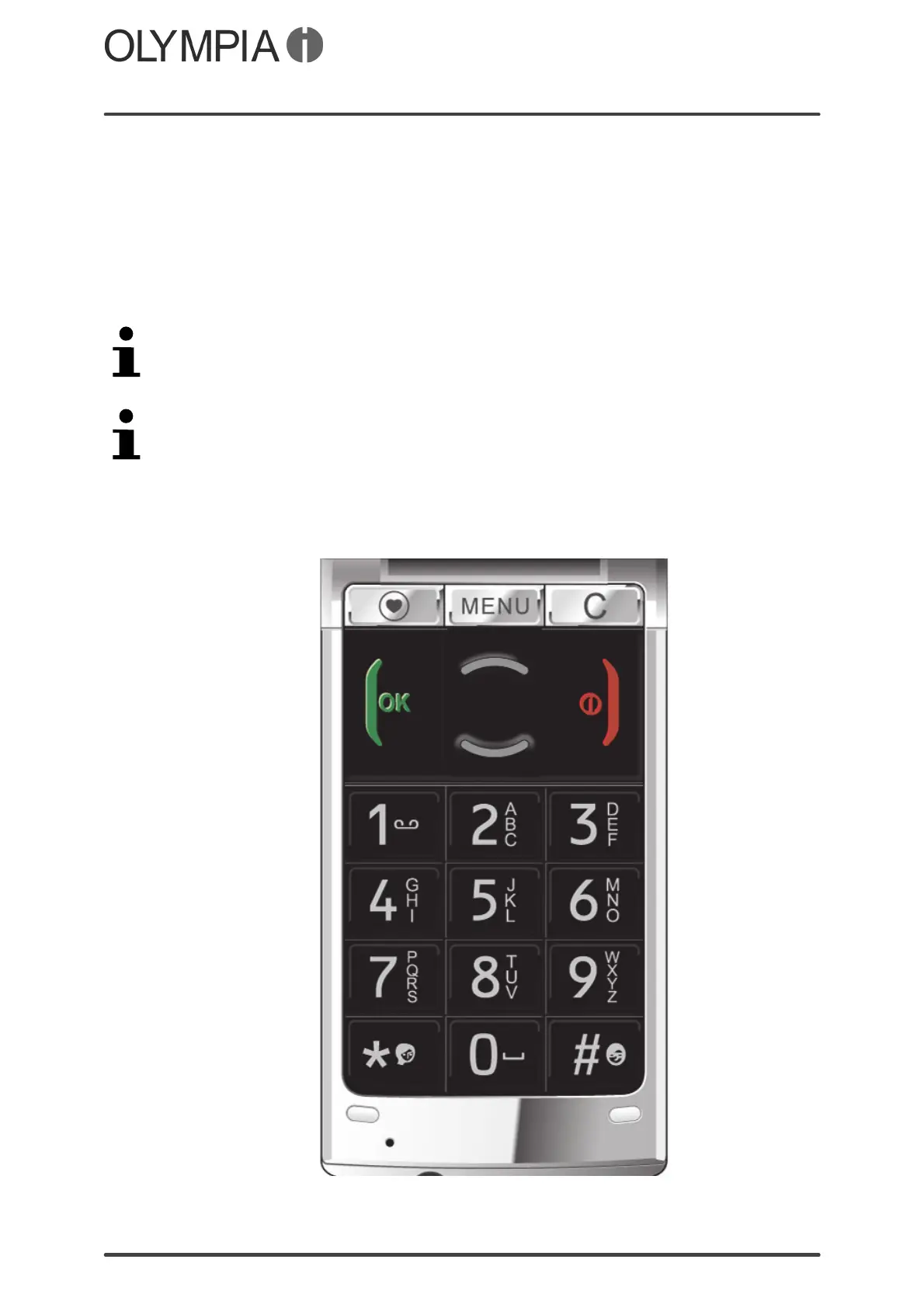
Press the Navigation keys / to navigate through the menus and
submenus provided by the mobile phone and press the / keys to
start functions.
The / keys have different functions assigned to them according to
the different menus. The key is generally assigned the
"Confirm/Save/Option" function and the key the "Back/Cancel" function.
You will find display texts (Addnewcontact) illustrated in many sections of this
operating manual. These display texts correspond to the texts which appear
in the screen of your mobile phone. If several display texts appear in
succession, these can be selected in the mobile phone display in the
corresponding order by pressing the key.



 To Next Page