Mobile Phone Menu
Network Settings NOVA Plus
58
Network Settings
The mobile phone searches for and automatically selects the mobile network
assigned to the SIM card or mobile phone provider (network operator).
The presettings in this menu are set-up by the SIM card or network operator.
We recommend that you do not alter the settings in this menu.
Dual-SIM settings
The dual-SIM function can be used, for example, to keep private and
business calls separate without the need to use a second mobile phone.
In addition, you can use two different, specifically chosen mobile phone rates
if, for example, you are frequently abroad.
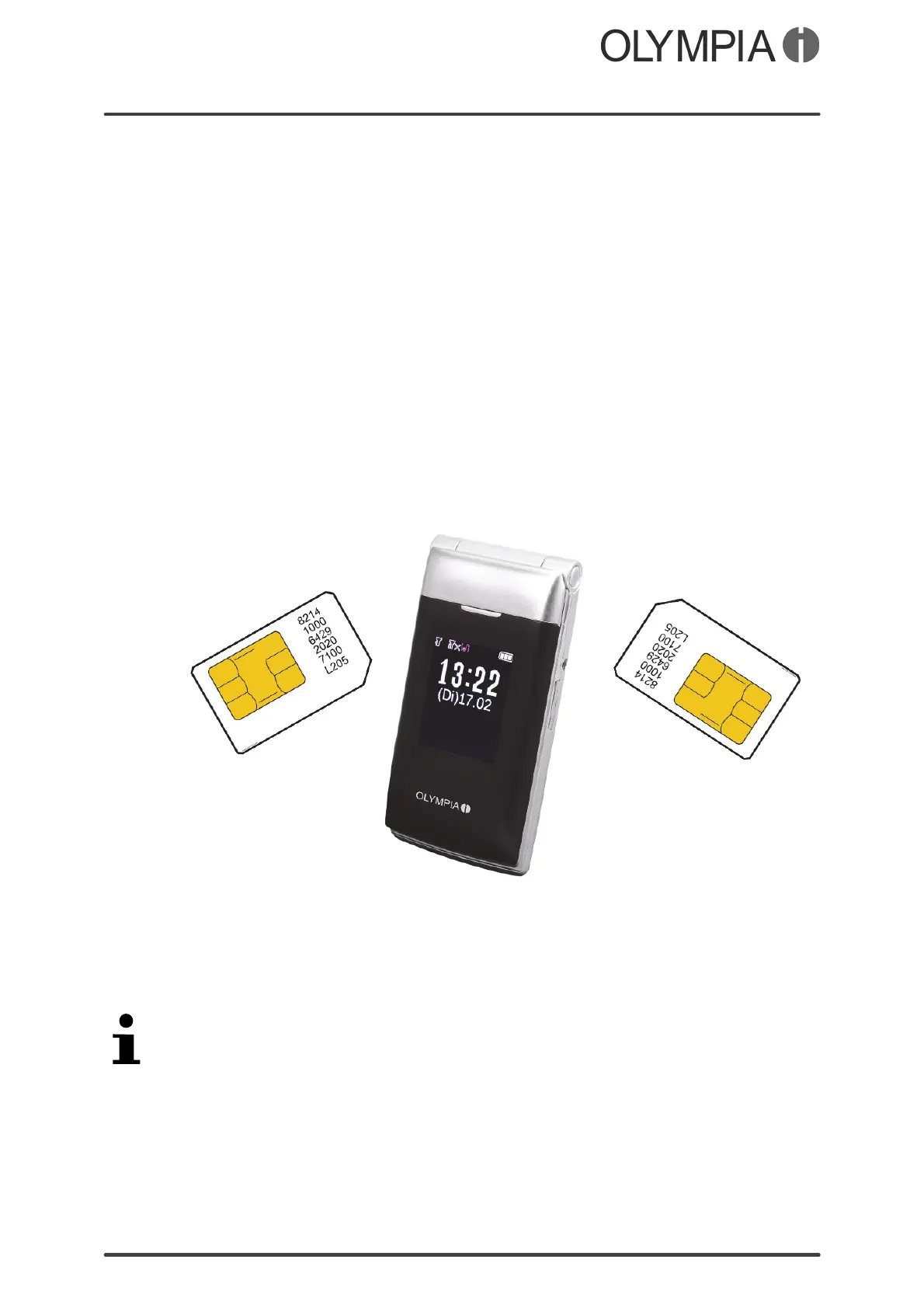
If you want to use the dual-SIM function, insert two SIM cards in the mobile
phone. The SIM cards inserted are simultaneously active so that you can be
reached via both phone numbers at the same time.
1. Press the key.
2. Navigate to Settings DualSIMsettings.
3. Select OnlySIM1open, OnlySIM2open or DualSIMopen. The setting is saved.
The SIM card(s) available is/are displayed in all menus in which access is
made to the SIM card(s) inserted. You can then decide individually whether
the respective function should be executed by one or both of the SIM cards.



 To Next Page