Phone Settings
NOVA Plus
Mobile Phone Menu
55
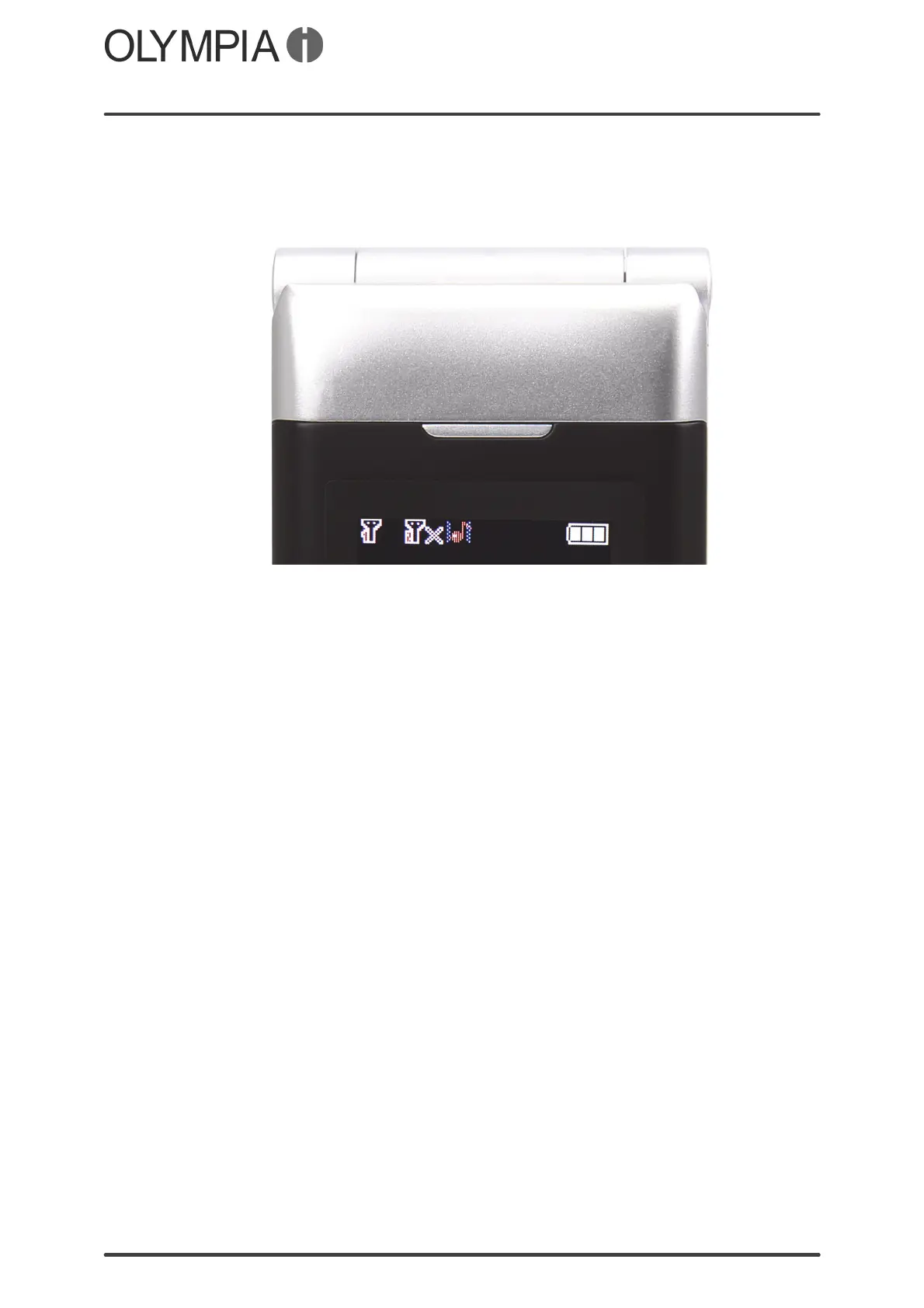
Battery charge status indicator
An icon is provided on the front of the mobile phone which indicates the
charge status of the battery.
You can define whether the icon should indicate whether the battery is almost
fully discharged and/or the battery is being charged.
Battery almost empty
1. Press the key.
2. Navigate to Settings Phonesettings LEDSettings.
3. Select LowBatteryWarning and define whether the icon should flash when
the mobile phone battery is almost fully discharged. Select On Done.
The setting is saved.
Battery being charged
1. Press the key.
2. Navigate to Settings Phonesettings LEDSettings.
3. Select Charging.
4. Define whether the icon should light up continually when the mobile
phone battery is being charged. Select On Done. The setting is saved.



 To Next Page